How to create an open text block on a survey in Mailchimp
Here is how to create an open text block on a survey in mailchimp
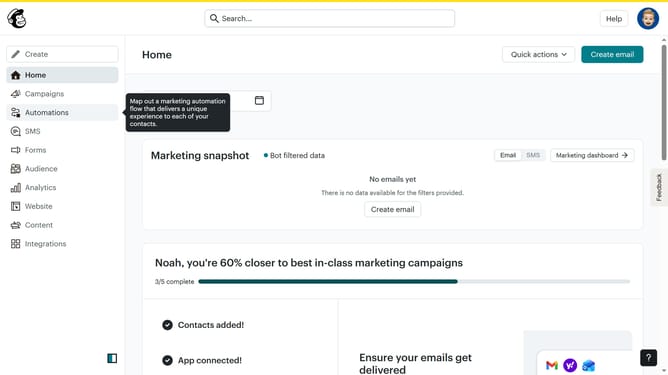
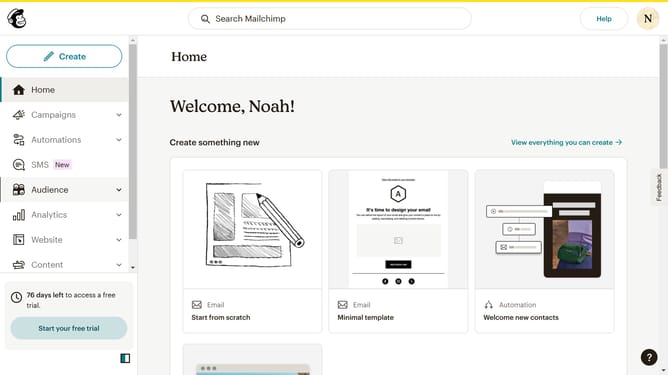
- First, click on "Audience" in the left sidebar
- Then, click on "Surveys" in the left sidebar
- Next, click the "Create new survey" button
- After that, click on the "Survey name" input field and enter your survey name
- Then, click on the "Begin" button
- Next, click on the "+" button to add a question
- Then, click on the "Open text" option to select it as a question type
- Next, type your preferred question in the question text field
- Then, click on the "Continue to design" button
- Next, click on the "Review" button
- Finally, click on the "Continue" button
Why should you create an open text block on a survey in Mailchimp
Mailchimp is a powerful platform designed to help businesses manage their marketing efforts efficiently.
Among its numerous features, the ability to create an open text block on a survey stands out for its flexibility in gathering unstructured feedback directly from respondents.
Utilizing open text blocks allows for richer insights, as participants are free to express their thoughts in detail, providing a deeper understanding of customer needs and improving overall strategic decision-making.
Last update