How to change filter your campaign status to ongoing in Mailchimp
Here is how to change filter your campaign status to ongoing in mailchimp
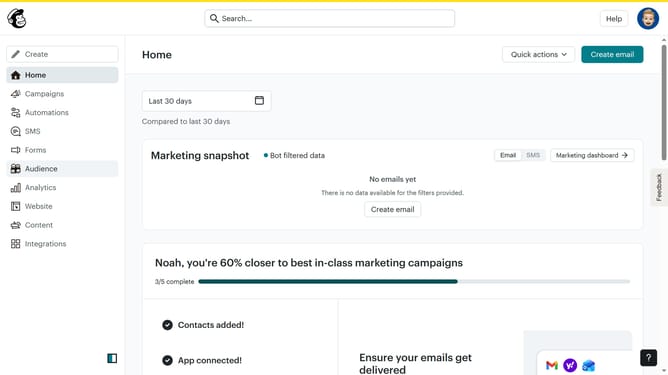
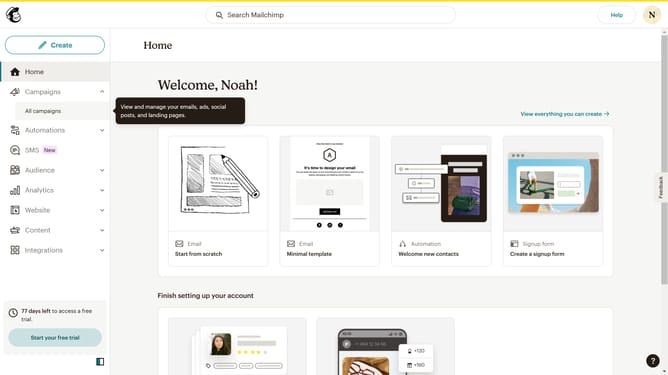
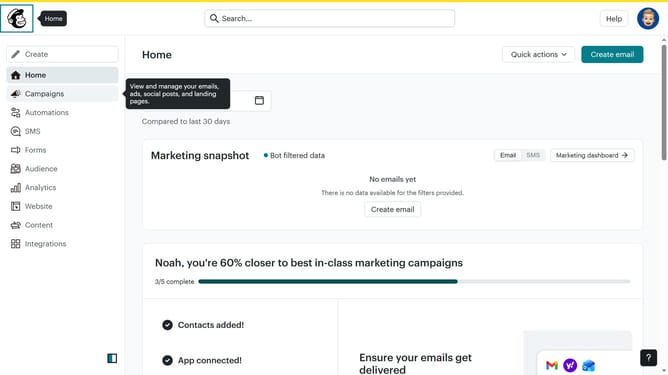
- First click on the "Campaign" button in the left sidebar navigation menu
- Then click on the "Type" dropdown filter in the campaign list header
- Finally select "Ongoing" option from the Status dropdown menu
Why should you change filter your campaign status to ongoing in Mailchimp
Mailchimp is a versatile platform designed to make email marketing simple and effective.
Using the feature to change filter your campaign status to ongoing in Mailchimp enhances campaign management by allowing users to easily track active campaigns.
This feature ensures that ongoing campaigns remain in focus, facilitating seamless adjustments and improvements based on real-time performance.
By maintaining visibility of active campaigns, businesses can optimize resource allocation, ultimately driving better results and improving engagement.
Last update