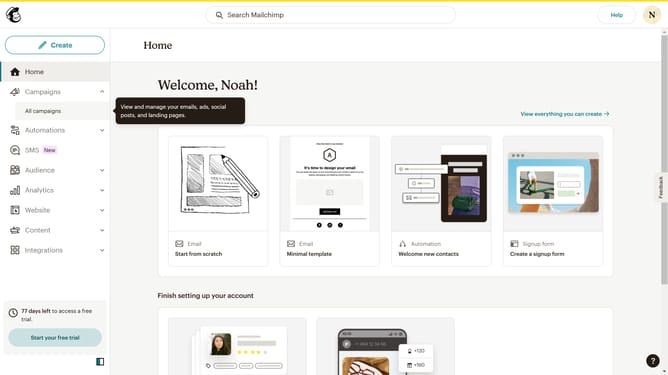
How to undo your changes on a campaign in Mailchimp
Here is how to undo your changes on a campaign in mailchimp
- First click on "Campaigns" item in the left sidebar menu
- Then click on the "WIP" campaign name in the campaigns list
- Next click on the "Edit design" button in the email preview section
- Then click on the "Button" block in the left sidebar blocks panel to add a new button element
- Then click on the "Undo" button in the top toolbar to view formatting options
- Finally click on "Save and exit" button in the top-right corner of the header to test your email
Why should you undo your changes on a campaign in Mailchimp
Mailchimp is an intuitive platform designed to help you manage your email marketing effortlessly.
One of its standout features is the ability to undo changes on a campaign, providing a reassuring safety net for marketers.
This feature lets you experiment freely, knowing you can easily revert unintended alterations.
Ultimately, it enhances your flexibility and confidence, ensuring seamless campaign management without the fear of irreversible mistakes.
Last update