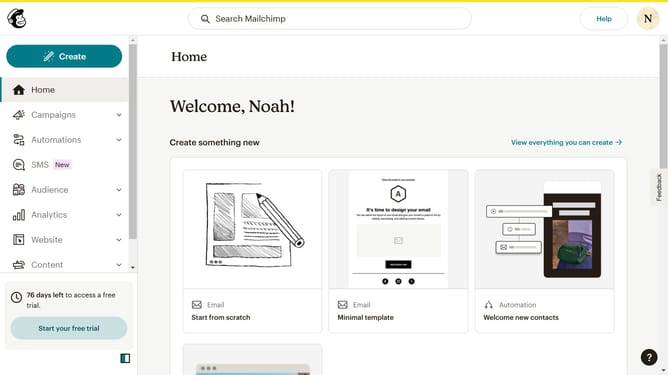
How to change filter your campaign status to scheduled in Mailchimp
Here is how to change filter your campaign status to scheduled in mailchimp
- First click on "Campaigns" in the left sidebar
- Then click on "Status: All" dropdown
- Next, select "Scheduled" from the status options
- Finally, click on the "Scheduled" dropdown again to confirm the selection
Why should you change filter your campaign status to scheduled in Mailchimp
Mailchimp is a versatile platform that streamlines email marketing for businesses by automating and organizing campaigns effectively.
One of its efficient features is the ability to filter your campaign status to 'scheduled', providing you with a clear overview of upcoming emails poised for launch. This ensures that you can manage your marketing timeline seamlessly.
Leveraging this feature allows for better planning and efficiency, helping you stay organized and ensuring that campaigns go out at optimal times.
Last update