Mural
Mural is a visual collaboration platform for brainstorming, planning, and running remote workshops on a shared canvas.
Website
Industry
Design
Share this article:

How to update last name in Mural

Here is how to update last name in mural

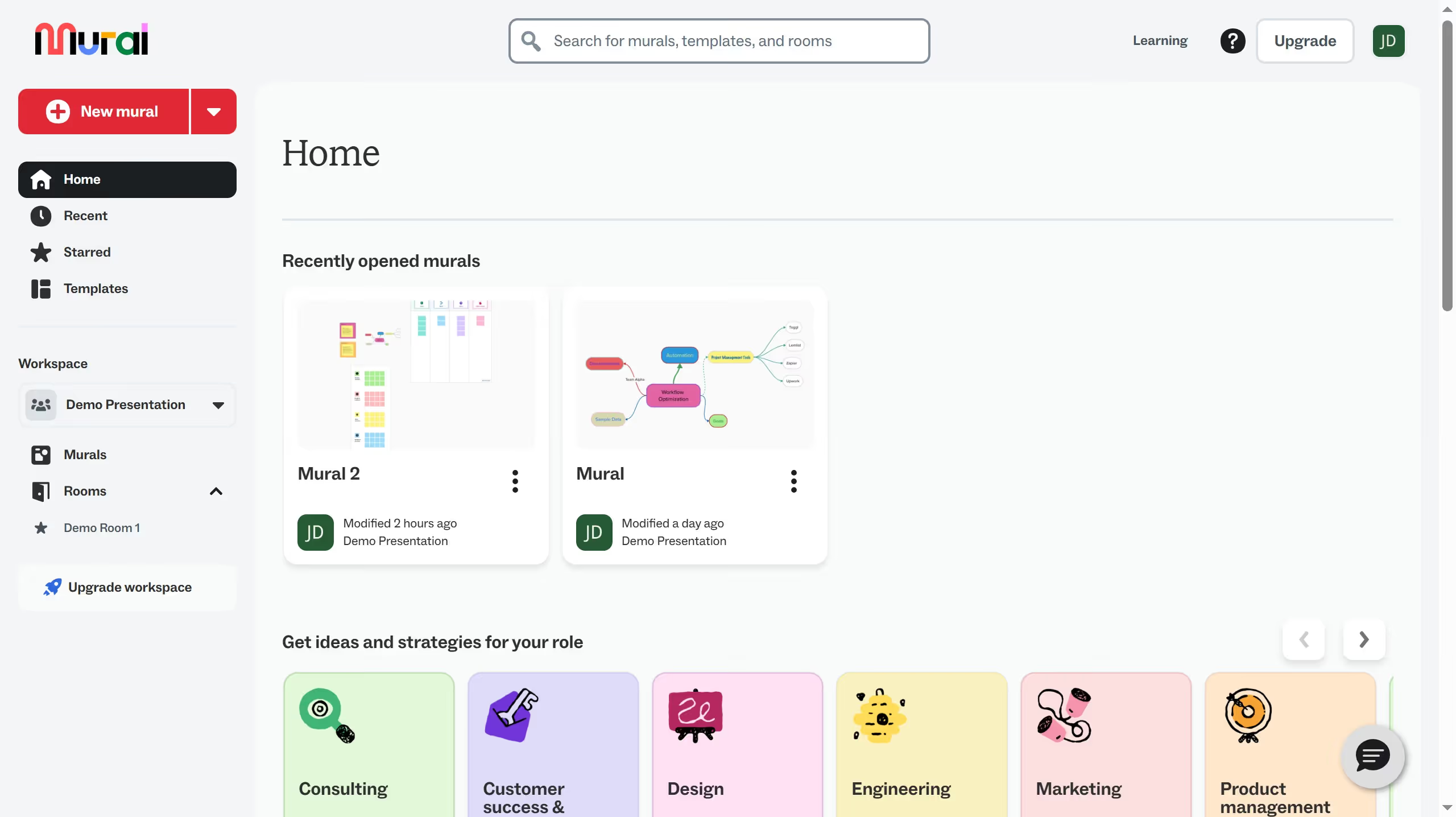
  1. First click on the profile avatar button in the top right corner of the header
  2. Then click on the "Profile" option from the dropdown menu
  3. Then click on "Edit profile"
  4. Next click on the "Last name" input field in the Profile information section and  update the last name field with the new information
  5. Finally click outside the Profile information section to confirm the changes

Create your own interactive guide with Guideflow

Why should you update last name in Mural

Mural is a dynamic digital workspace that fosters creativity and collaboration.

Updating your last name in Mural is a straightforward process, allowing you to maintain accurate personal information effortlessly.

This feature is ideal for keeping your professional identity consistent across platforms, which is crucial during life changes such as marriage or rebranding.

Having up-to-date information enhances communication and ensures that you are easily recognizable to colleagues and within collaborative environments.

Last update
March 16, 2026
Cursor MariaA cursor points to a button labeled "James."

Create your first demo in less than 30 seconds.