How to adjust text size inside the text box in Mural
Here is how to adjust text size inside the text box in mural
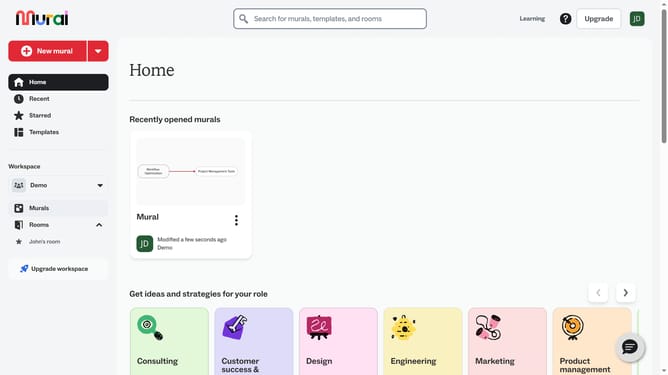
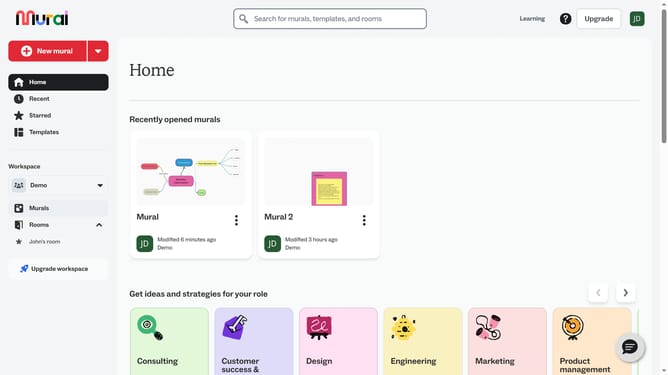
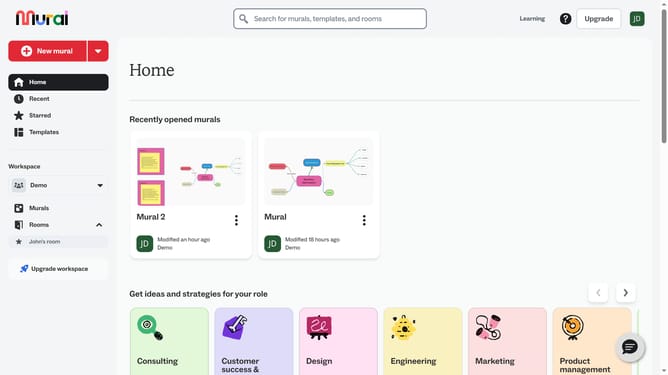
- First click on the "Murals" item in the left sidebar navigation menu
- Select and open the mural where you want to modify text
- Next click on the text box on the canvas to select it
- Then click on the "Make text bigger" button in the text formatting toolbar
- Finally click on the "Make text smaller" button in the text formatting toolbar
Why should you adjust text size inside the text box in Mural
Mural is a digital workspace designed to enhance team collaboration and creativity.
Easily adjusting text size within a text box in Mural lets you emphasize key points, ensuring your message stands out clearly and effectively. This feature allows users to quickly adapt their content, improving readability and engagement during collaborative sessions.
By customizing text size, teams can focus on the most crucial parts of their projects, aligning efforts and visualizing ideas without distractions. This enhances communication and collaboration, making every brainstorming session productive.
Last update