How to add caption on images in Mural
Here is how to add caption on images in mural
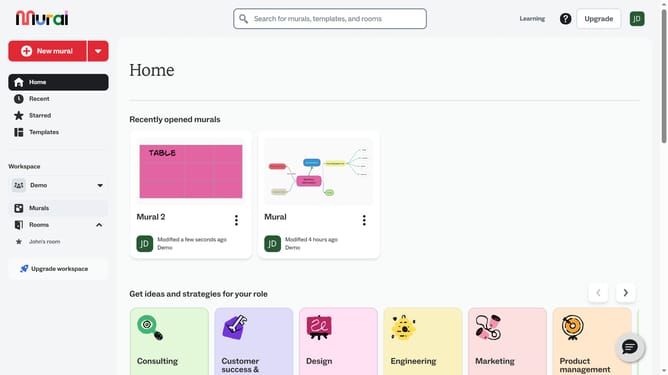
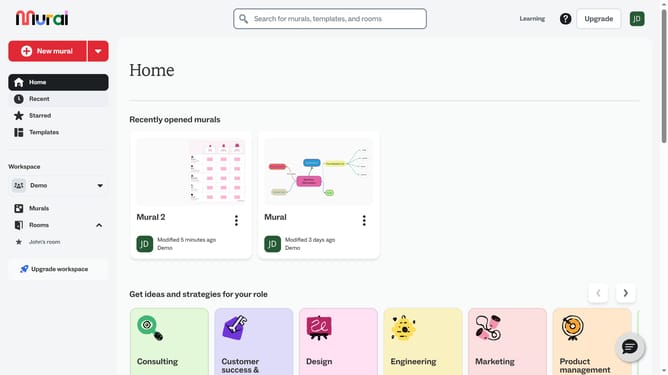
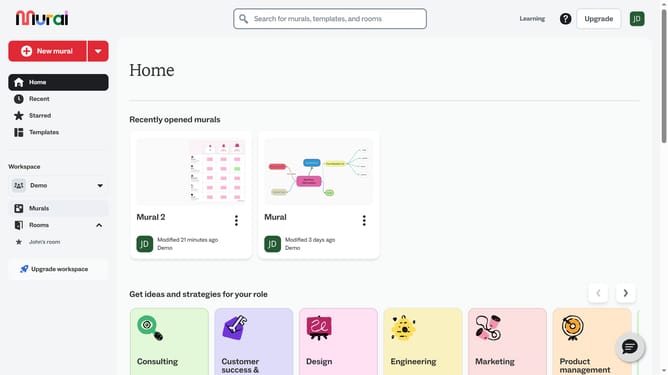
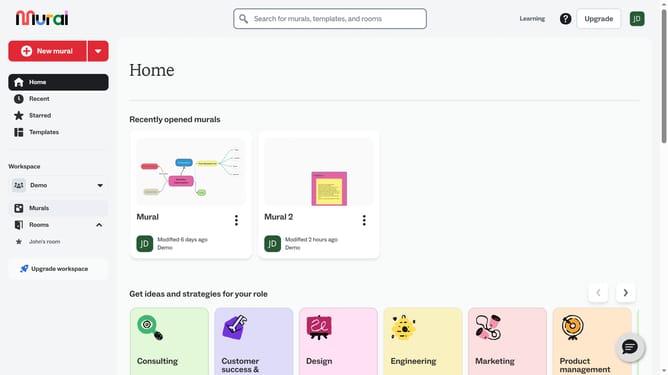
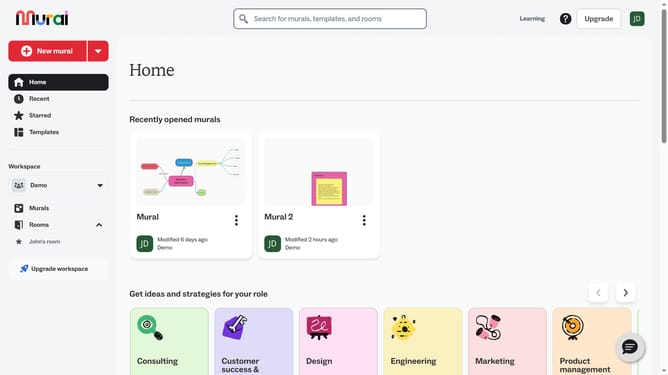
- First click on the "Murals" item in the left sidebar navigation menu
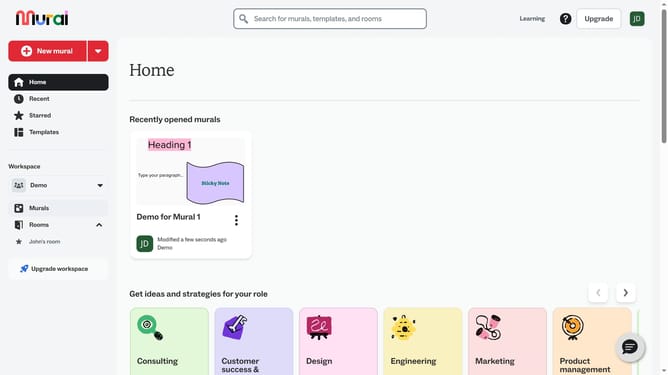
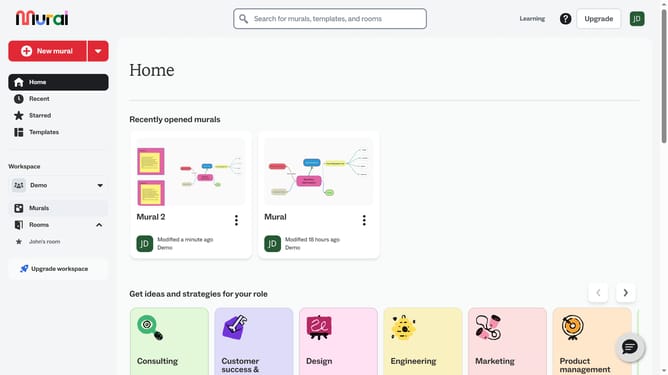
- Then click on the Mural card in the murals section to open it
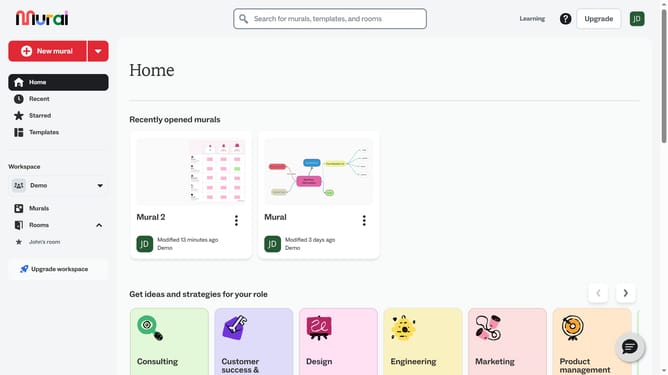
- Then click on the canvas area to add or select an element
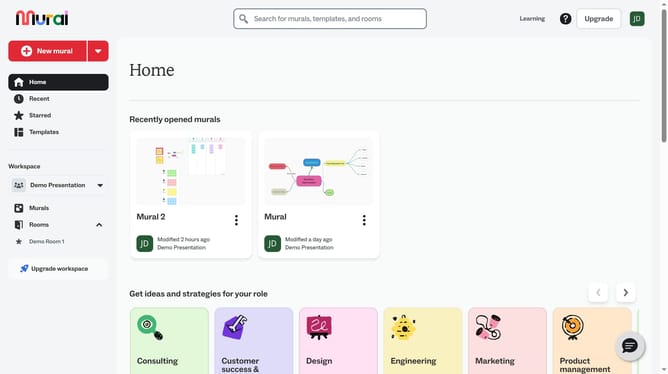
- Then click on the pencil icon to continue editing or adding content
- Finally click anywhere in the canvas to save changes
Why should you add caption on images in Mural
Mural is a dynamic digital workspace designed to empower team collaboration and creativity.
Adding captions to images in Mural enhances understanding by providing context and clarity to visuals. This feature allows users to convey precise messages or explanations directly associated with images.
Using captions increases the accessibility of content, ensuring that all team members, regardless of background or specialty, can engage fully with the visuals. It transforms a simple image into a comprehensive communication tool, facilitating more effective discussions.
Last update