How to add connectors in Mural
Here is how to add connectors in mural
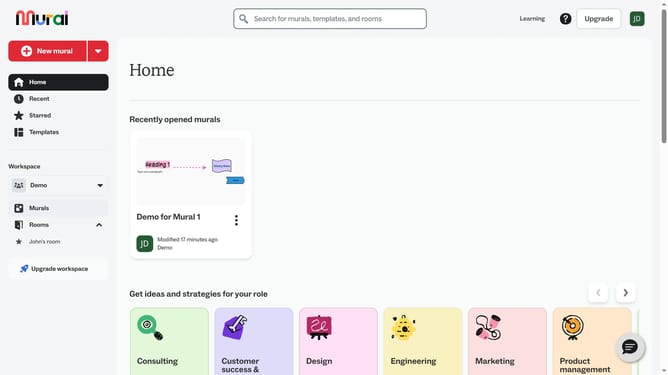
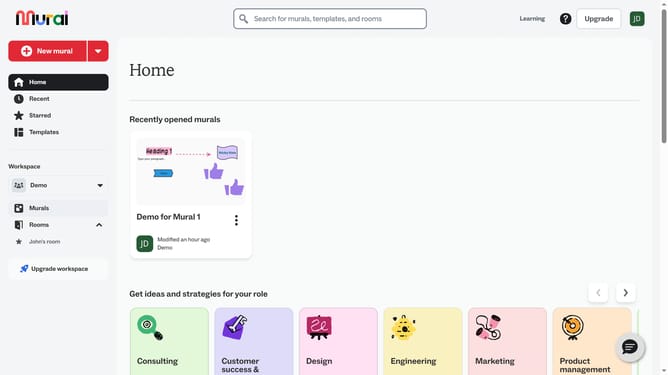
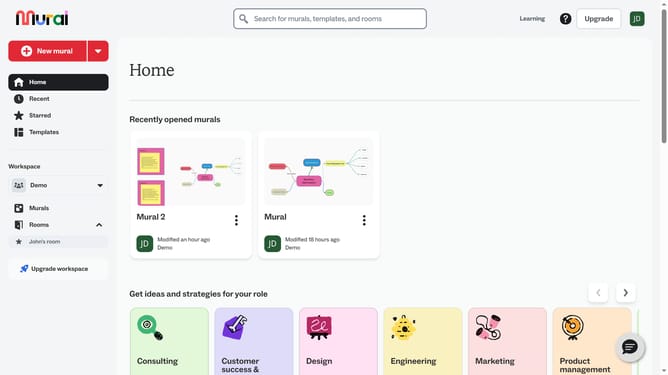
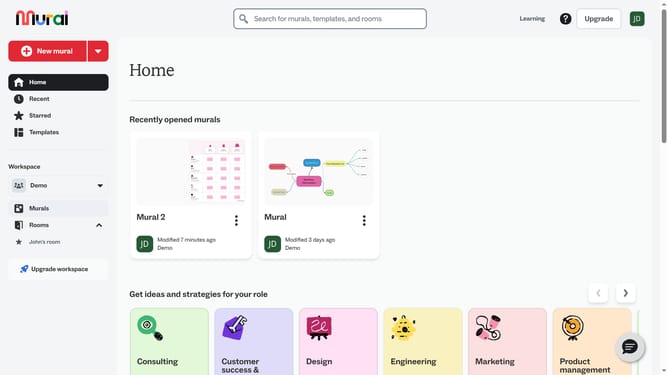
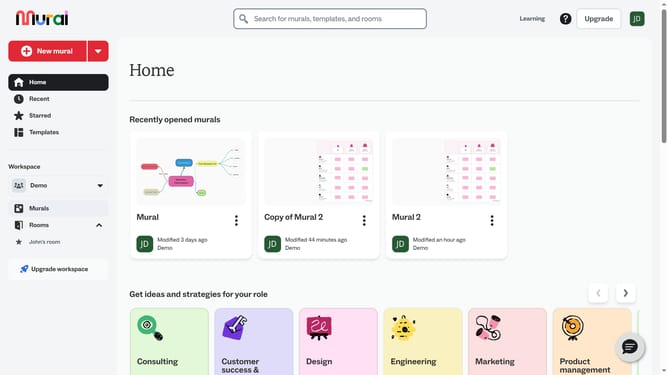
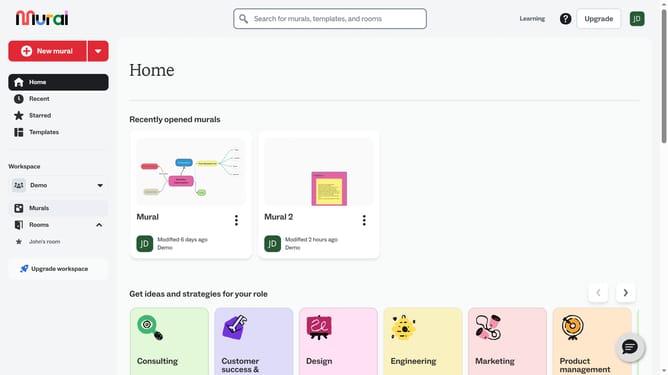
- First click on the "Murals" item in the left sidebar under the Workspace section
- Select and open the mural where you to add the connectors
- Next click on the "Shapes and connectors" button in the left toolbar to open the shapes panel
- The "Shapes and connectors" panel shows connector and shape options to drag on the canvas and release the mouse to create the connector
Why should you add connectors in Mural
Mural is a digital workspace designed to enhance collaboration and streamline brainstorming sessions.
One standout feature of Mural is its ability to add connectors, which are essential for visually linking ideas and concepts in a seamless flow. By using connectors, teams can easily illustrate relationships between elements, enhancing understanding and clarity.
Incorporating connectors into your workspace not only elevates your brainstorming activities but also fosters improved insights, making the collaborative process more productive and engaging.
Last update