How to duplicate shapes in Mural
Here is how to duplicate shapes in mural
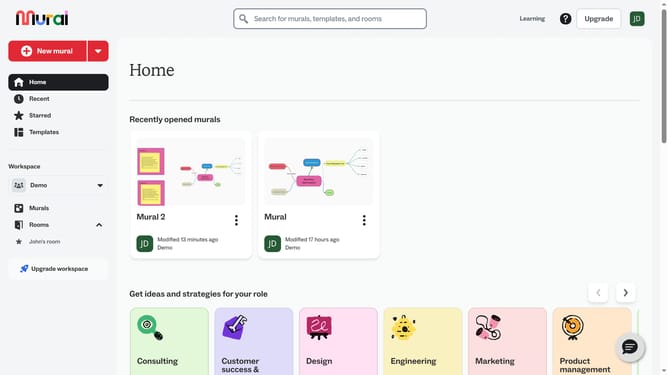
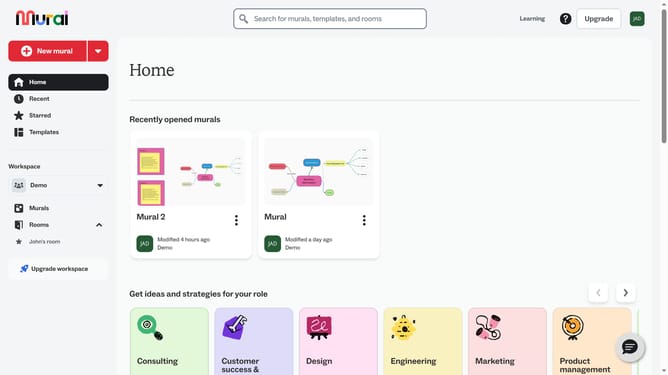
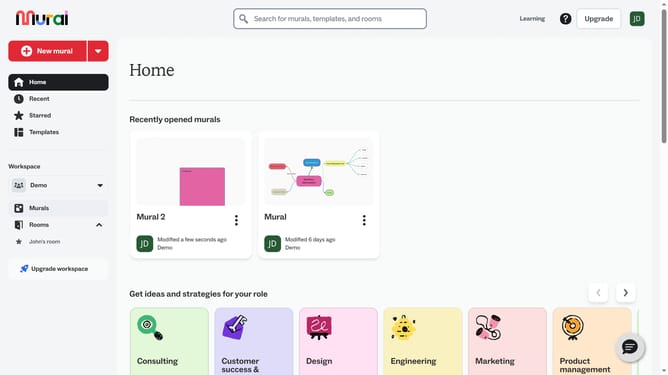
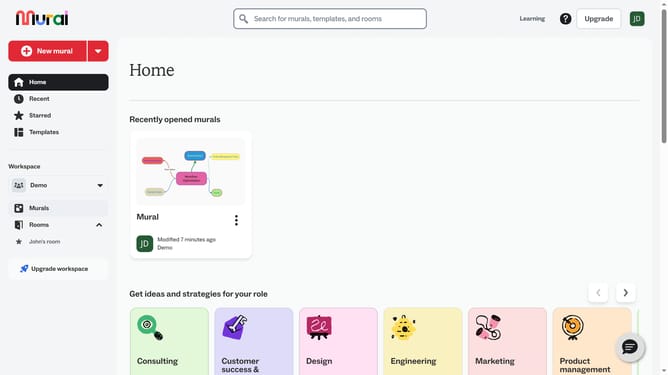
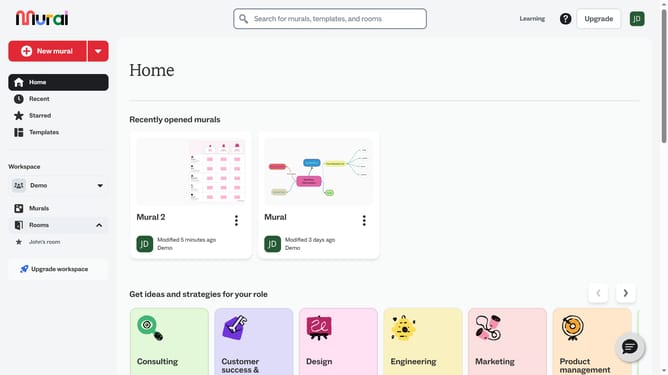
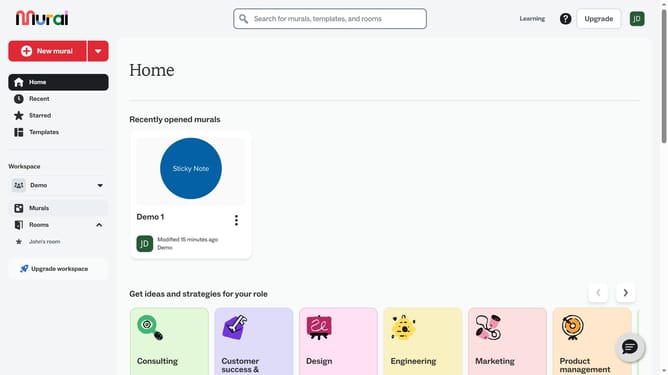
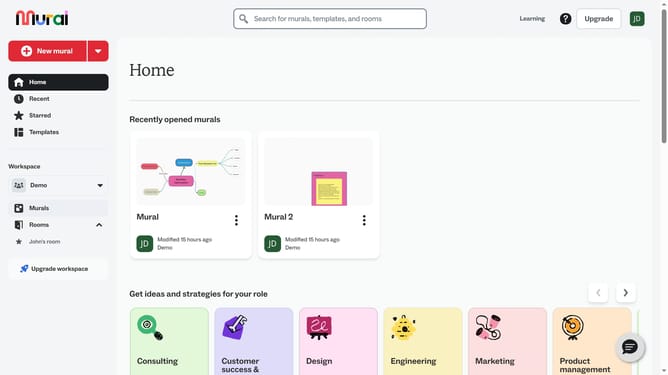
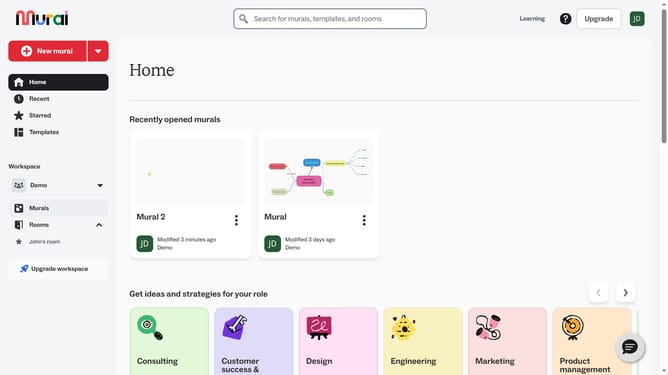
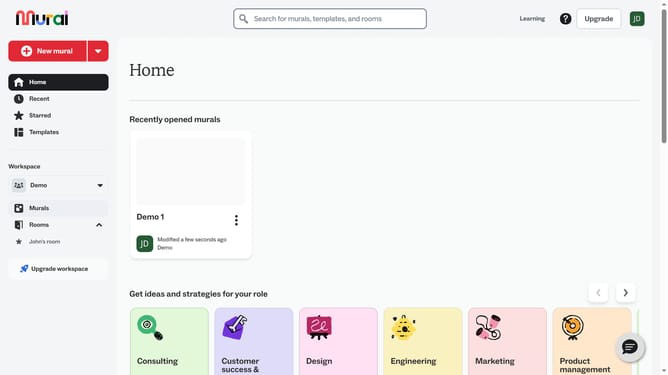
- First click on the "Murals" item in the left sidebar navigation menu
- Open the mural where the shape is located
- Next click on the shape object in the canvas area to select it
- Then right-click on the selected object to open the context menu
- Finally click on the "Duplicate" option in the context menu
Why should you duplicate shapes in Mural
Mural is a dynamic digital workspace designed to enhance collaboration and creativity within teams.
The ability to duplicate shapes in Mural provides a seamless way to replicate design elements quickly. This feature allows users to effortlessly extend their work without needing to recreate shapes from scratch, saving both time and effort.
By utilizing shape duplication, teams can maintain consistency across their visual elements, facilitating smoother visual communication.
This function not only boosts productivity but also encourages experimentation, allowing ideas to evolve rapidly during collaborative sessions.
Last update