How to format text in a mind map in Mural
Here is how to format text in a mind map in mural
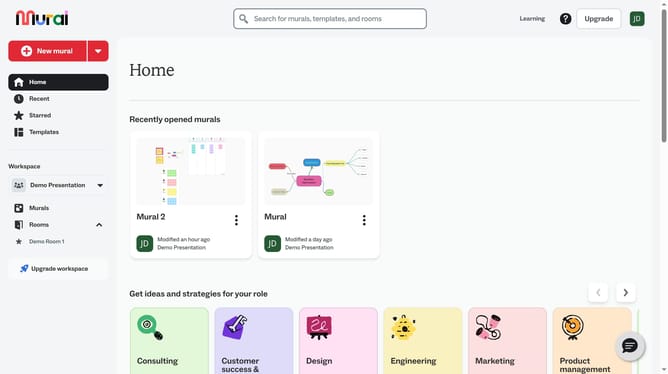
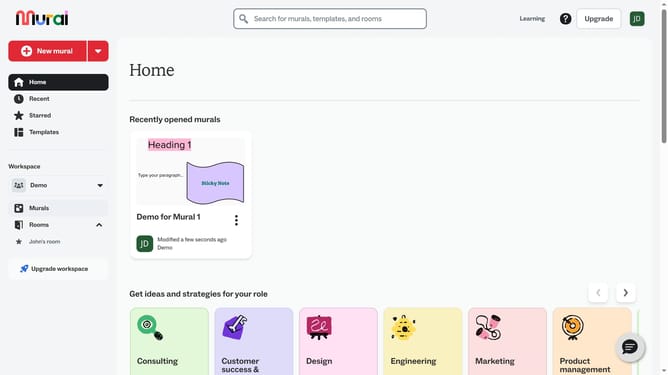
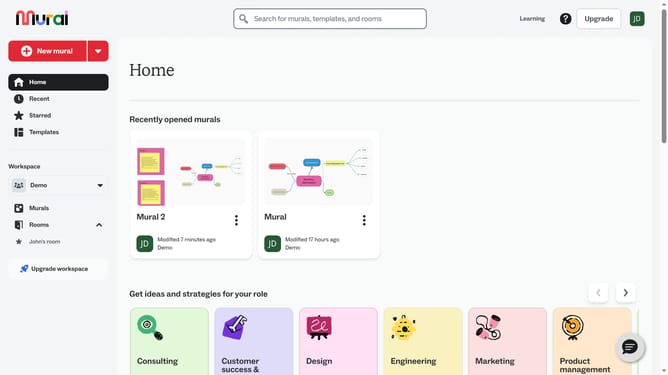
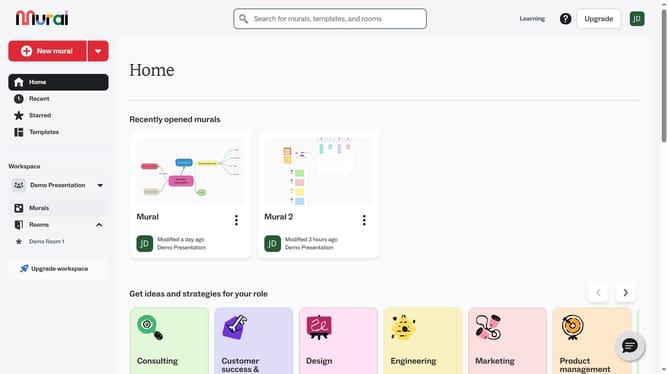
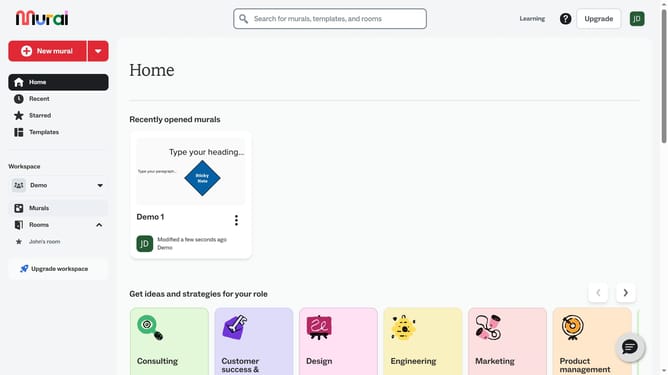
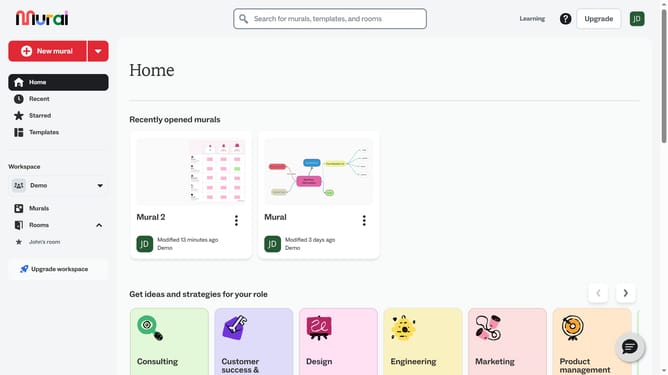
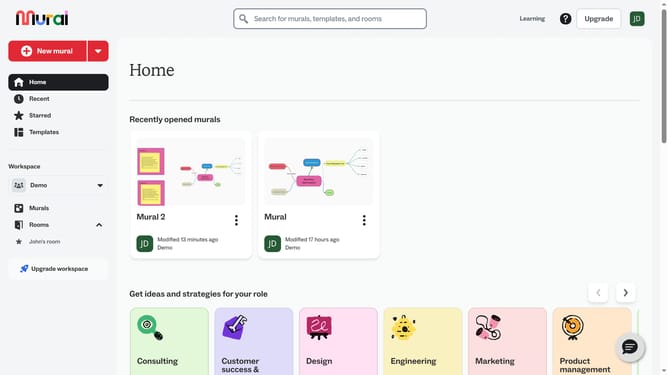
- First click on the "Murals" item in the left sidebar under the Workspace section
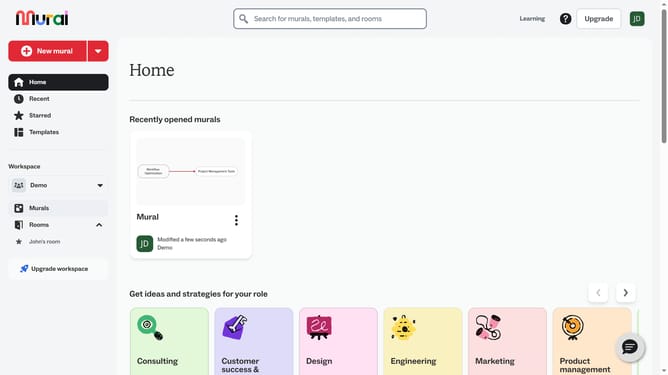
- Then click on the mural that contains the mind map
- Then click on the text box in the mind map to select it
- Then click on the "Text format" button in the formatting toolbar to open text formatting options
- Then click on the font dropdown menu to view available fonts
- Finally click on a font option in the font dropdown menu
Why should you format text in a mind map in Mural
Mural is a dynamic visual collaboration platform designed to foster creative thinking and enhance team collaboration.
With Mural, formatting text in a mind map is intuitive and efficient, allowing you to customize font styles, sizes, and colors effortlessly.
This feature adds clarity to your ideas, making it easier to emphasize important points and maintain structure within your visual brainstorming session.
By effectively organizing information through text formatting, you enhance communication and ensure your team's ideas are clearly conveyed and easily understood.
Last update