How to rename a mural in Mural
Here is how to rename a mural in mural
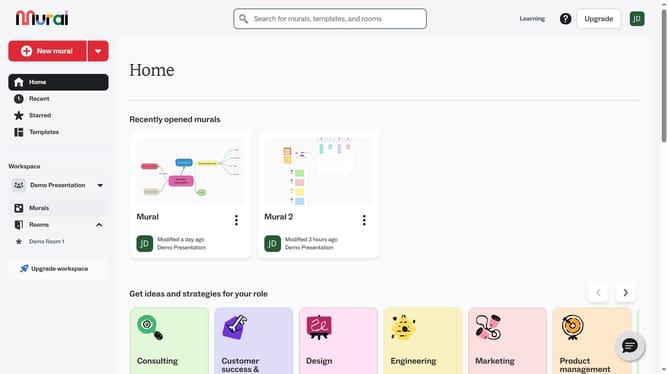
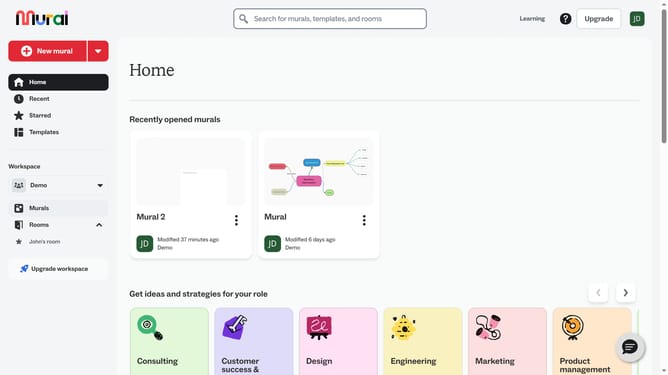
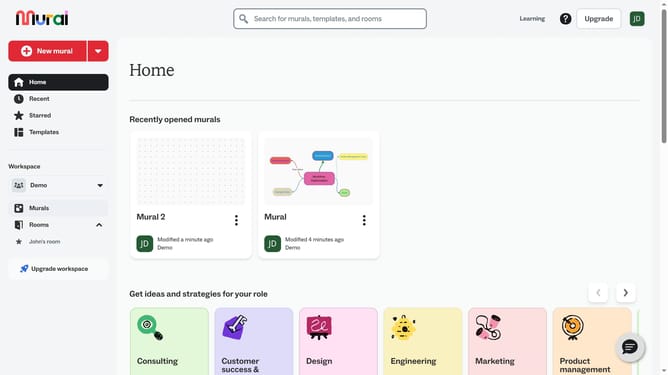
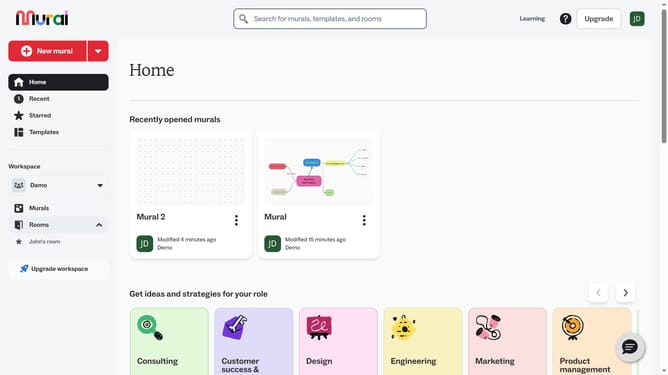
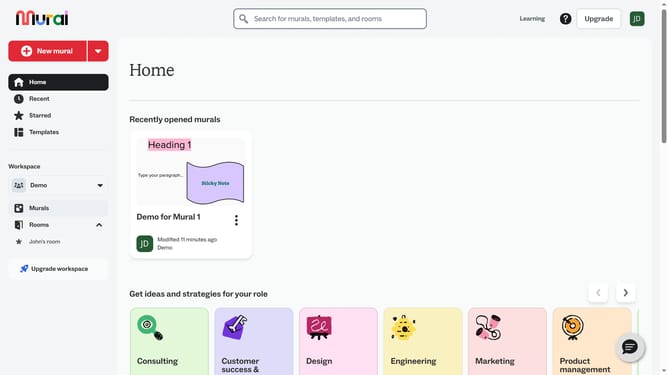
- First click on the "Murals" item in the left sidebar under the Workspace section
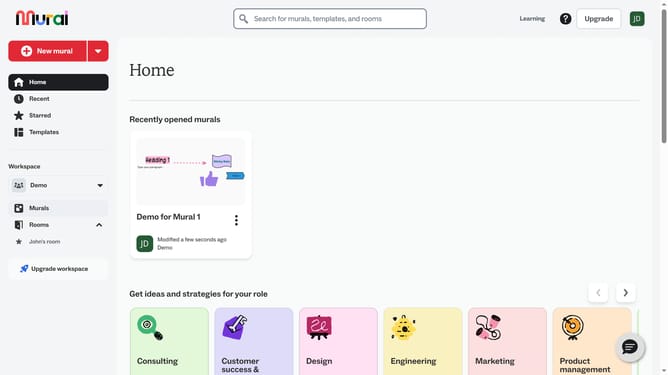
- Then click on the the mural you want to rename to open it
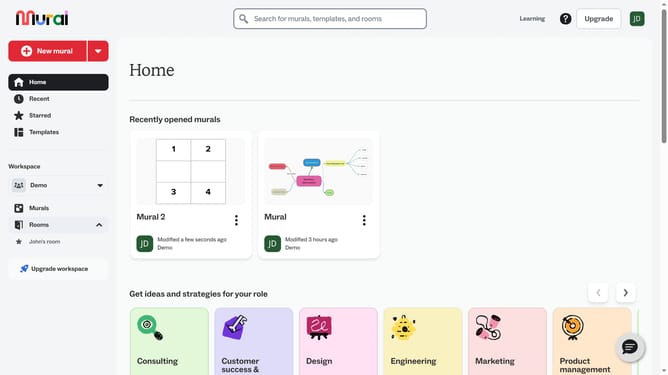
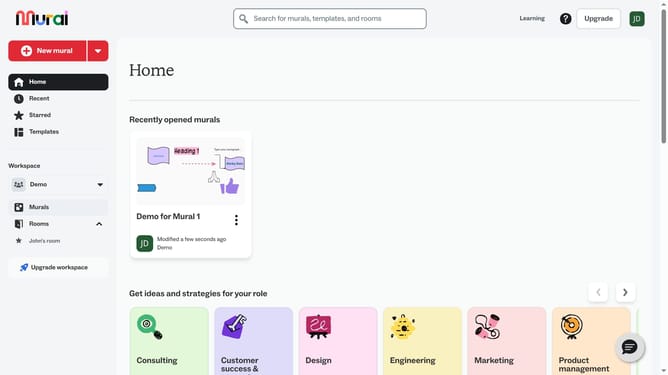
- Click the mural title at the top of the board and enter the new name for the mural
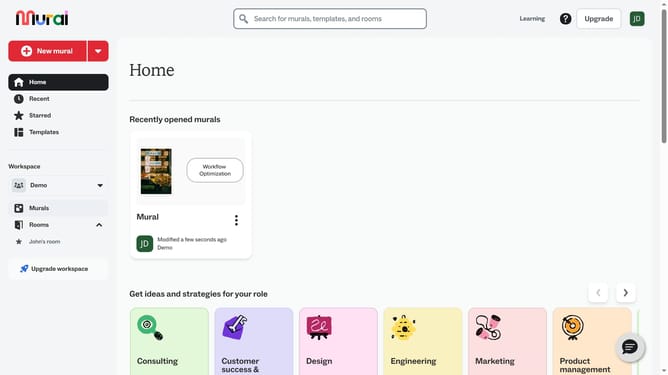
- Click anywhere outside the textbox to save changes
Why should you rename a mural in Mural
Mural is an innovative digital workspace designed to enhance collaboration and creativity among teams.
Renaming a mural in Mural is a straightforward feature that helps users effortlessly manage and organize their creative projects. By giving your murals precise and relevant names, you can quickly identify and navigate to them, saving precious time during collaborative sessions.
This feature is particularly beneficial in maintaining clarity and focus, especially in teams that handle multiple projects simultaneously. Renaming assists not only in personal organization but also fosters effective communication within the team, ensuring everyone is aligned.
Last update