How to delete shapes in Mural
Here is how to delete shapes in mural
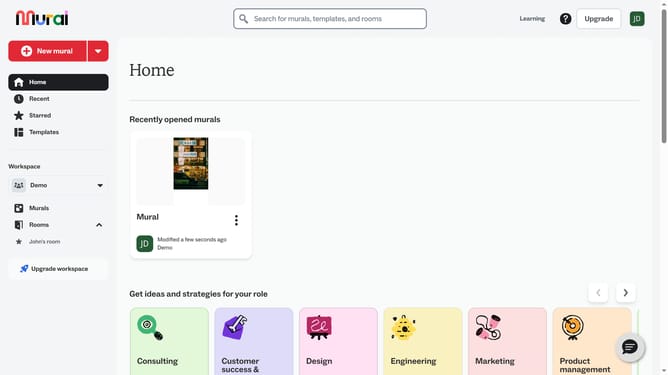
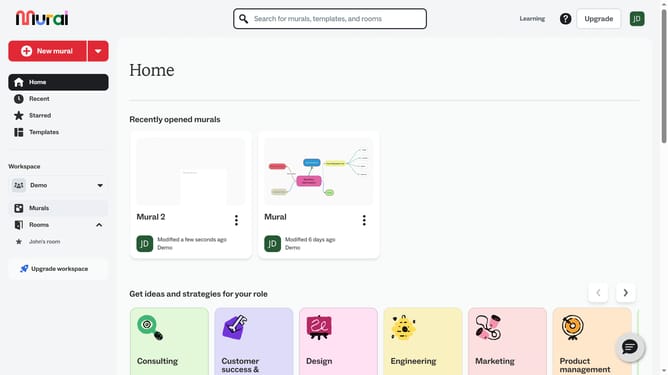
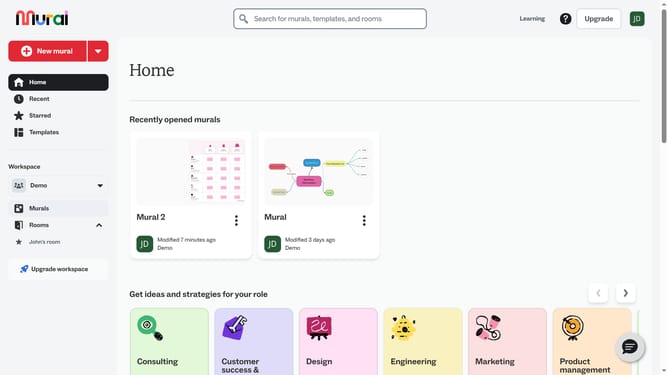
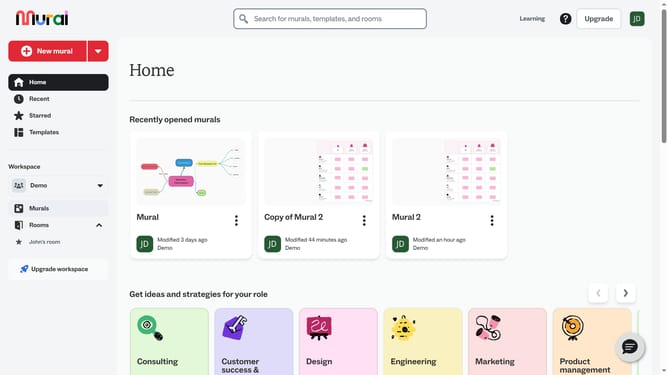
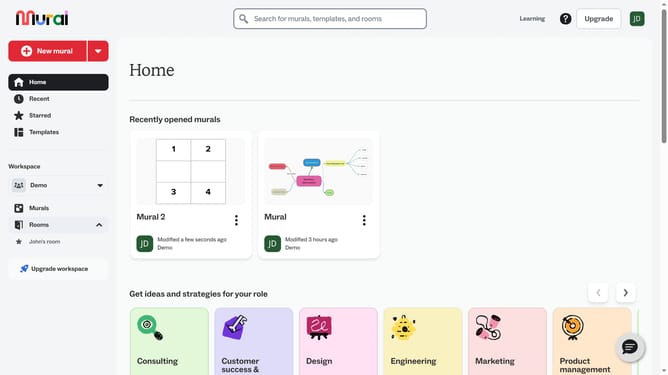
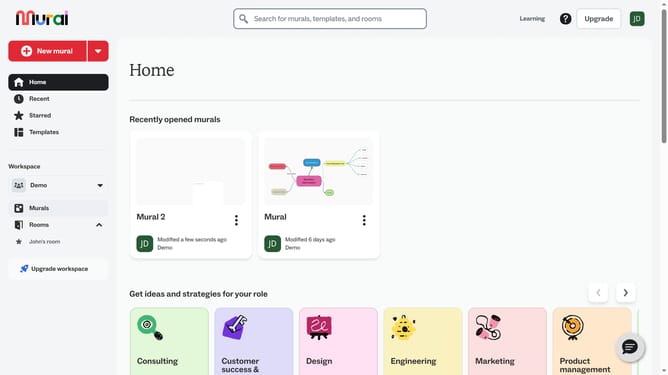
- First click on the "Murals" item in the left sidebar under the Workspace section
- Open the mural where the shape is located.
- Then right-click on the shape element in the canvas to show options
- Finally click on the "Delete" button at the bottom of the context menu
Why should you delete shapes in Mural
Mural is a collaborative platform designed to enhance visual thinking and teamwork.
The ability to delete shapes in Mural offers users the flexibility to adjust their workspace, making it easier to pivot ideas and refine projects.
Removing extraneous elements can lead to a more focused and organized workspace, essential for brainstorming sessions and effective collaboration.
This feature supports users in maintaining clarity and efficiency, ensuring that creativity can flow without unnecessary distractions.
Last update