How to insert column left in table in Mural
Here is how to insert column left in table in mural
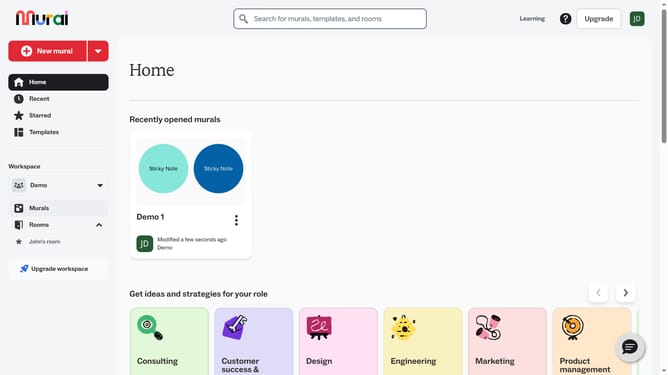
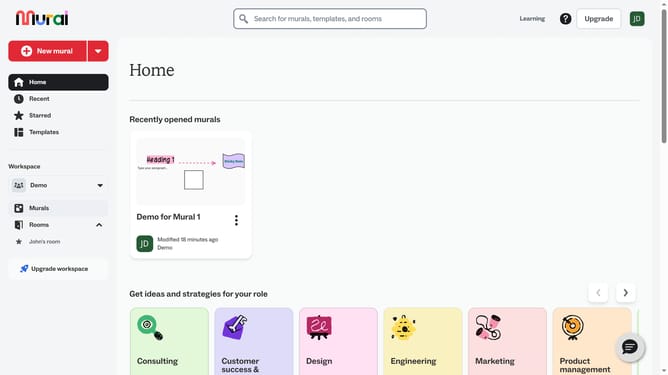
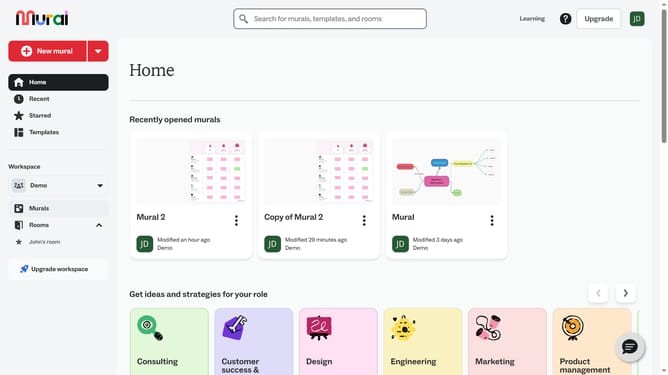
- First click on the "Murals" item in the left sidebar navigation menu
- Then click on the mural that you want to manage to open it
- Next click on a cell in the table grid on the canvas
- Then right-click on the selected cell to open the context menu
- Finally click on the "Insert column left" option in the context menu
Why should you insert column left in table in Mural
Mural is an intuitive digital workspace designed to enhance team collaboration and creativity.
One of the essential features in Mural is the ability to efficiently insert a column to the left in a table. This allows users to expand and restructure information swiftly without disrupting the existing layout.
By strategically adding columns, teams can organize data better, ensuring clarity and improving collaborative efforts. This functionality ensures a seamless workflow, fostering a more dynamic and productive environment for all users.
Last update