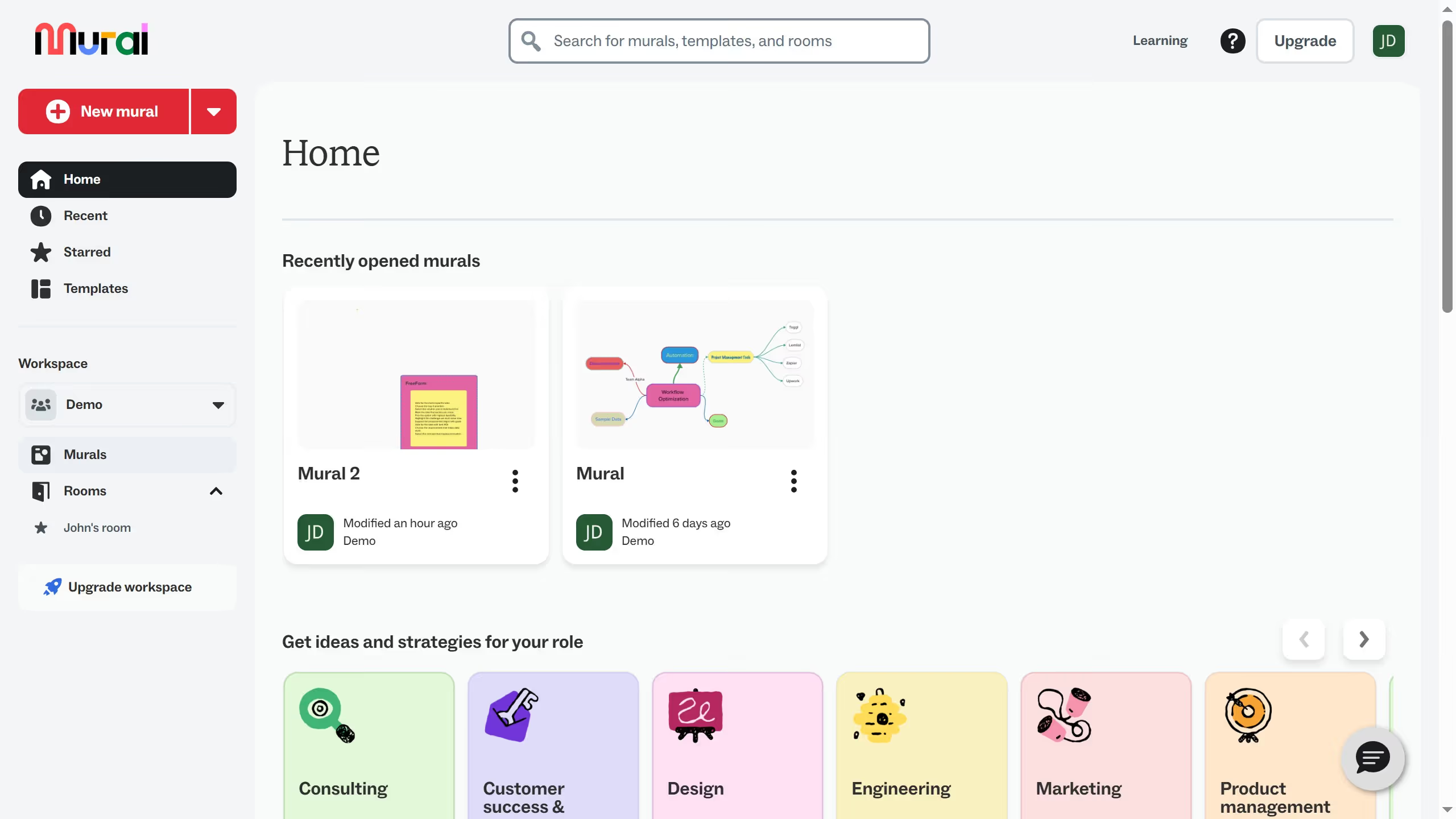
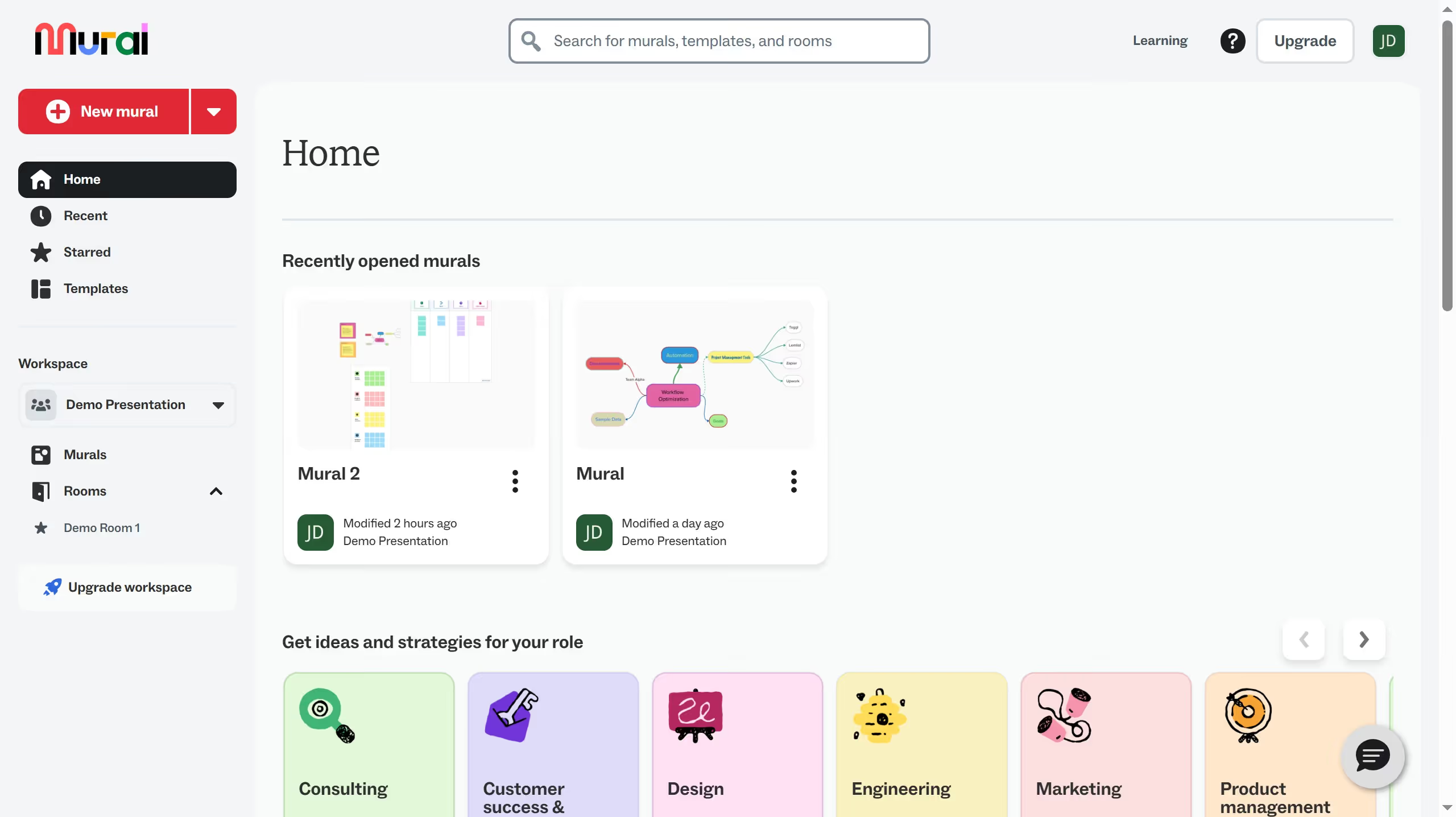
Here is how to enable icons only for voting in mural
- First click on "Murals" in the sidebar to navigate to the murals section
- Then click on the mural that you want to manage to open it
- Next click on the "Facilitate" button in the top toolbar
- Then click on the "Voting" option from the facilitate menu dropdown
- Next click on "Start voting session" button in the voting menu
- Then click on the "Name of session" input field and enter "Voting Session"
- Next click on "Clear selection" link to deselect all voting options
- Then click on the "Icons" checkbox to select it as a voting option
- Next click on the "Start" button to begin the voting session
- Finally click on the "Begin voting" button in the voting session dialog