How to add border on images in Mural
Here is how to add border on images in mural
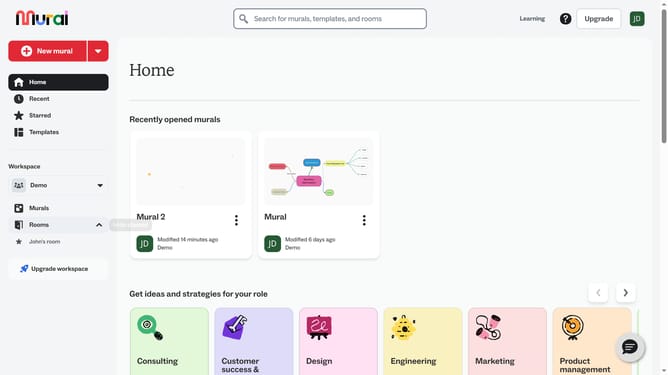
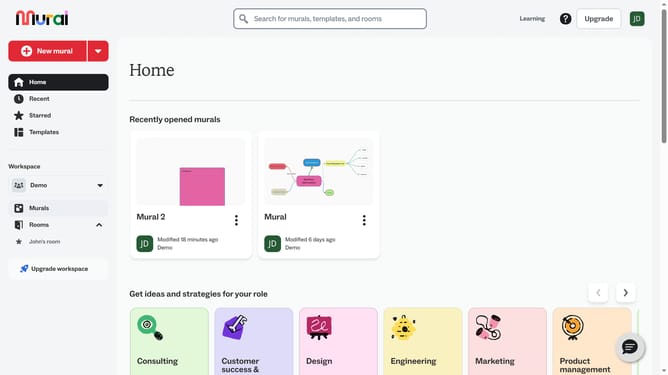
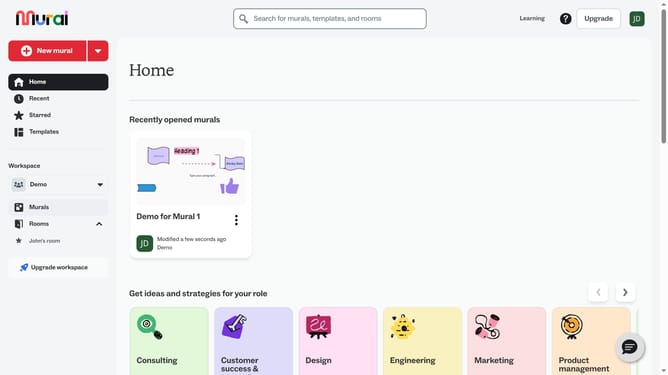
- First click on the "Murals" item in the left sidebar under the Workspace section
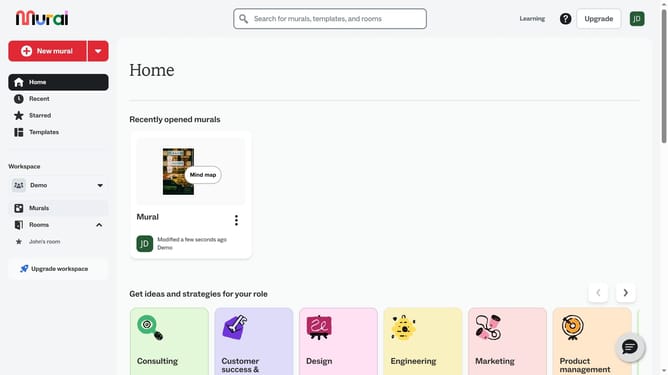
- Then click on the Mural card in the murals section to open it
- Then click on the image element in the canvas to select it
- Finally click on the "Border" button in the top toolbar to apply border formatting to the selected image
Why should you add border on images in Mural
Mural is an innovative online platform designed to enhance visual collaboration and brainstorming sessions.
One of its standout features includes the ability to add borders to images, allowing users to visually distinguish and highlight key elements within a mural. This function not only enhances the aesthetic appeal of images but also aids in focusing attention on specific content areas, improving both organization and clarity.
Adding borders to images in Mural can significantly boost communication effectiveness, especially in team environments. It facilitates better understanding and ensures important details never go unnoticed.
Last update