How to insert emojis in Mural
Here is how to insert emojis in mural
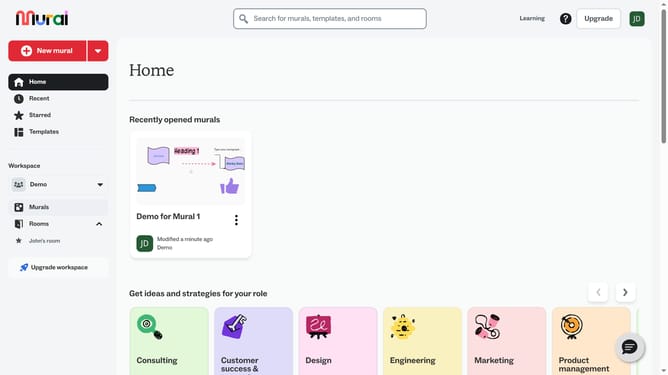
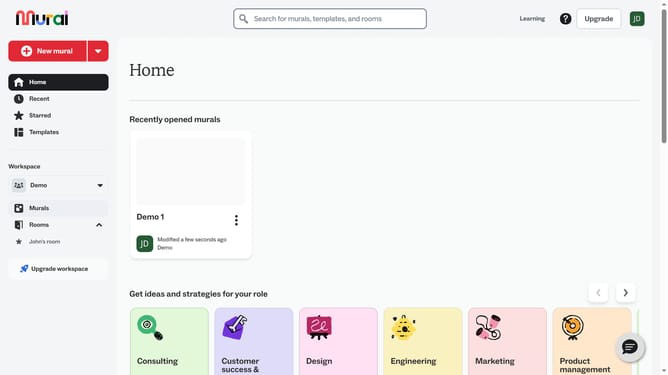
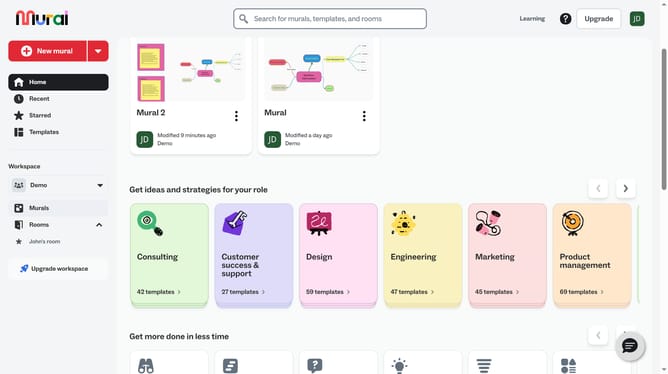
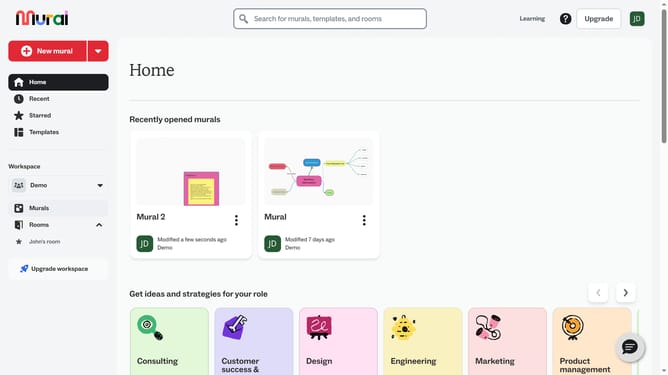
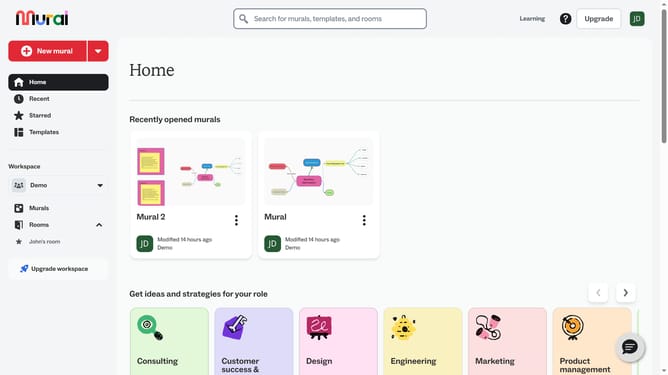
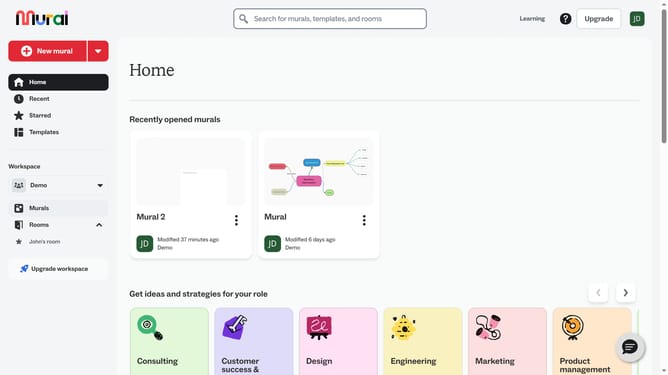
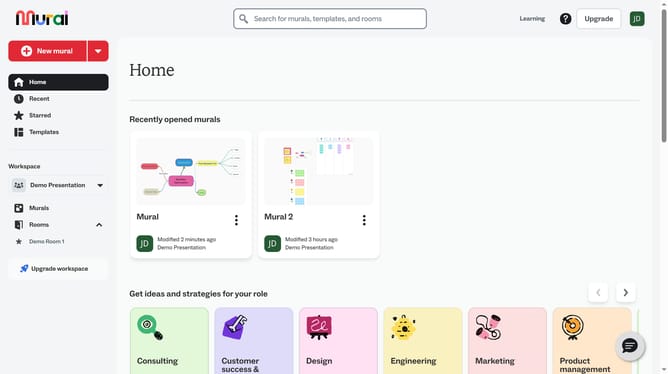
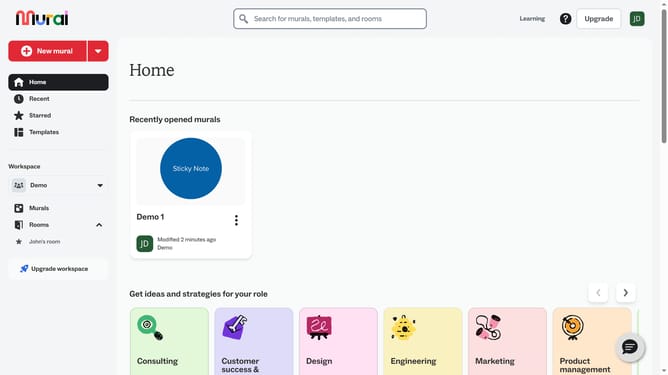
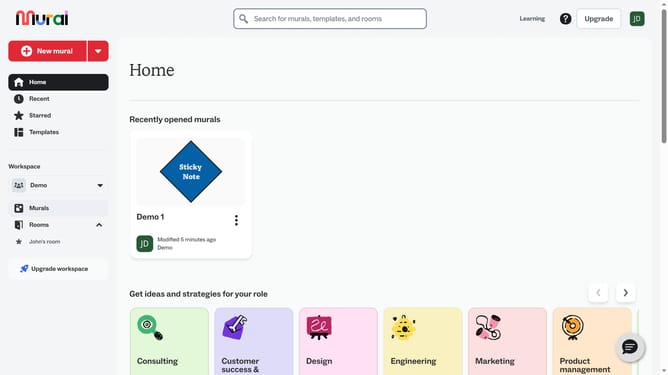
- First click on the "Murals" item in the left sidebar navigation menu
- Then click on the Mural name to open it
- Next click on the "Images" button in the left toolbar to open the images panel
- Then click on the emoji in the Emojis section of the images panel
- Finally click on the "Close" button or X icon to close the images panel
Why should you insert emojis in Mural
Mural is a dynamic digital workspace designed to enhance collaboration and creativity among teams.
Inserting emojis in Mural is a simple yet powerful feature that enriches communication. Emojis add a visual layer to your brainstorming process, making it more engaging and expressive. They serve as quick, universal symbols that can convey emotions or reactions instantly.
Using emojis can help clarify messages and bring a human touch to digital interactions. They foster a fun and inclusive environment, encouraging participation and creativity.
Overall, emojis in Mural help break the monotony of text, making your collaborative sessions more vibrant and effective.
Last update