How to change style of sticky notes in Mural
Here is how to change style of sticky notes in mural
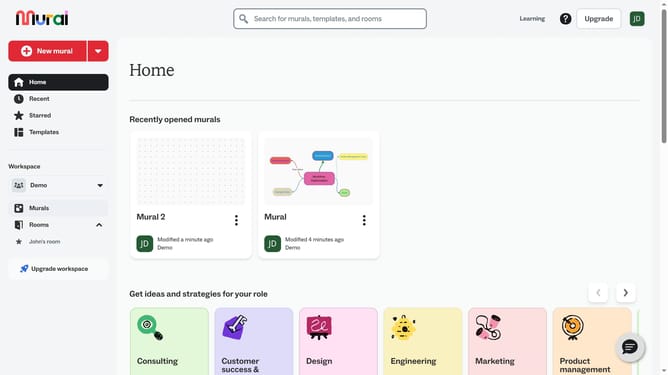
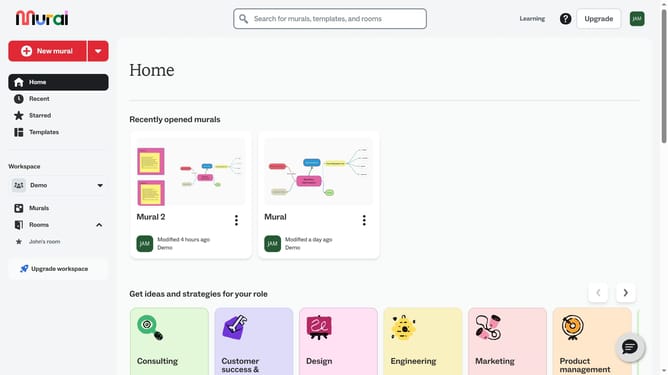
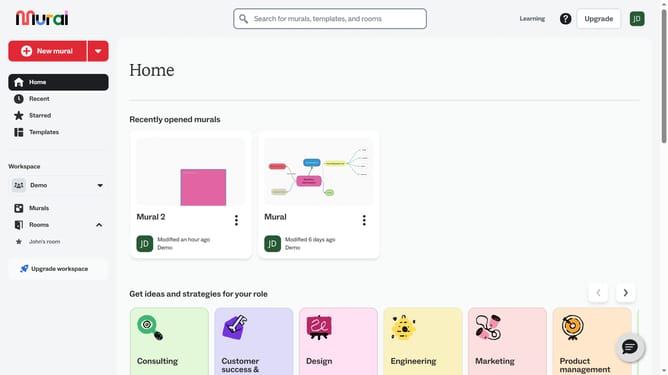
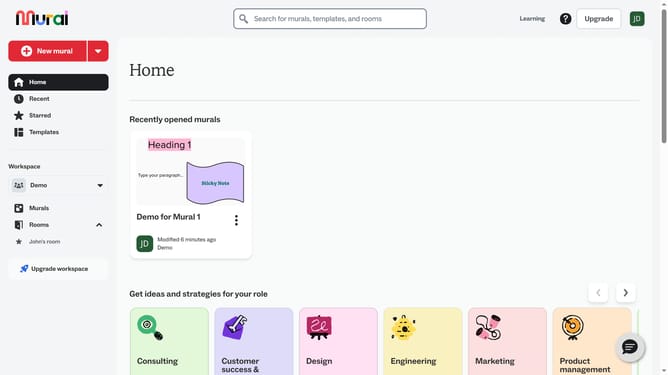
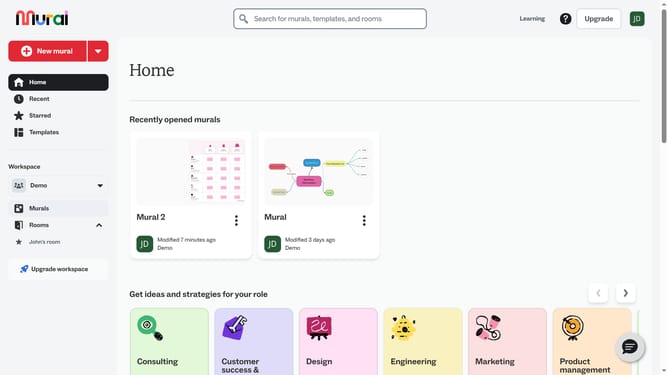
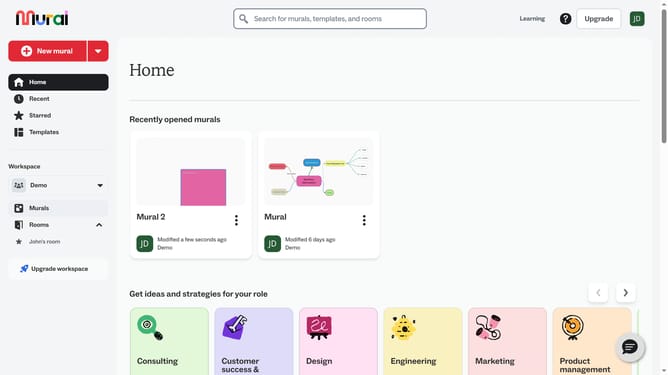
- First click on the "Murals" item in the left sidebar under the Workspace section
- Open the mural card where your sticky note is located
- Next click on the sticky note to open the shape options menu
- Next click on the "Switch type" button in the top toolbar to open the shape options menu
- Finally select a different shape to apply it to the selected object
Why should you change style of sticky notes in Mural
Mural is a vibrant digital workspace designed to foster creativity and collaboration.
A standout feature in Mural is the ability to change the style of sticky notes. This flexibility allows users to personalize their notes by adjusting color, size, and text styles to better suit their visual needs.
The customization not only enhances the aesthetic appeal but also boosts productivity by enabling clearer communication and a more organized visual flow.
Styling sticky notes in Mural thus elevates the collaborative process, making brainstorming sessions more engaging and efficient.
Last update