Mural
Mural is a visual collaboration platform for brainstorming, planning, and running remote workshops on a shared canvas.
Website
Industry
Design
Share this article:

How to add a display name in your profile in Mural

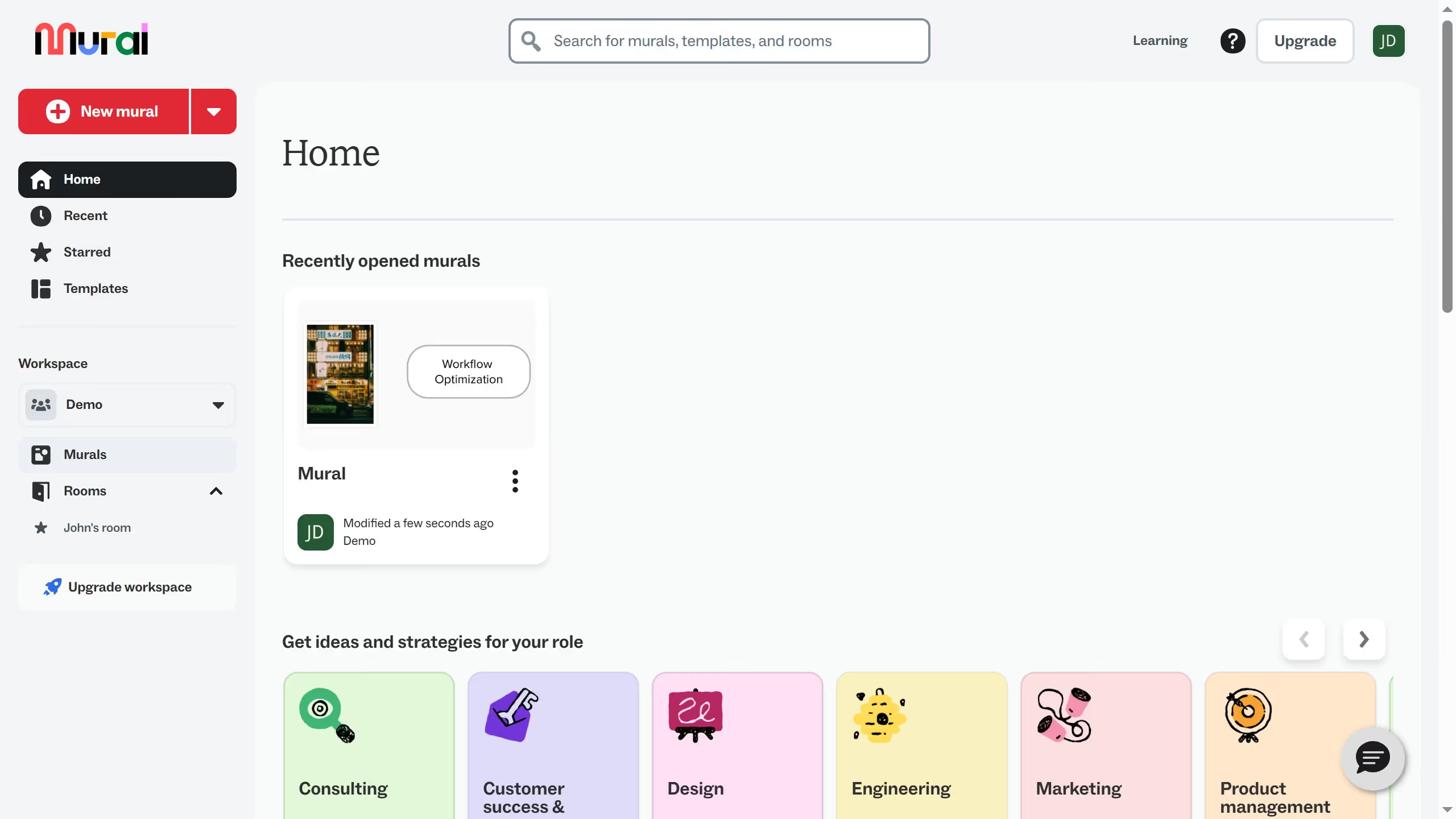
Here is how to add a display name in your profile in mural

  1. First click on the user profile icon button in the top-right header
  2. Then click on "Profile" option from the dropdown menu
  3. Next click on "Edit profile" button in the profile overview section
  4. Then click on the "Display name" text input field in the Profile information section and enter your preferred "Display name"
  5. Finally click anywhere outside the text field to save changes

Create your own interactive guide with Guideflow

Why should you add a display name in your profile in Mural

Mural is a dynamic online collaboration tool designed to enhance creativity and productivity across teams.

Adding a display name to your profile in Mural serves as a personalized touch to your digital workspace. It helps improve team communication by allowing team members to easily identify and connect with one another during collaborative sessions.

With a display name, you bring a human touch to the virtual environment, making interactions more personalized and approachable. This boosts team cohesion and ensures smoother collaboration, helping projects move forward efficiently.

Last update
March 16, 2026
Cursor MariaA cursor points to a button labeled "James."

Create your first demo in less than 30 seconds.