How to delete area only template in Mural
Here is how to delete area only template in mural
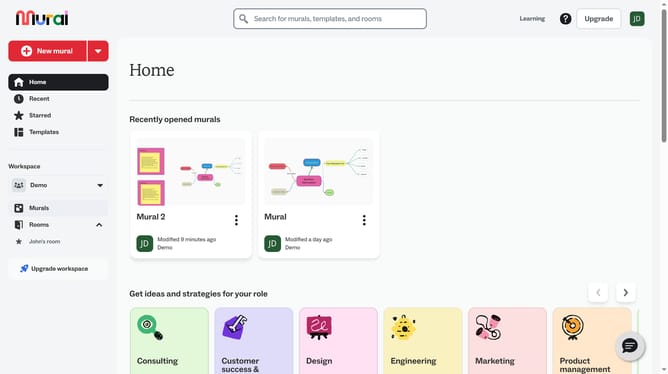
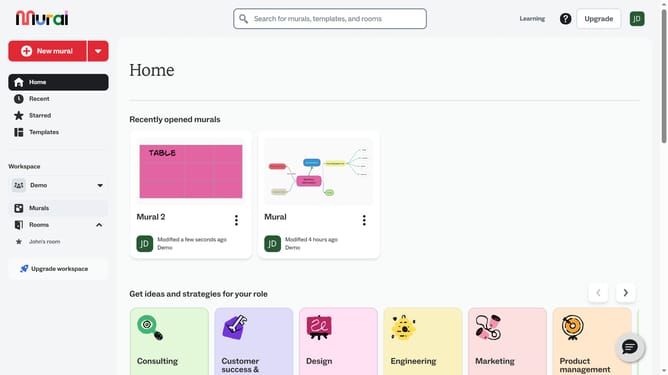
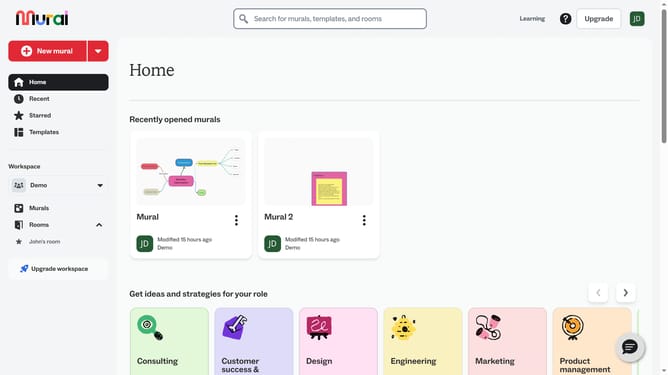
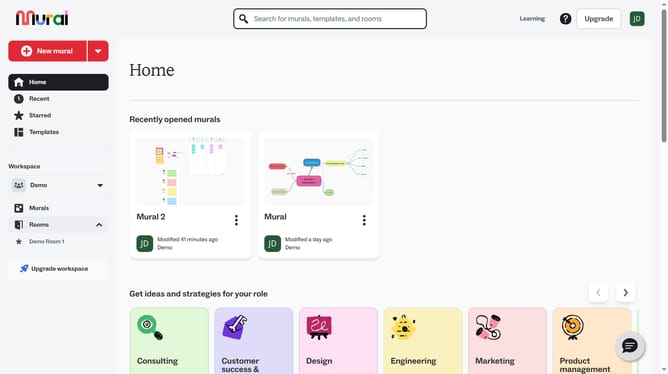
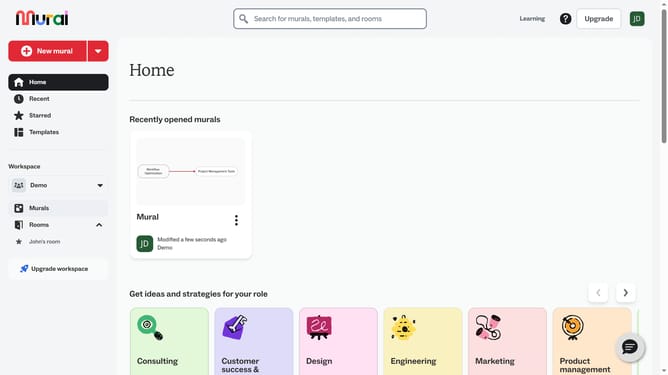
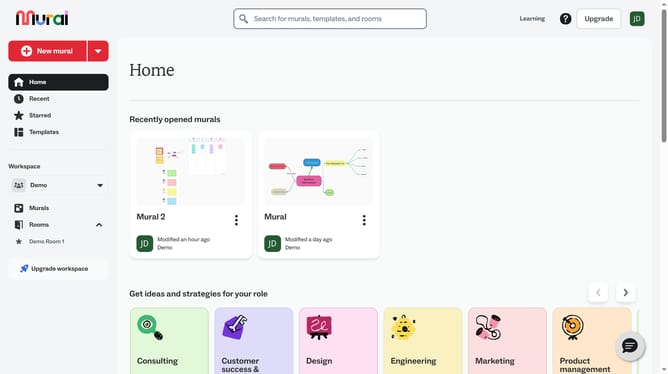
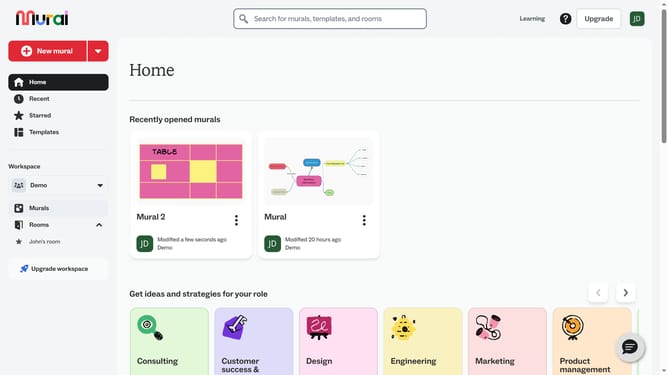
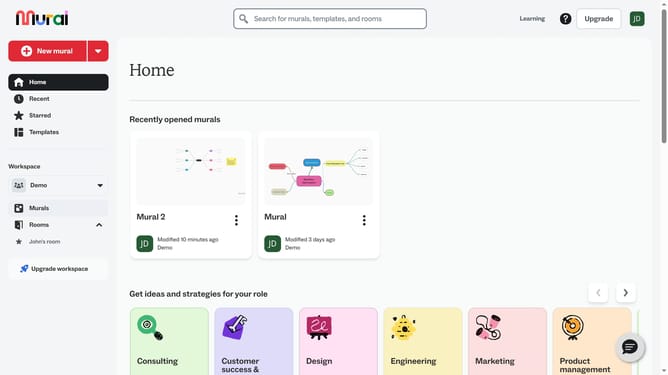
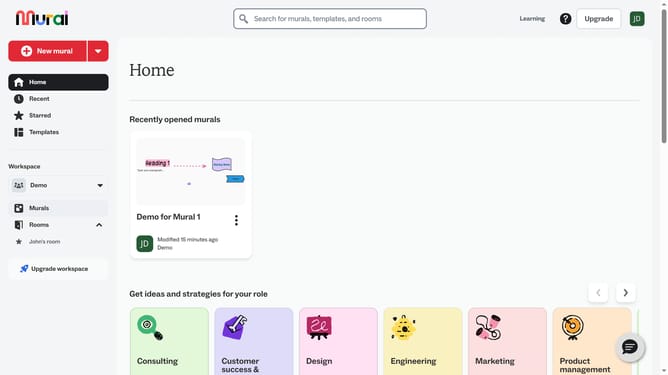
- First click on the "Murals" item in the left sidebar
- Then click on the mural card to open it
- Next click on the template on the canvas to select it
- Then right-click to see template options
- Then click the "Delete"option
- Finally click the area-only option to get it removed from the canvas
Why should you delete area only template in Mural
Mural is a digital workspace aimed at enhancing creative collaboration.
The ability to delete area-only templates in Mural offers users a streamlined method to optimize their workflow.
By removing templates that are no longer relevant to specific tasks, teams can maintain a clean and focused workspace, enhancing overall productivity.
This feature allows users to tailor their experience, ensuring that only necessary tools are present, thus saving time and minimizing distractions.
Last update