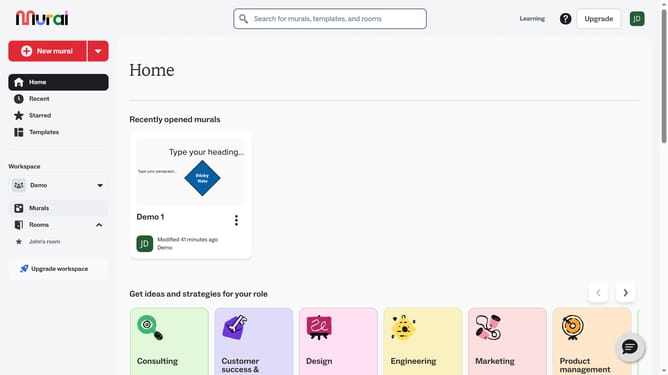
How to delete icons in Mural
Here is how to delete icons in mural
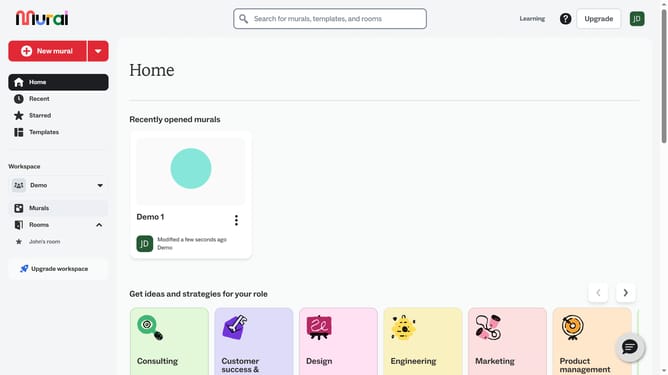
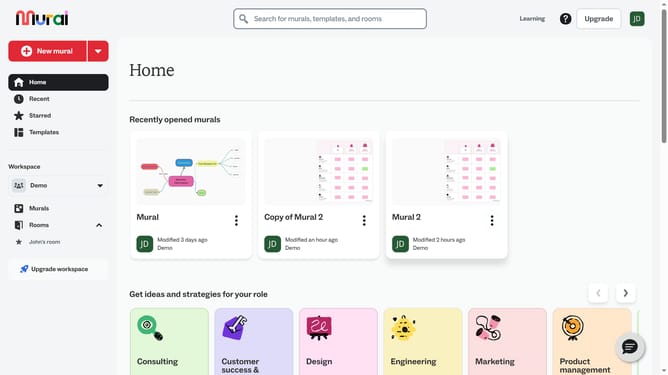
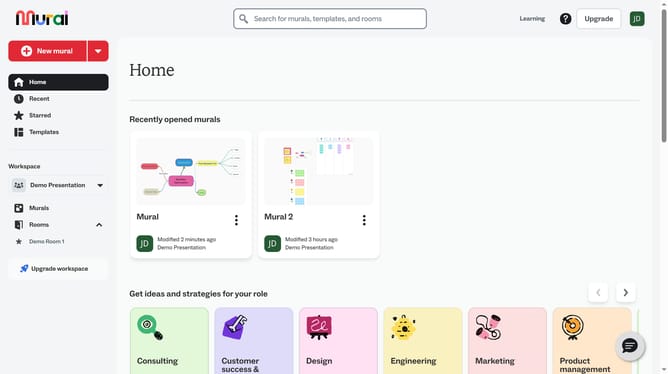
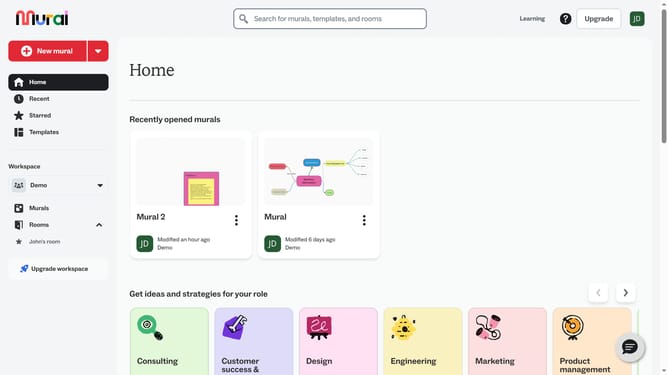
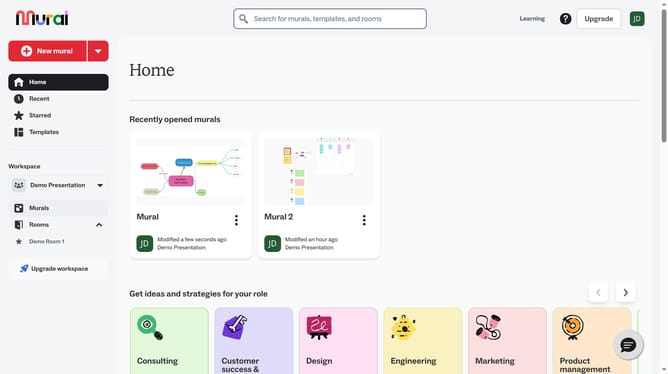
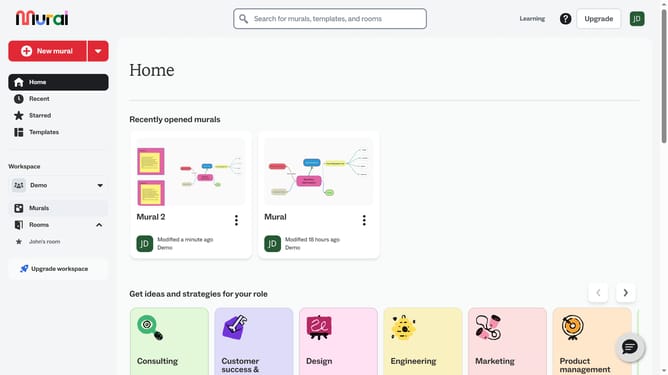
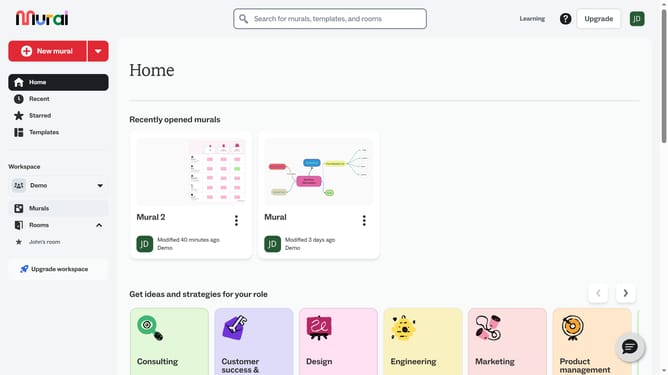
- First click on the "Murals" item in the left sidebar navigation menu
- Then click on the mural where the icon is located
- Then click on the icon element that you want to delete on the canvas
- Then right-click on the selected icon to open the context menu
- Finally click on the "Delete" button in the context menu
Why should you delete icons in Mural
Mural is an intuitive online platform designed for seamless collaboration and creativity, making team brainstorming sessions more effective.
The ability to delete icons in Mural allows users to maintain a clean and organized workspace. It's an essential feature that empowers users to remove unnecessary clutter and focus on current projects.
By easily managing icon presence, teams can maintain a clear visual path, ensuring important ideas and plans stand out, enhancing overall productivity and teamwork.
Utilizing this feature promotes an efficient workflow, allowing participants to streamline their thought process and maintain focus on key objectives.
Last update