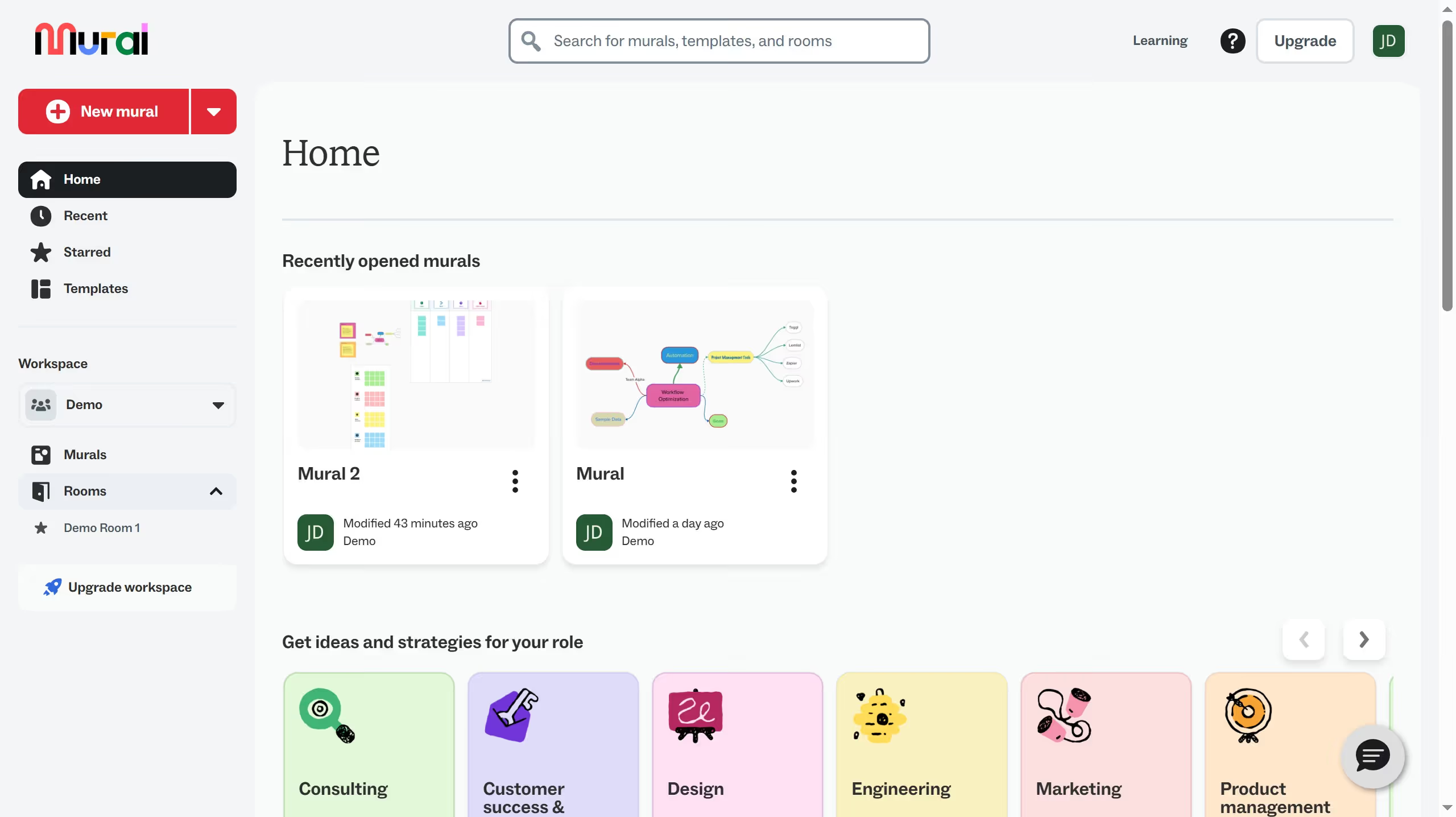
Here is how to duplicate a file in mural
- First click on "Murals" in the sidebar
- Then click on the options menu button (three-dot icon) for the file you want to duplicate
- Next click on "Duplicate" option in the dropdown menu
- Then click on "Duplicate mural" button in the dialog
- Finally click on the room in the sidebar to view the duplicated mural