How to delete text box in Mural
Here is how to delete text box in mural
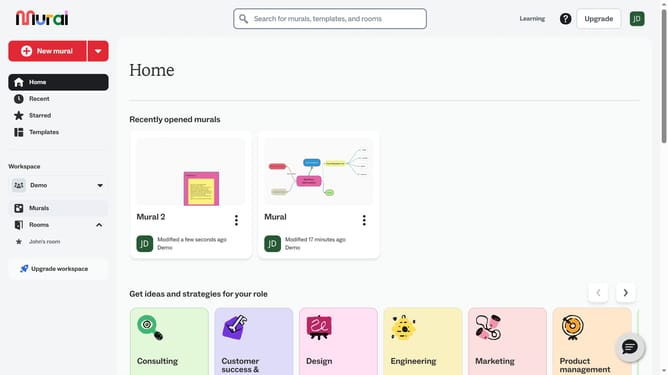
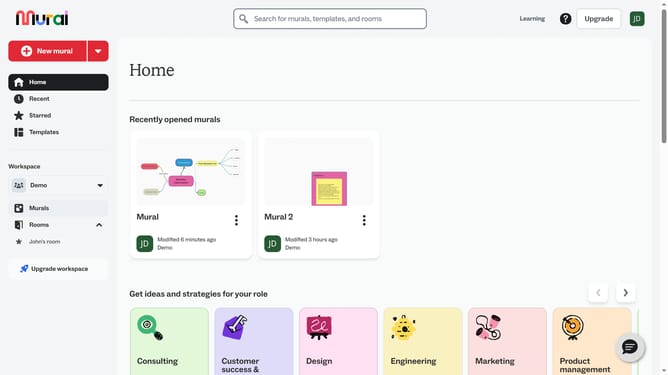
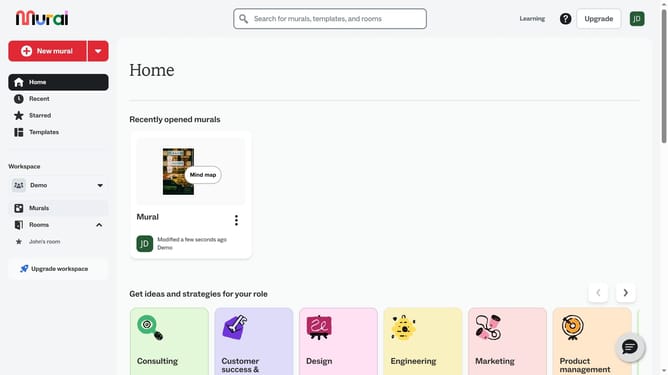
- First click on the "Murals" item in the left sidebar under the Workspace section
- Select and open the mural where you want to modify text
- Next click on the text box that you want to delete
- Then right-click on the text element to open the context menu
- Finally click on the "Delete" button at the bottom of the context menu
Why should you delete text box in Mural
Mural is a dynamic online collaboration platform designed to enhance creativity and teamwork.
The ability to delete a text box in Mural is a simple yet effective feature that streamlines your digital workspace. Removing unnecessary text boxes allows you to maintain a clean and organized mural, which is essential for clear communication and focused collaboration.
This function is crucial for adapting to evolving ideas and ensuring that the workspace remains relevant and clutter-free. Cleaning up content in real-time supports efficient ideation sessions and fosters an environment conducive to innovation.
Last update