How to remove the border of sticky notes in Mural
Here is how to remove the border of sticky notes in mural
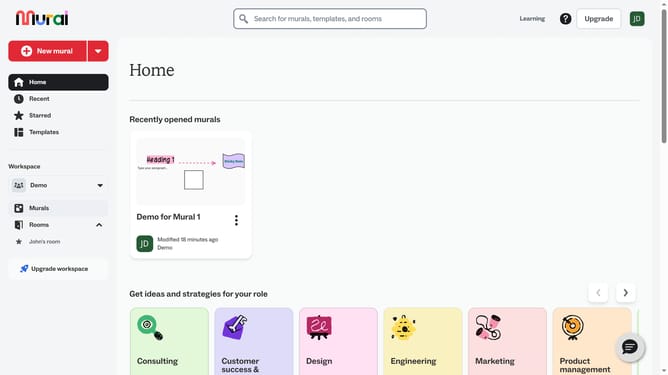
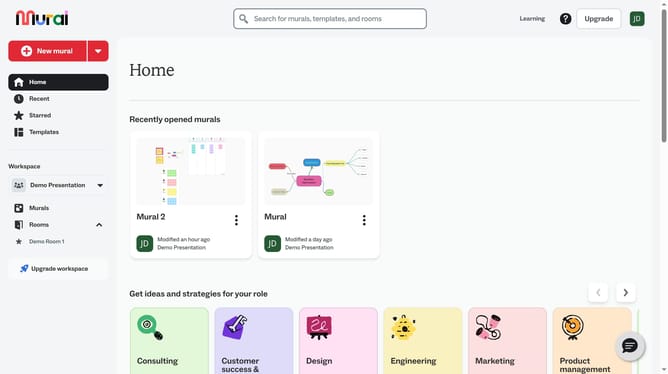
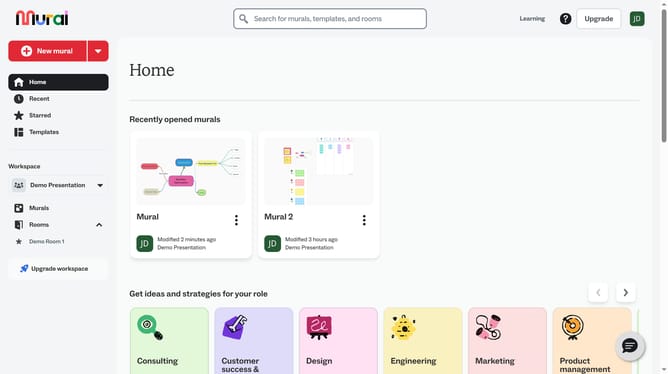
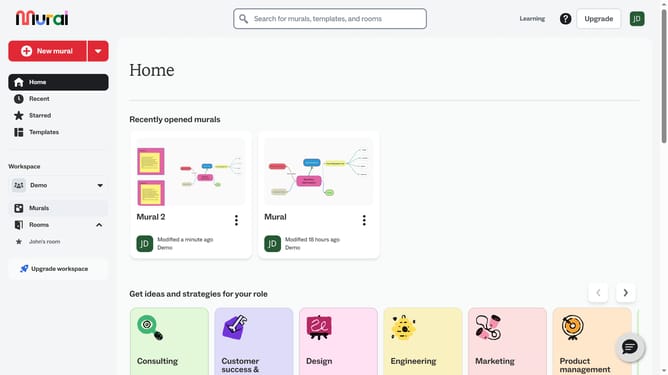
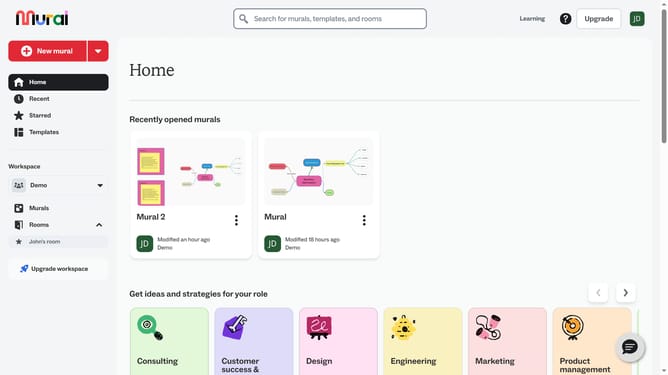
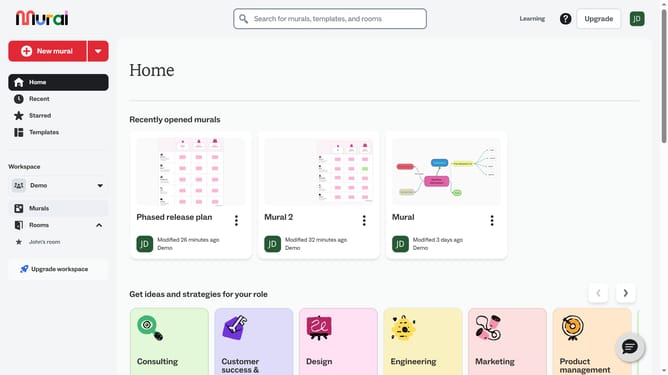
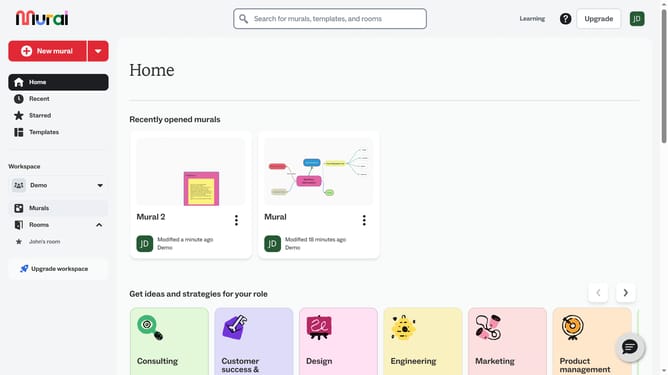
- First click on the "Murals" item in the left sidebar under the Workspace section
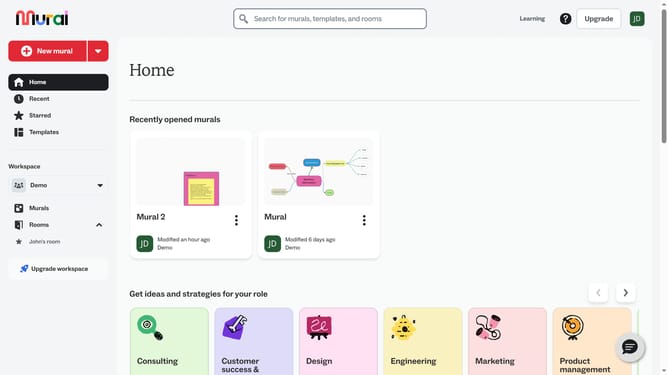
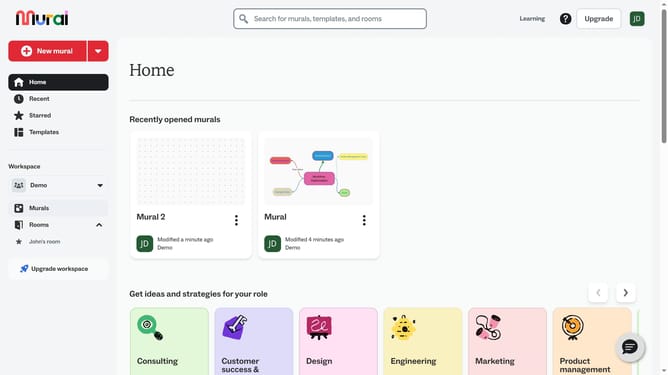
- Open the mural card where your sticky note is located
- Then double-click on the text element in the canvas to edit it
- Finally click on the "No Border" tool button in the top toolbar to activate drawing mode
Why should you remove the border of sticky notes in Mural
Mural is an intuitive digital collaboration tool that empowers teams to work creatively and interactively.
One of its subtle yet powerful features is the ability to remove the border of sticky notes, enhancing the visual aesthetic of your workspace.
When borders are minimized, it facilitates a cleaner, streamlined view that aids in reducing visual clutter, making it easier to focus on the content's core message.
This feature is especially beneficial during brainstorming sessions where clarity and quick comprehension are paramount.
Last update