How to add a table in Mural
Here is how to add a table in mural
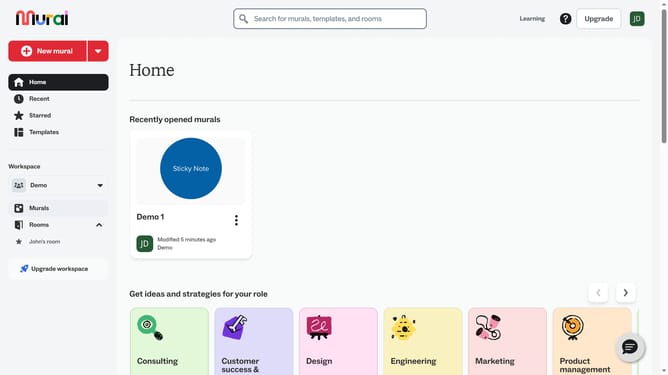
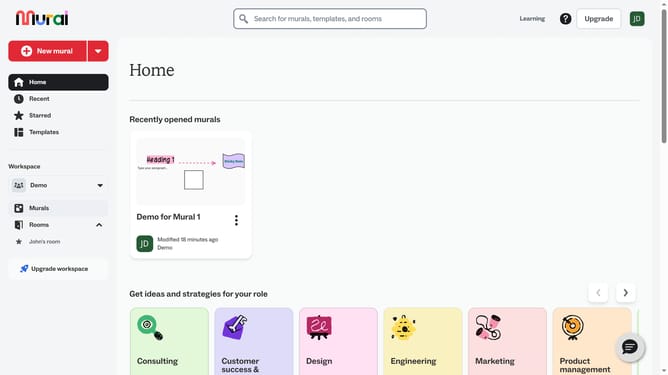
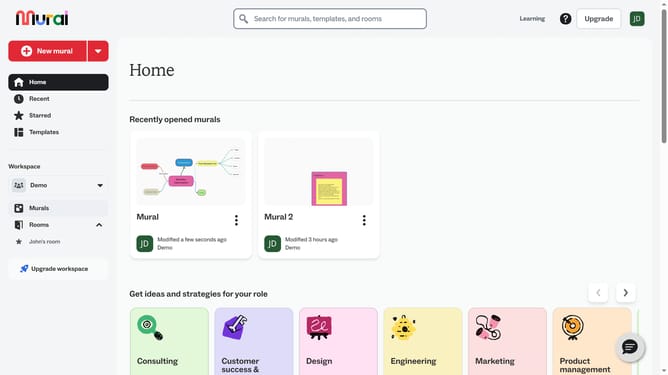
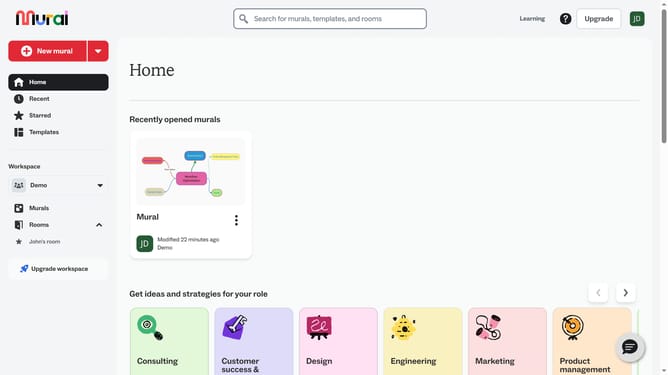
- First click on the "Murals" option in the left sidebar under the Workspace section
- Then click on the mural that you want to manage to open it
- Next click on the "Tables and areas" tool icon in the left toolbar
- Finally click on the "Table" template option in the Tables and areas panel
Why should you add a table in Mural
Mural is an innovative digital workspace crafted to supercharge collaborative thinking and creativity.
Adding a table in Mural is a standout feature that fosters structured brainstorming and information organization.
Using tables allows teams to neatly arrange data, making it easier to visualize connections and patterns, leading to more insightful discussions.
The feature enhances productivity by offering a clear, concise way to structure ideas, ensuring that collaborative sessions are both dynamic and efficient.
Last update