How to adjust text format inside the sticky notes in Mural
Here is how to adjust text format inside the sticky notes in mural
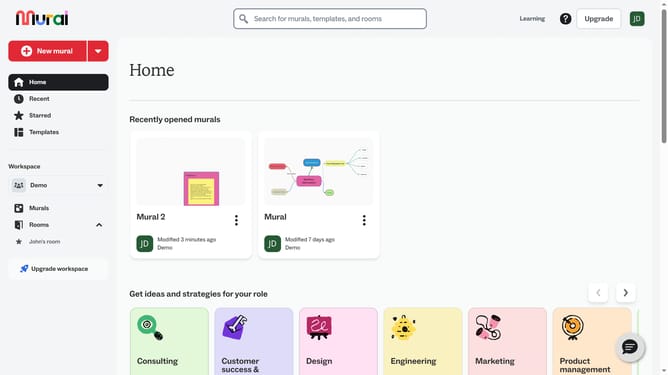
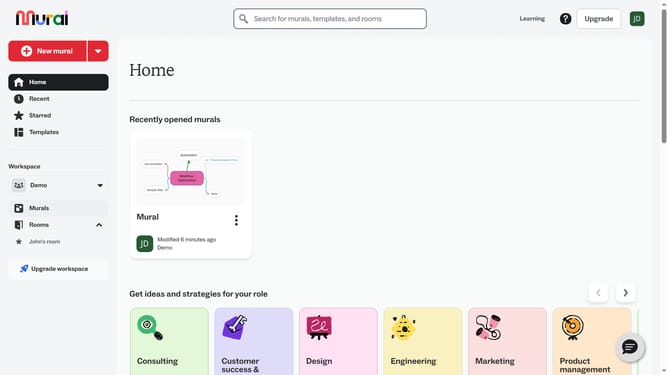
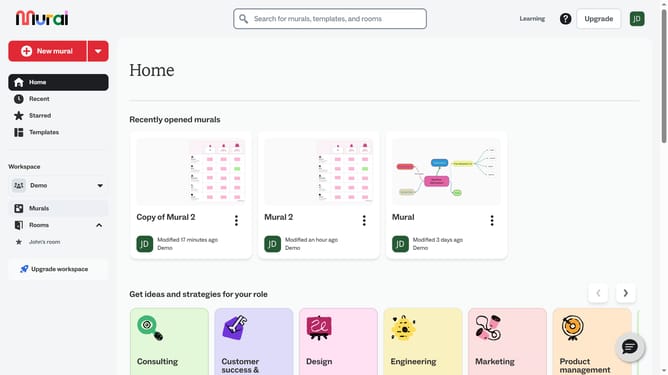
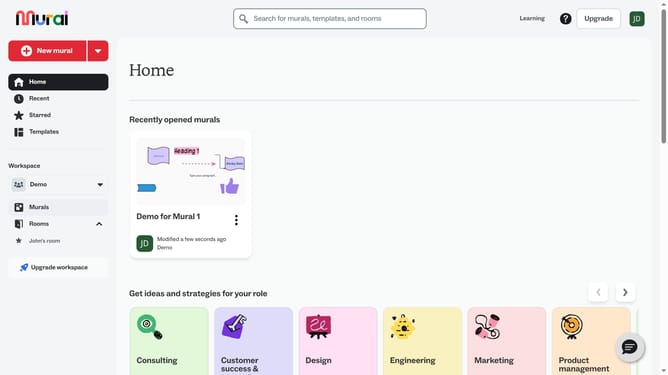
- First click on the "Murals" item in the left sidebar under the Workspace section
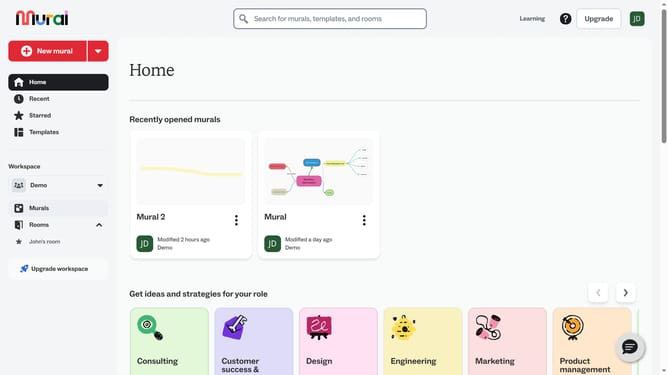
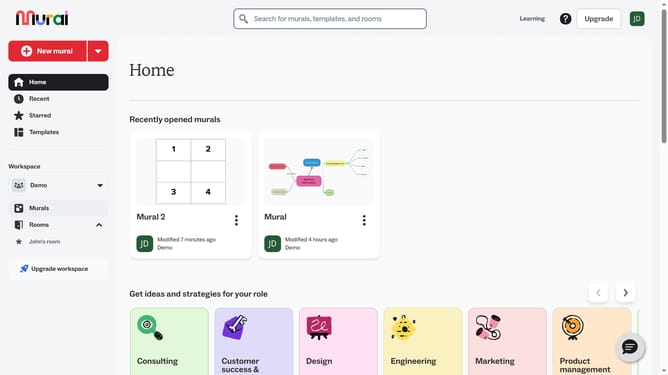
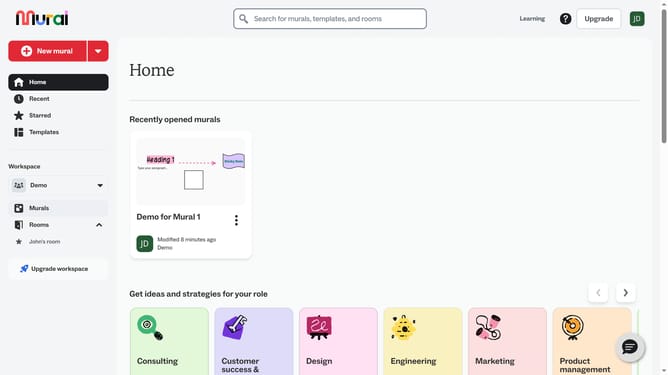
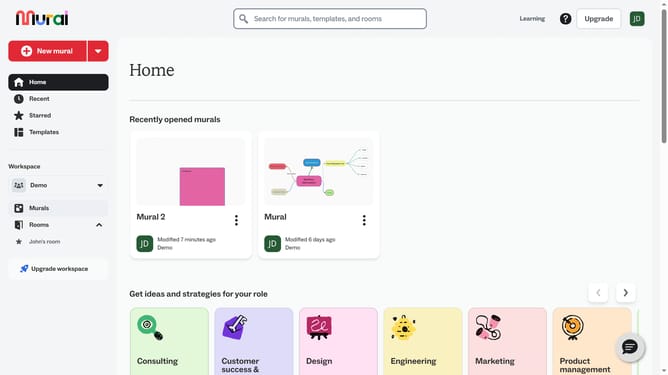
- Then open the mural card where your sticky note is located
- Then click on the text element on the canvas to select it
- Then click on the "Text format" button in the top toolbar to open text formatting options
- Then click on the font dropdown menu showing "Proxima Nova" to view available fonts
- Then select a font option from the dropdown menu
- Finally select a button in the text formatting toolbar to make the text bold, underlined or italic
Why should you adjust text format inside the sticky notes in Mural
Mural is a dynamic digital workspace that empowers teams to brainstorm and innovate visually.
One valuable feature is the ability to adjust text format inside sticky notes, allowing users to customize their content creatively.
This flexibility enhances readability and presentation, ensuring that ideas are communicated clearly and attractively. By tailoring text appearance, users can emphasize key points and organize thoughts effectively.
These formatting features foster collaboration and help transform meetings into productive and engaging experiences.
Last update