How to add label on the branch in a mind map in Mural
Here is how to add label on the branch in a mind map in mural
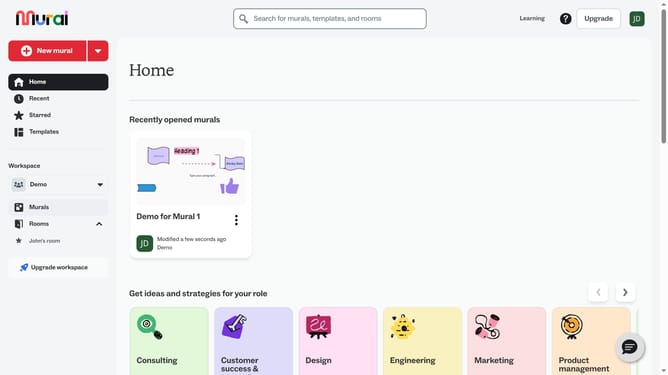
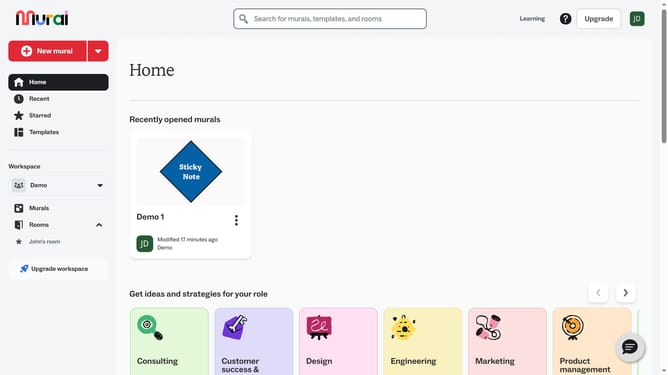
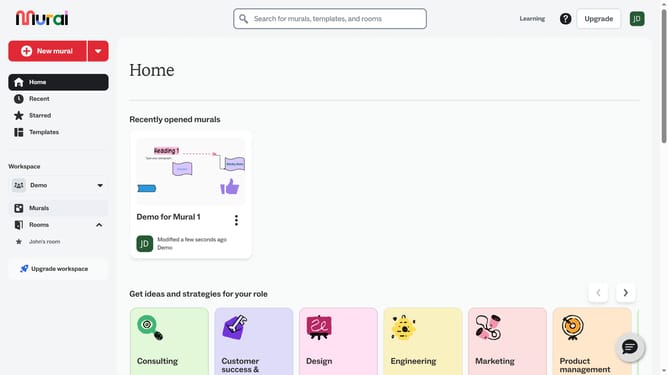
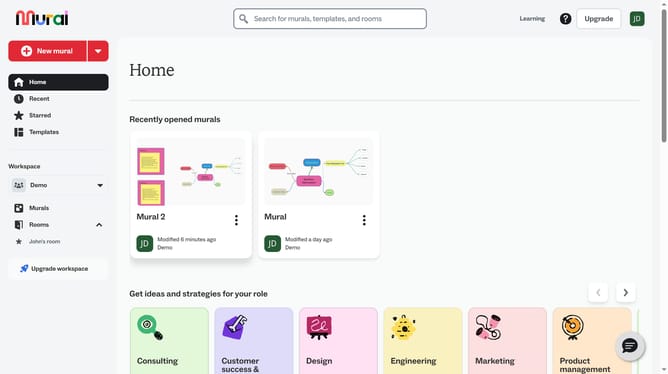
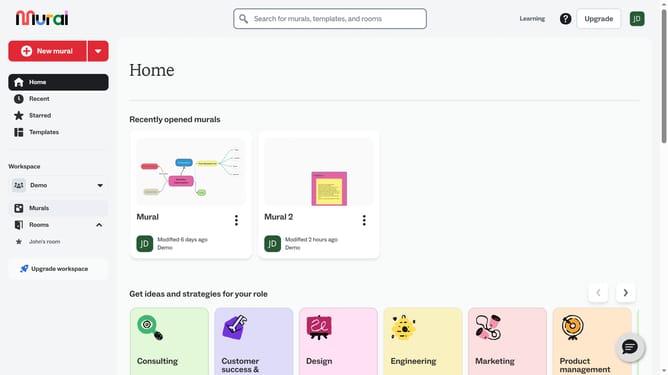
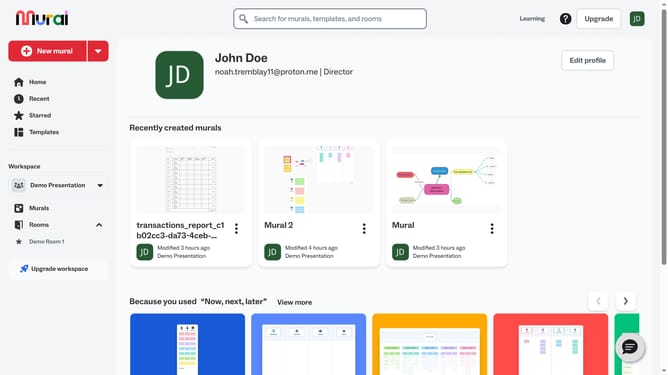
- First click on the "Murals" item in the left sidebar
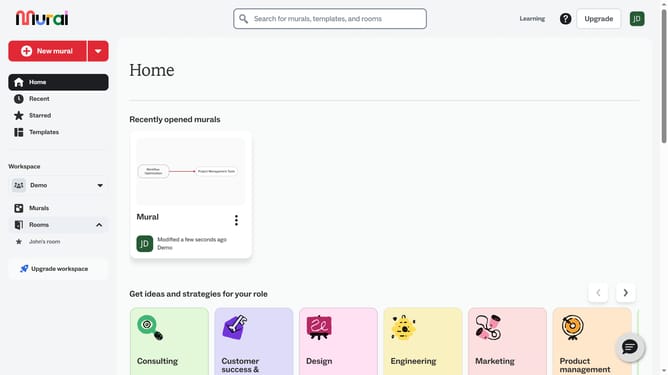
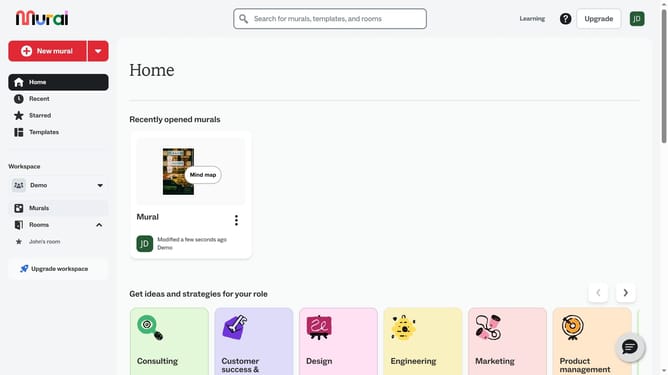
- Then click on the name of the mural card in the murals section to open it
- Next click on the connector line between two text boxes
- Then click on the "Add a label" button in the toolbar that appears and type your label
- Finally click outside the text box to confirm the label entry
Why should you add label on the branch in a mind map in Mural
Mural is a digital workspace designed to enhance team collaboration and creativity through visual tools.
Adding labels to branches in a mind map within Mural allows for clear organization and understanding of complex ideas. This feature is particularly useful for categorizing thoughts, summarizing key points, or providing additional context to specific areas.
Using labels helps in organizing information systematically, making brainstorming sessions more efficient. It also aids in enhancing communication across team members by ensuring everyone is on the same page. Embracing this feature elevates collaborative efforts, leading to more productive outcomes.
Last update