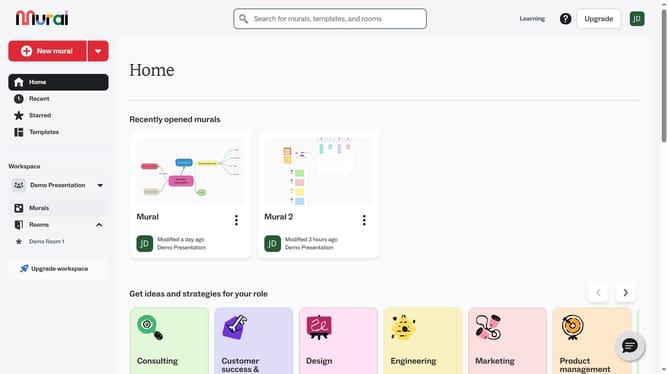
How to add a central topic in a mind map in Mural
Here is how to add a central topic in a mind map in mural
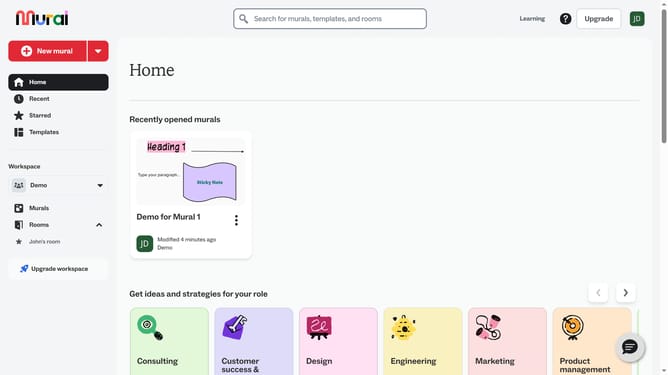
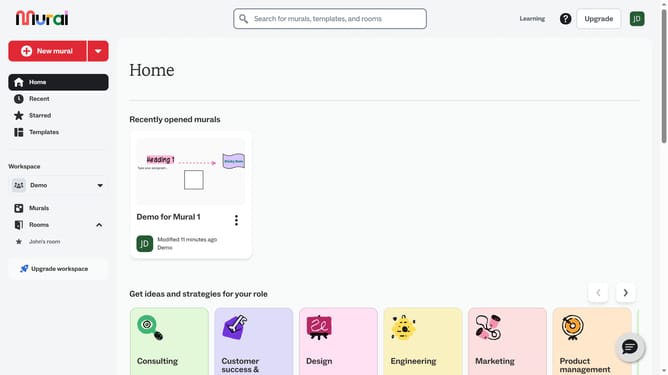
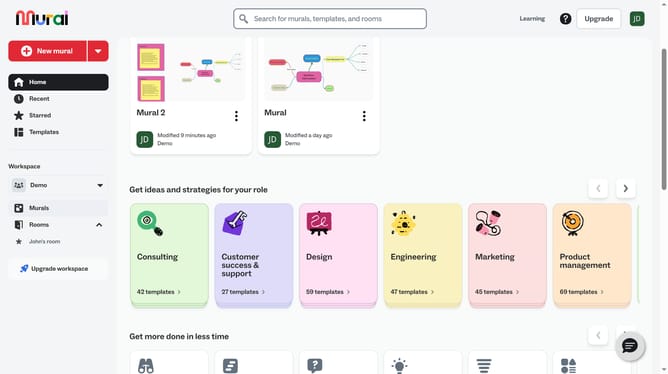
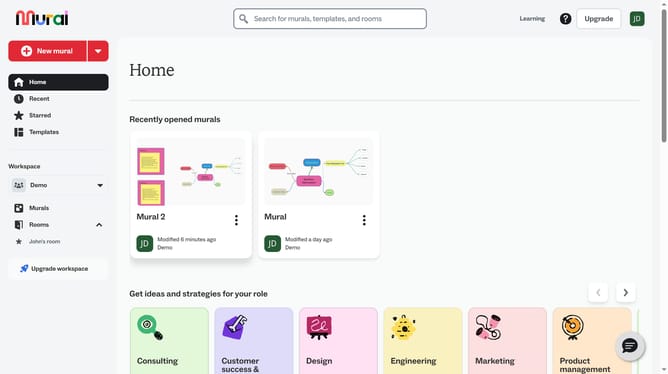
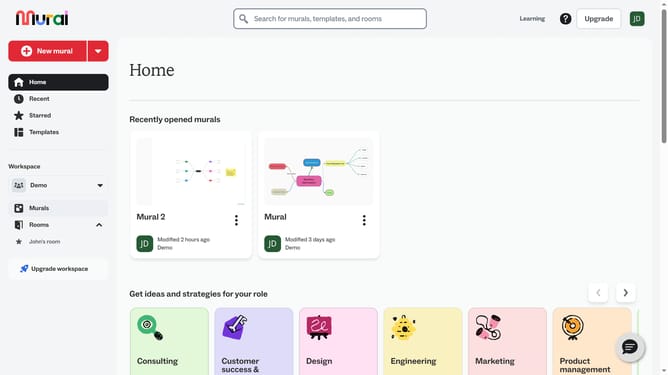
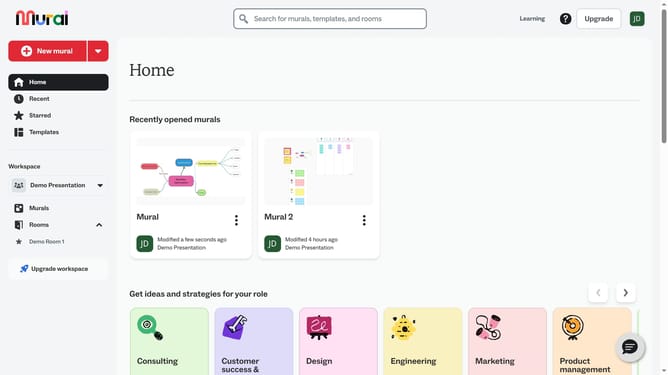
- First click on the "Murals" item in the left sidebar under the Workspace section
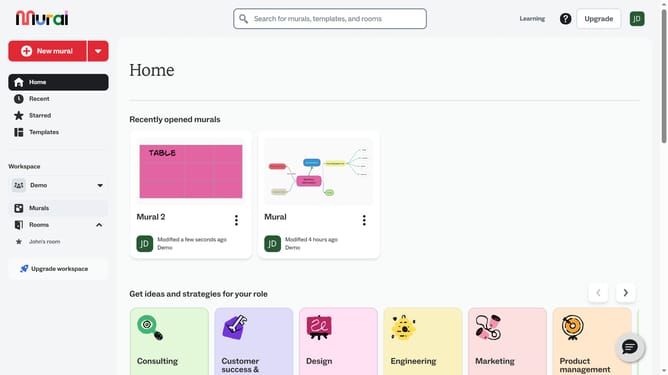
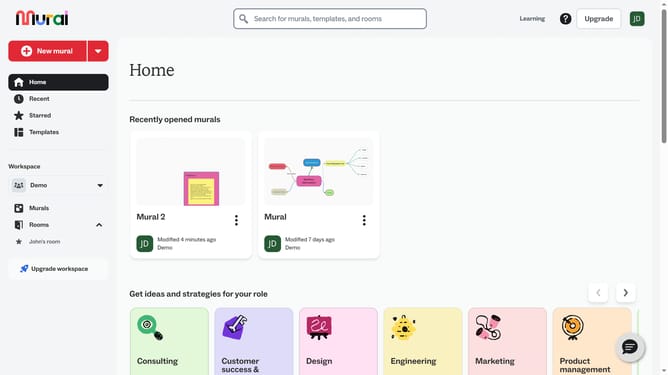
- Then click on the Mural card in the murals section to open it
- Next click on the text box in the middle of the mind map and enter your central topic
- Finally click outside the mind map to save text
Why should you add a central topic in a mind map in Mural
Mural is an innovative digital workspace designed to enhance collaborative creativity and brainstorming.
Adding a central topic in a mind map within Mural enables you to create a focal point for organizing ideas. This feature helps in quickly structuring thoughts and identifying key concepts, laying the groundwork for an effective brainstorming session.
Leveraging this feature allows teams to visually capture complex ideas with ease, improving clarity and fostering productive discussions. It serves as a foundation for greater collaboration and innovation within any project.
Last update