Mural
Mural is a visual collaboration platform for brainstorming, planning, and running remote workshops on a shared canvas.
Website
Industry
Design
Share this article:

How to add image from your computer in Mural

Here is how to add image from your computer in mural

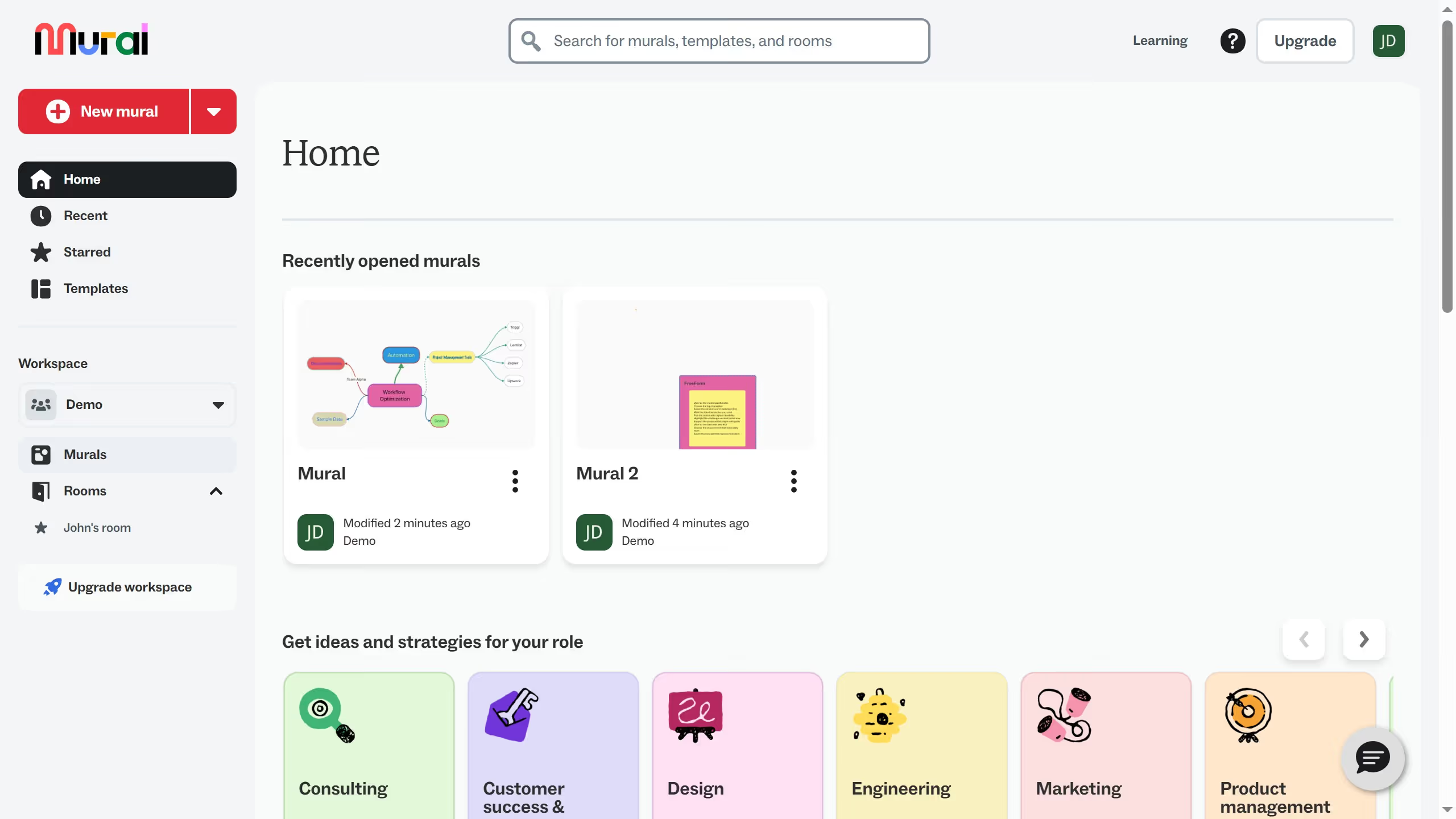
  1. First click on "Murals" in the left sidebar navigation
  2. Then click on the mural filename that you want to manage to open it
  3. Next click on the "Import" button in the left toolbar
  4. Then click on "Your computer" option in the Import panel and select a file from your computer drive
  5. Finally click on the canvas area to move and place the imported content

Create your own interactive guide with Guideflow

Why should you add image from your computer in Mural

Mural is an innovative digital workspace designed to unlock creativity and enhance team collaboration.

One of its standout features is the ability to easily add images from your computer. This functionality allows users to personalize their workspace, making brainstorming sessions or project planning more visually engaging and effective.

By incorporating images, you can communicate ideas more clearly, enhance understanding, and spark inspiration, fostering a more dynamic and productive environment for all participants.

Overall, this feature creates a visually stimulating and collaborative experience that can lead to improved outcomes and more enjoyable teamwork.

Last update
March 16, 2026
Cursor MariaA cursor points to a button labeled "James."

Create your first demo in less than 30 seconds.