How to add an image in Mural
Here is how to add an image in mural
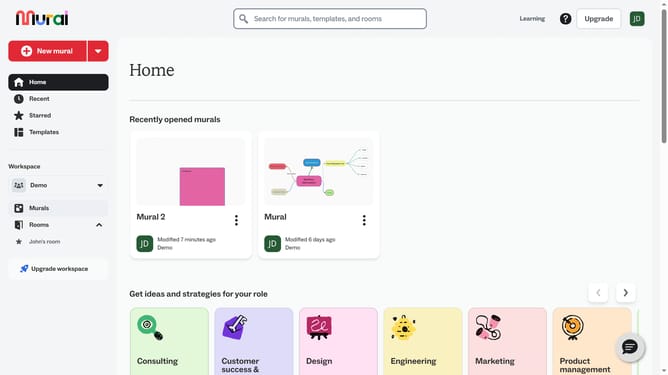
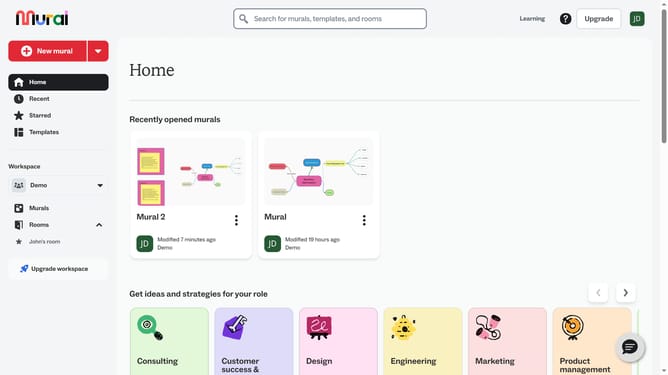
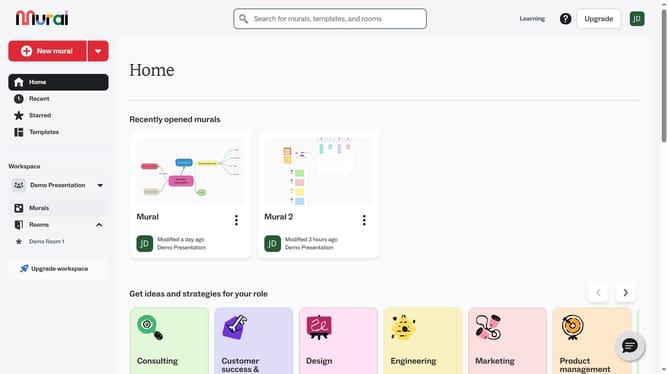
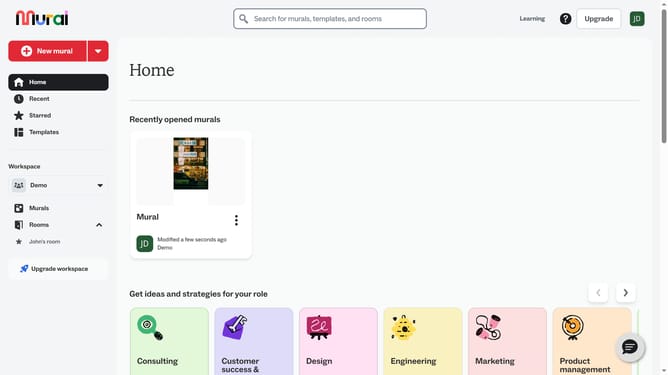
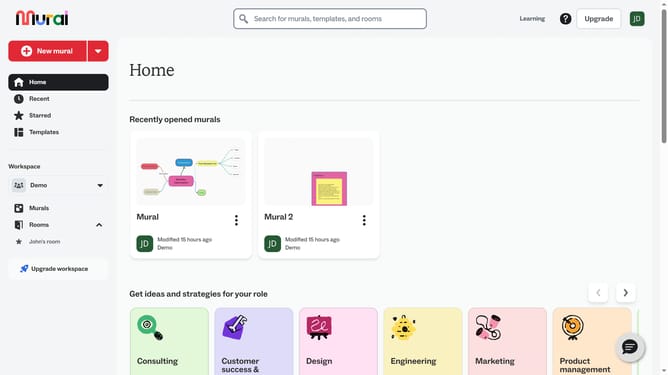
- First click on the "Murals" item in the left sidebar navigation menu
- Then click on the mural name to open it
- Next click on the "Images" button in the left toolbar
- Then click on the "Images" tab in the images panel
- Finally click on an image thumbnail to preview it in the main canvas area
Why should you add an image in Mural
Mural is a digital workspace designed to boost collaboration and creativity for teams and individuals alike.
Adding an image in Mural allows users to enhance their visual storytelling, making brainstorming sessions more vibrant and ideas clearer.
Incorporating images not only captures attention but also aids in better comprehension and retention of information.
This simple feature promotes dynamic interaction, turning abstract concepts into tangible visuals, ultimately facilitating more engaging and productive meetings.
Last update