How to add mind maps in Mural
Here is how to add mind maps in mural
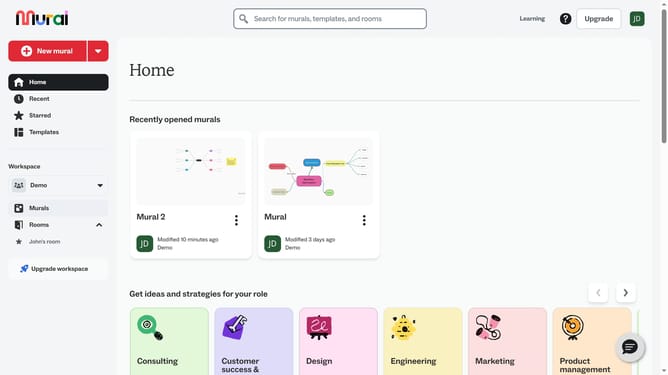
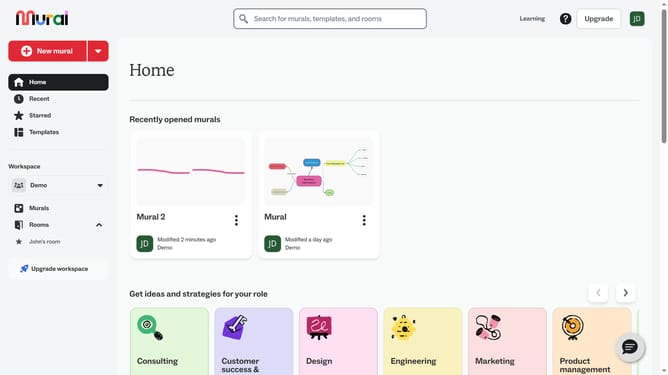
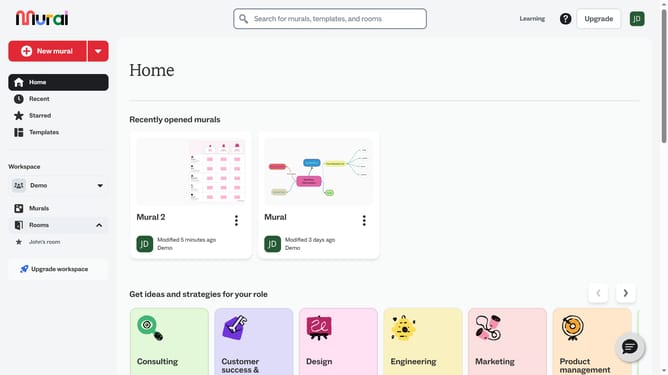
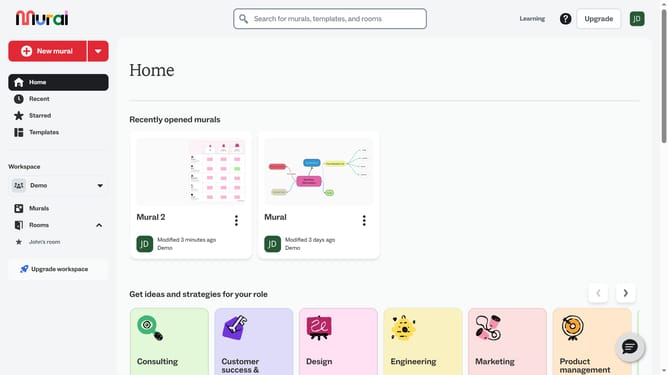
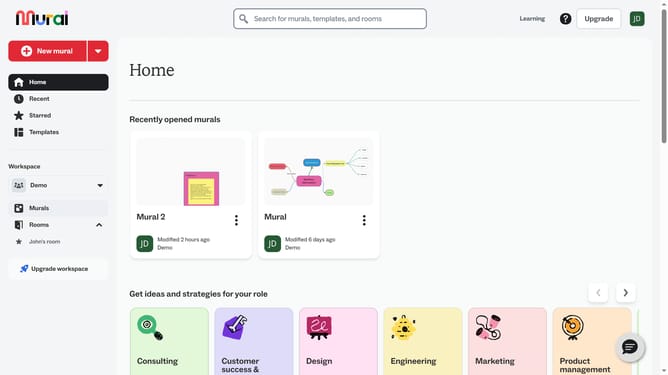
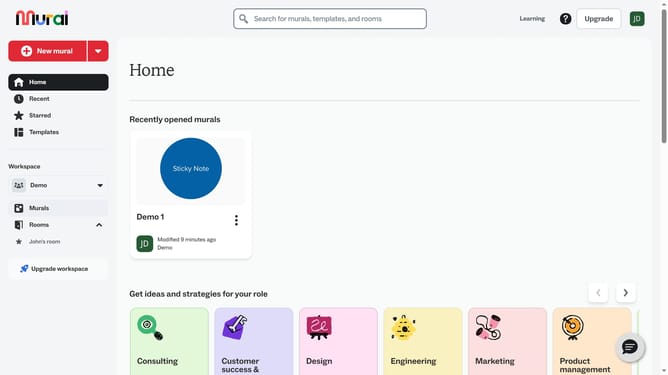
- First click on the "Murals" item in the left sidebar under the Workspace section
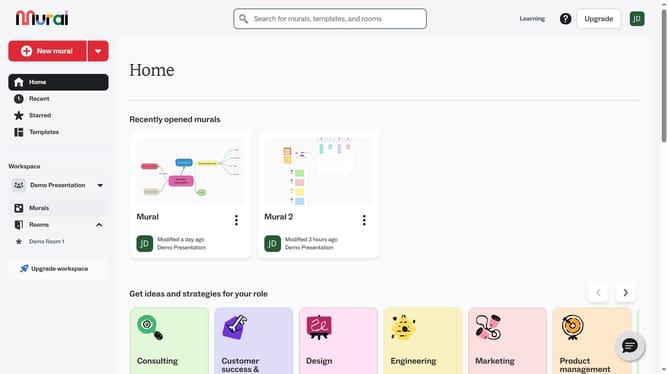
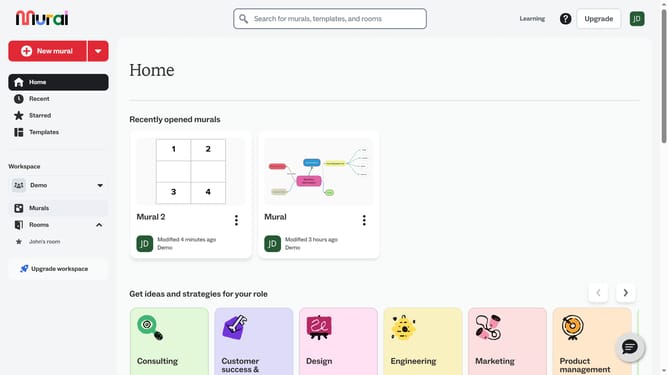
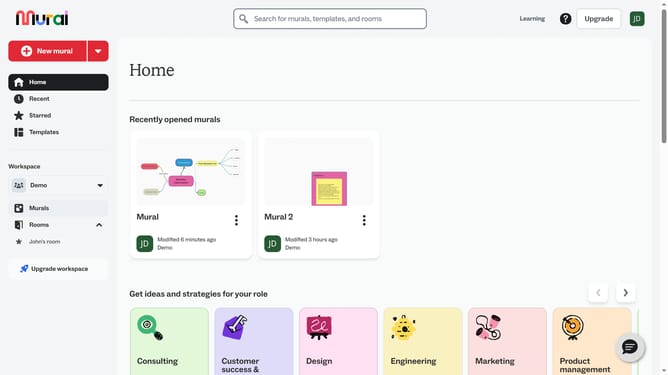
- Then click on the "Mural" card in the Recently opened murals section to open it
- Finally click on the "Mind maps" tool icon in the left toolbar
Why should you add mind maps in Mural
Mural is a digital workspace designed to foster collaboration and creativity in real-time.
Adding mind maps in Mural is a powerful way to organize thoughts visually and create structured outlines intuitively.
With mind maps, teams can brainstorm ideas, visualize plans, and connect concepts effectively, leading to enhanced understanding and innovation.
This feature allows for a streamlined approach to thought organization, enabling clearer communication and fostering a culture of creative problem-solving within any team.
Last update