How to format table text in Mural
Here is how to format table text in mural
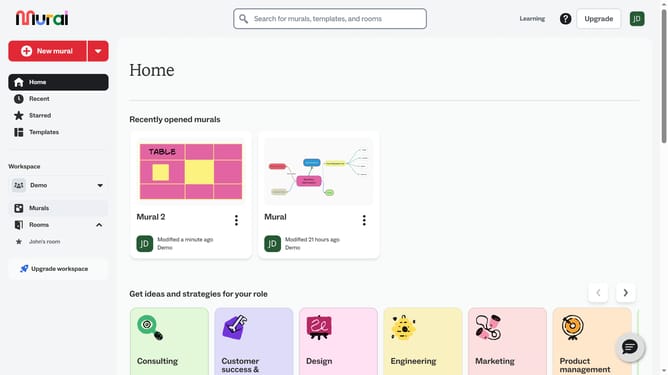
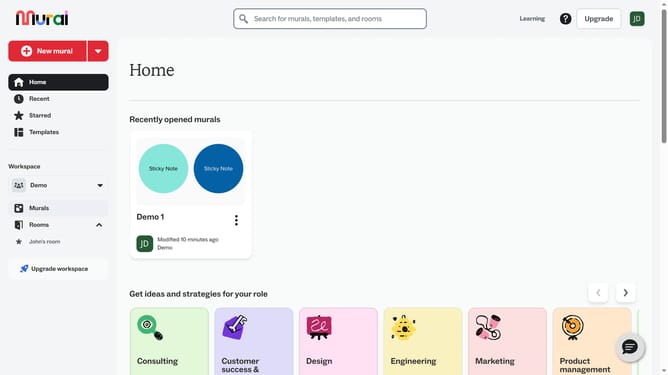
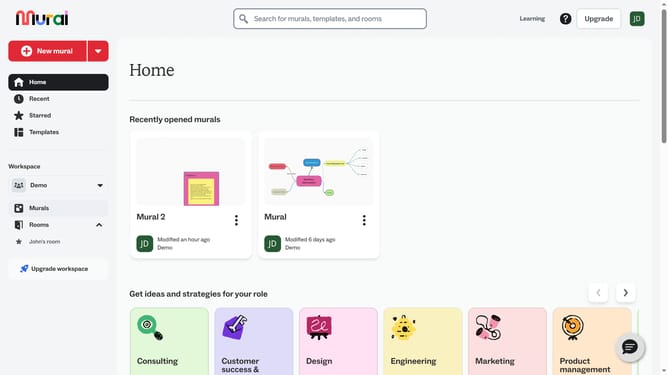
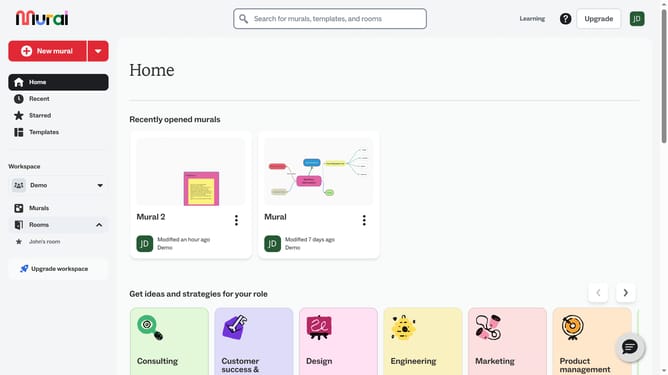
- First click on the "Murals" item in the left sidebar
- Then click on the mural that you want to manage to open it
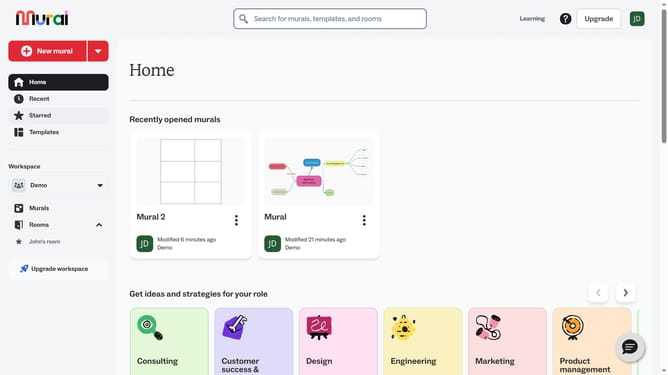
- Then click on the text element labeled "Table" in the first cell of the table
- Double-click inside the cell to start editing and use the text formatting options in the top toolbar
- Double-click inside the cell to start editing
- Then click on the font dropdown menu
- Finally click on the font option in the dropdown menu
Why should you format table text in Mural
Mural is a dynamic digital workspace designed to enhance visual collaboration and idea sharing across teams.
One standout feature of Mural is its ability to format table text effectively. This functionality allows users to customize the appearance of their texts within tables, improving readability and organization. Whether you're emphasizing key data points or creating differentiated sections, formatting gives structure to your visual ideas.
Using text formatting in tables not only ensures clarity but also enhances engagement during collaborative sessions, making it easier to synthesize and communicate complex information.
Last update