Mural
Mural is a visual collaboration platform for brainstorming, planning, and running remote workshops on a shared canvas.
Website
Industry
Design
Share this article:

How to change timer sound in Mural

Here is how to change timer sound in mural

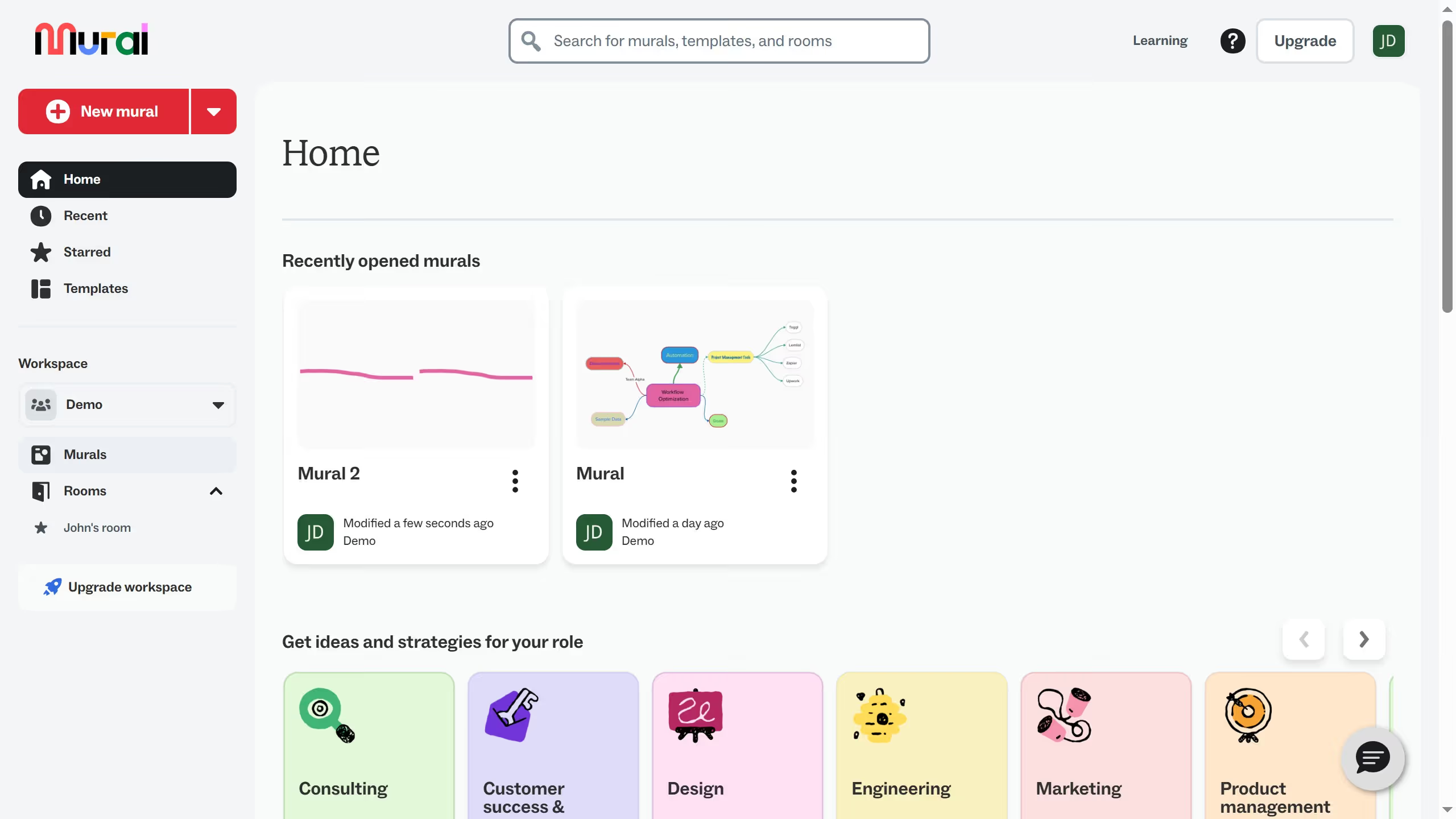
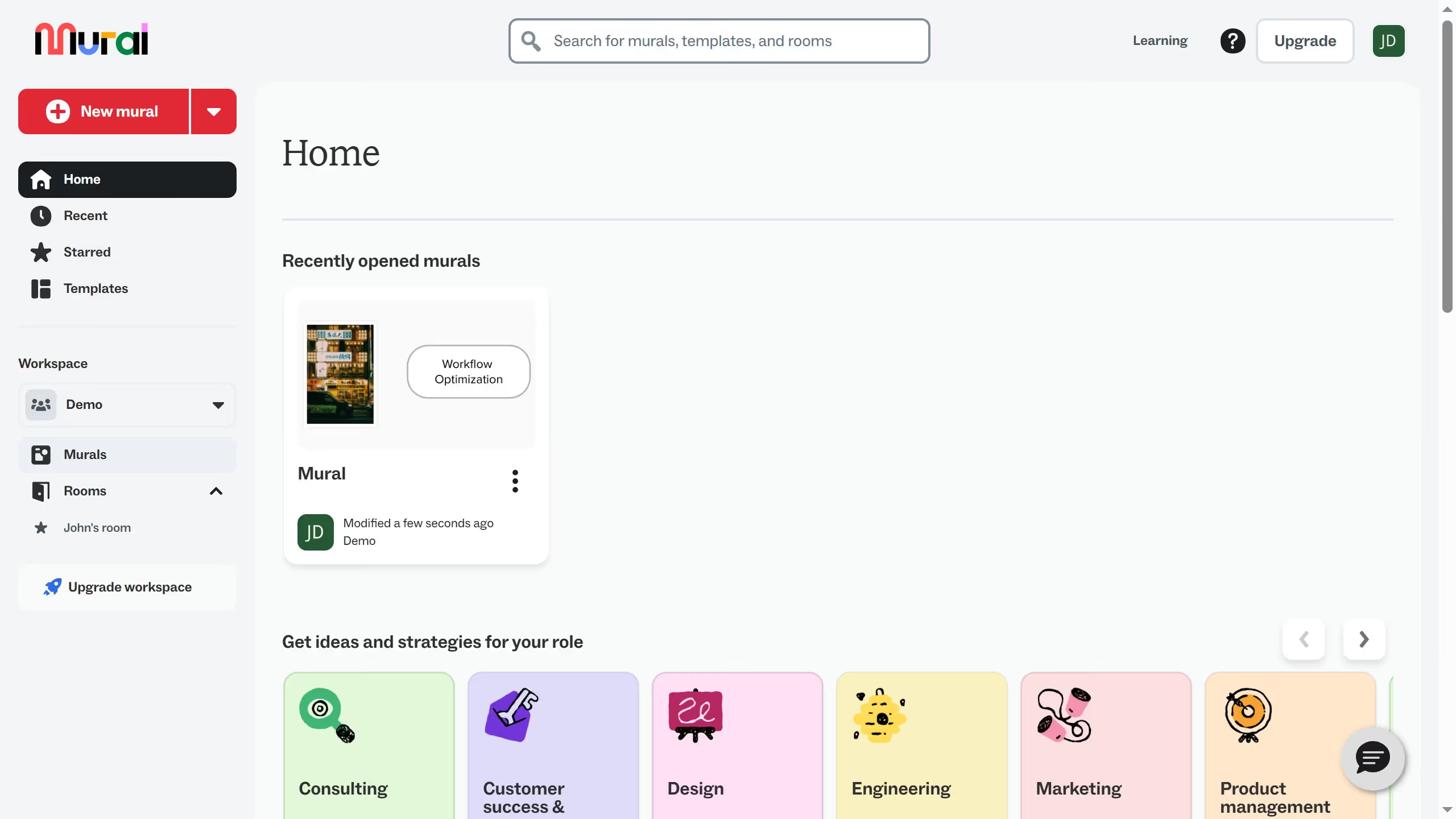
  1. First click on the "Murals" section in the left sidebar to view all murals
  2. Then click on the mural that you want to manage to open it
  3. Next click on the "Facilitate" button in the top toolbar to access facilitation options
  4. Then click on the "Timer" option from the facilitation dropdown menu
  5. Next click on the "Sound" dropdown in the timer settings panel
  6. Finally select a sound option from the sound dropdown menu

Create your own interactive guide with Guideflow

Why should you change timer sound in Mural

Mural is a digital platform designed to enhance team collaboration and streamline creative workflows.

A noteworthy feature of Mural is the ability to change the timer sound. This can be particularly beneficial in settings where teams rely on time management to drive productivity and ensure timely decision-making.

Changing the timer sound allows for a personalized touch, helping avoid monotony and maintaining team engagement. By customizing this feature, users can create an environment that's both energizing and conducive to focus, supporting an efficient collaborative experience.

Last update
March 13, 2026
Cursor MariaA cursor points to a button labeled "James."

Create your first demo in less than 30 seconds.