Mural
Mural is a visual collaboration platform for brainstorming, planning, and running remote workshops on a shared canvas.
Website
Industry
Design
Share this article:

How to open help center in Mural

Here is how to open help center in mural

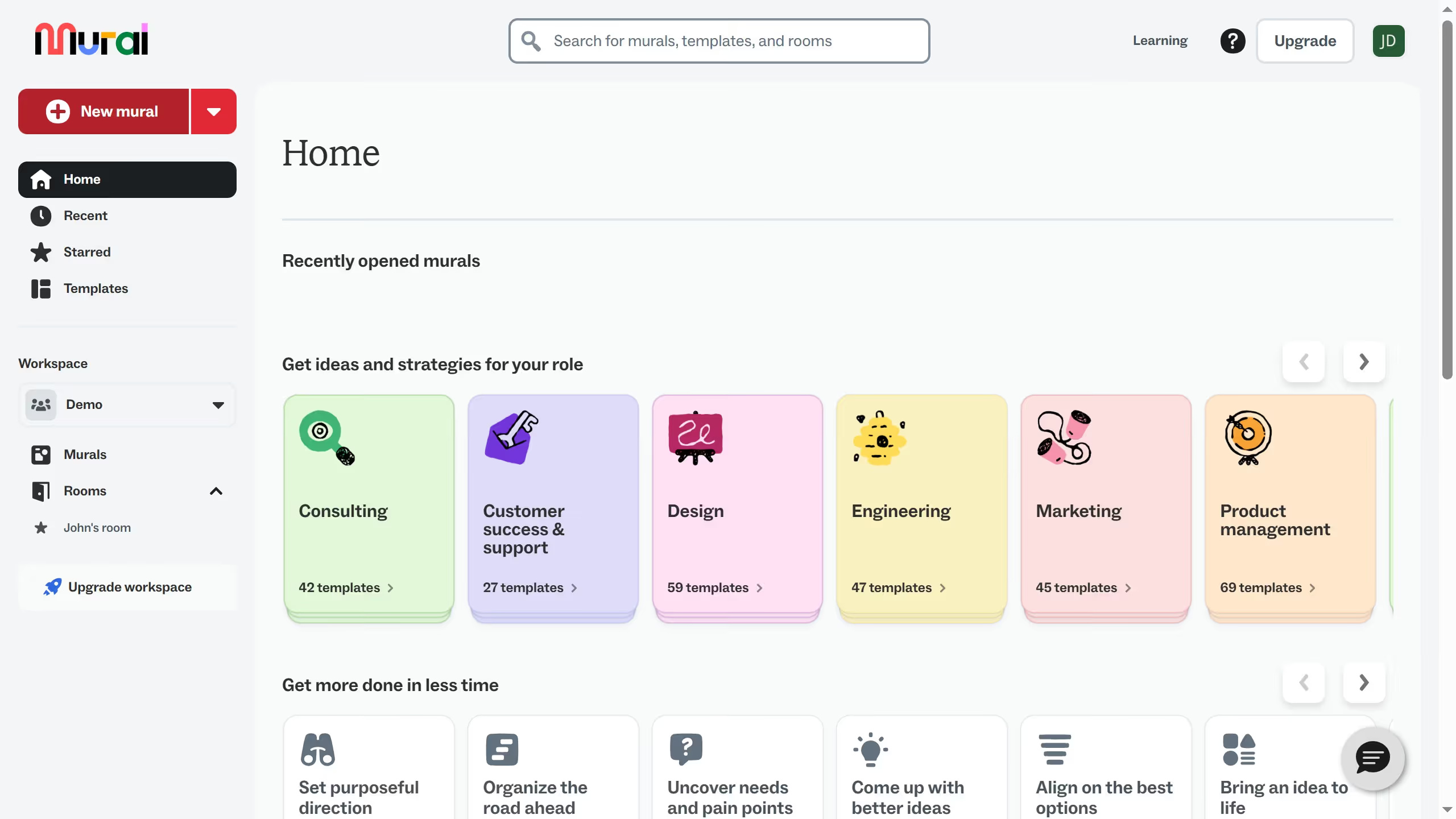
  1. First click on the "Murals" option in the left sidebar to view all murals
  2. Then click on the mural filename that you want to manage to open it
  3. Next click on the lightning bolt icon in the top toolbar to access quick actions
  4. Then click on the "Learn" tab in the quick actions menu
  5. Next click on the "Open help center" option from the Learn menu
  6. Finally click on one of the help center category cards on the help page

Create your own interactive guide with Guideflow

Why should you open help center in Mural

Mural is an innovative platform that empowers teams to collaborate visually and brainstorm ideas effectively.

When exploring Mural, users can easily access the help center. This valuable feature serves as a comprehensive informational resource hub designed to enhance the user experience.

Utilizing the help center enables users to quickly resolve challenges, learn best practices, and optimize their collaborative efforts on the platform.

Accessing this resource not only boosts productivity but also fosters a more seamless and enjoyable user experience.

Last update
March 13, 2026
Cursor MariaA cursor points to a button labeled "James."

Create your first demo in less than 30 seconds.