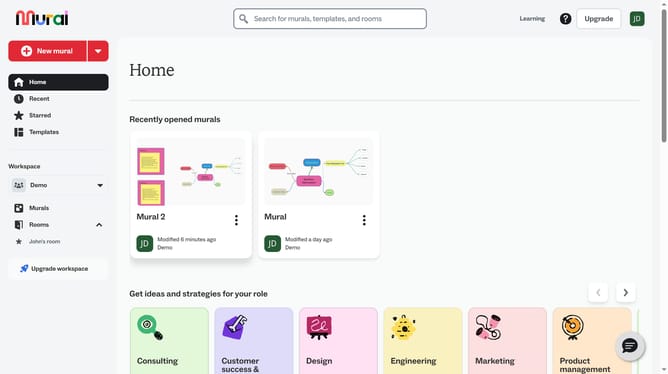
How to use the marker tool in Mural
Here is how to use the marker tool in mural
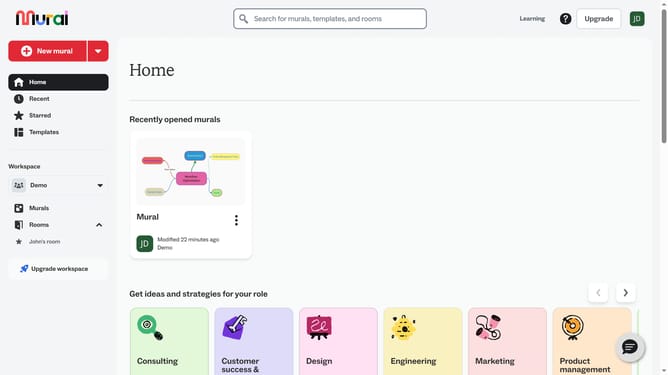
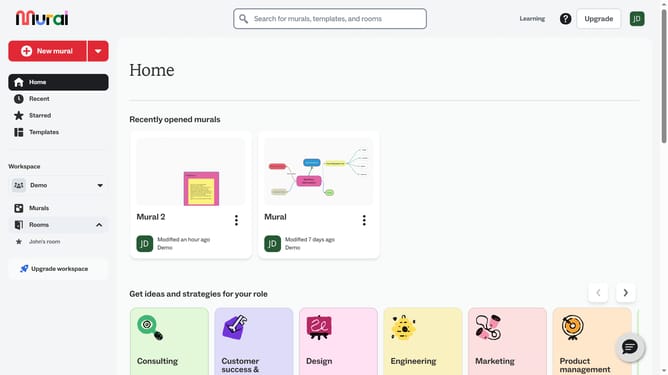
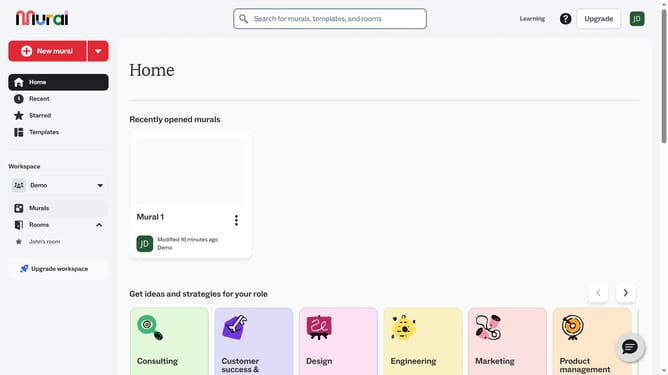
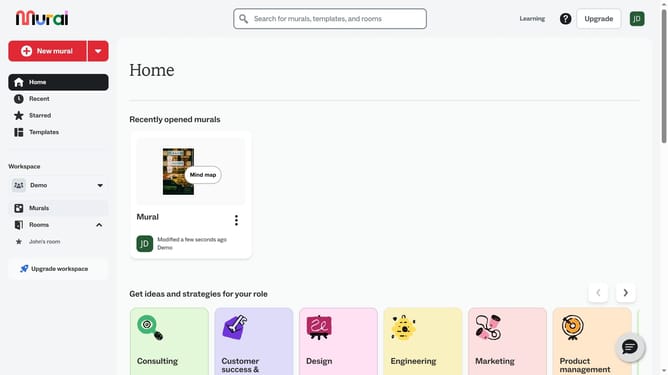
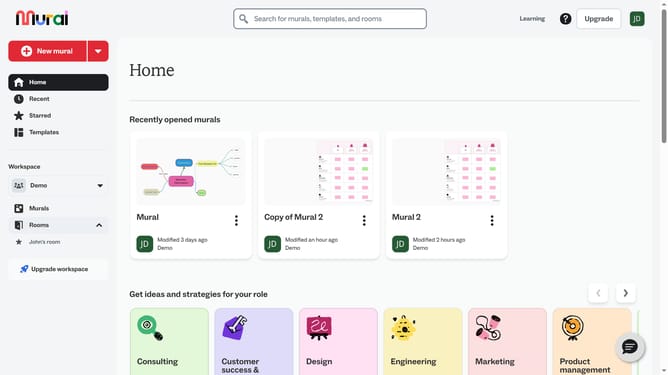
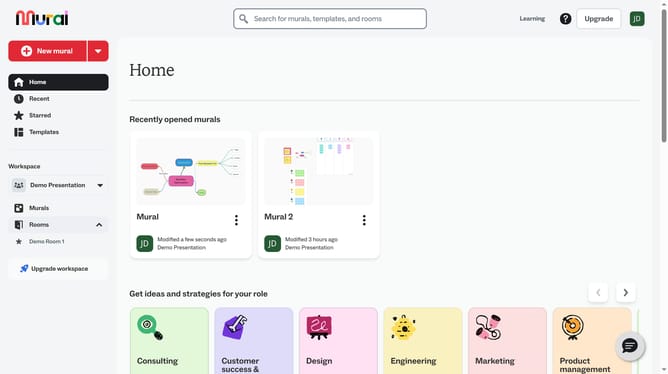
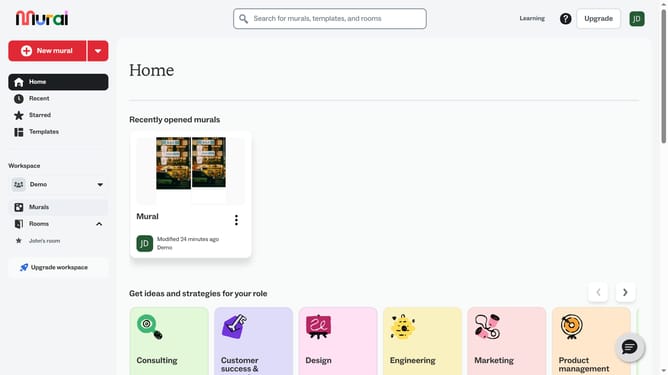
- First click on the "Murals" item in the left sidebar navigation menu
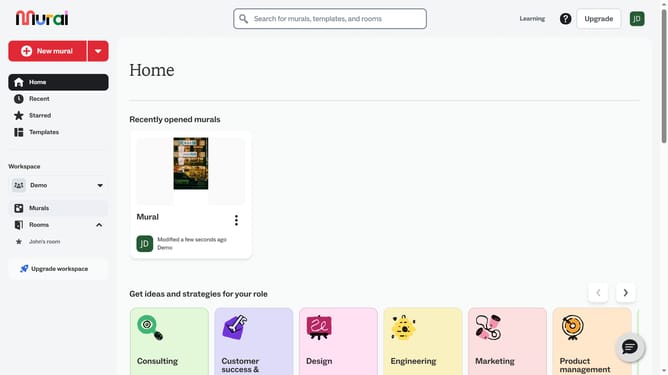
- Then click on the mural that you want to manage to open it
- Next click on the drawing tool icon in the left toolbar to activate drawing mode
- Then click on the "Marker" tool option in the drawing toolbar at the top and drag on the canvas to draw freehand and release the mouse to finish drawing
- Finally click on the "Done drawing" button in the top toolbar to complete the drawing
Why should you use the marker tool in Mural
Mural is an intuitive digital workspace designed for visual collaboration and team brainstorming.
The marker tool in Mural empowers users to emphasize ideas, draw connections, and clarify concepts quickly. This feature allows for dynamic input and enhances interaction, making your visual presentations more engaging.
Using the marker tool can boost creativity and communication within teams. It provides an expressive outlet for thoughts, making complex information easily accessible and understandable for everyone involved.
Last update