How to delete images in Mural
Here is how to delete images in mural
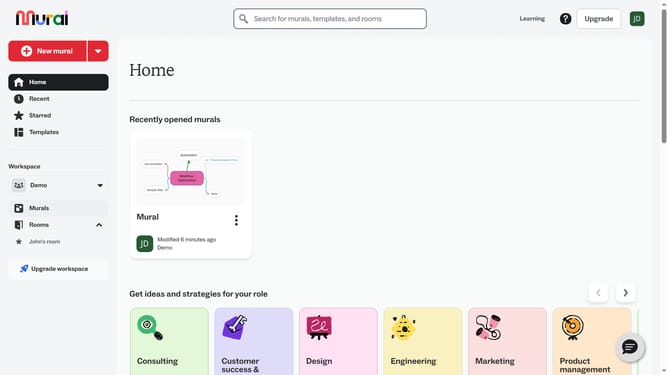
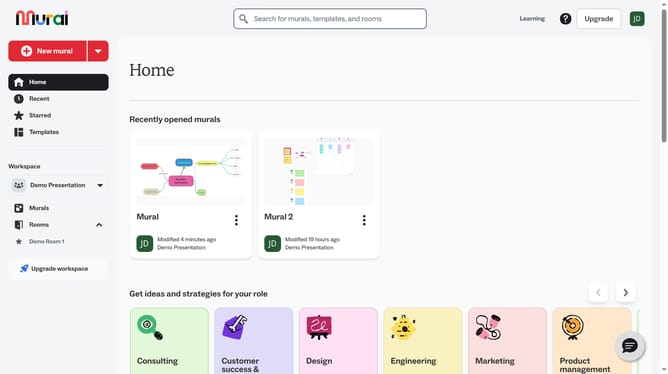
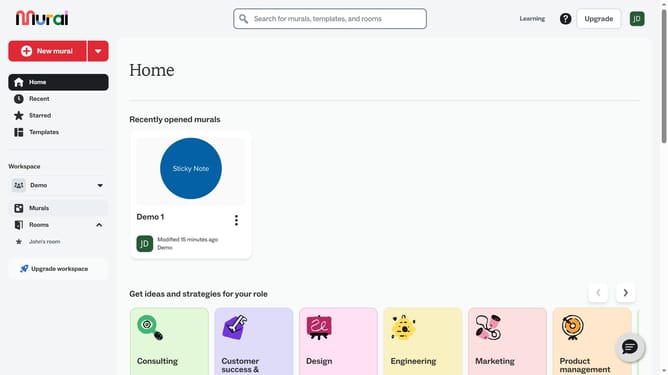
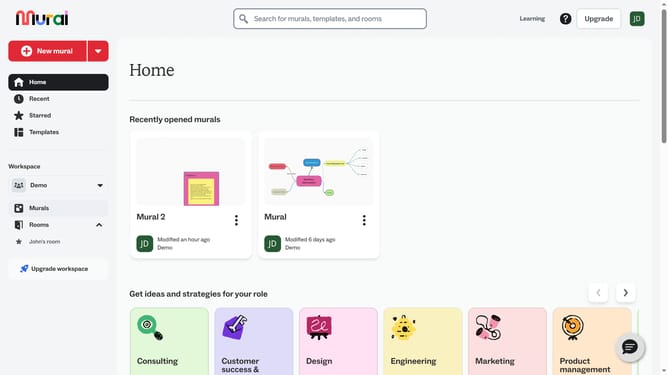
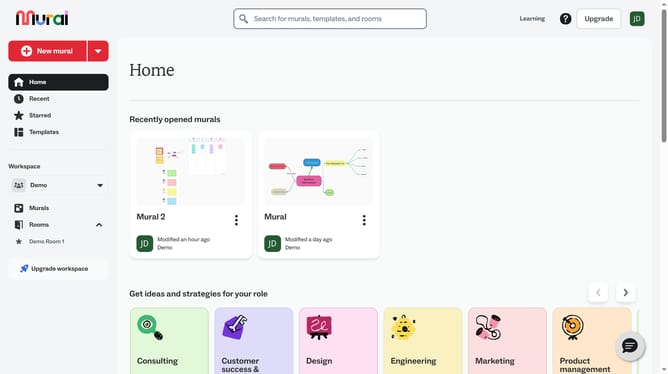
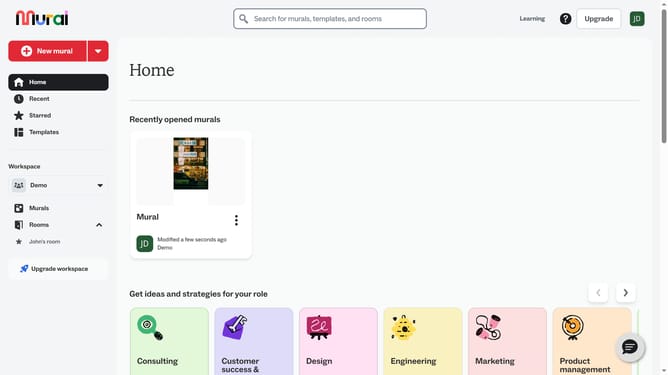
- First click on the "Murals" item in the left sidebar under the Workspace section
- Then click on the "Mural" card in the murals section to open it
- Next click on the image element in the panel of the mural to select it
- Then right-click on the selected image to open the context menu
- Finally click on the "Delete" option at the bottom of the context menu
Why should you delete images in Mural
Mural is an innovative digital collaboration platform designed to enhance creativity and teamwork.
The ability to delete images in Mural is a user-friendly feature that empowers users to maintain their workspace's clarity and relevance.
Removing unnecessary images streamlines the visual flow, fostering a more organized brainstorming environment.
This feature not only refines the presentation but also ensures that the collaborative space remains focused and efficient, optimizing team productivity.
Last update