How to add border on sticky notes in Mural
Here is how to add border on sticky notes in mural
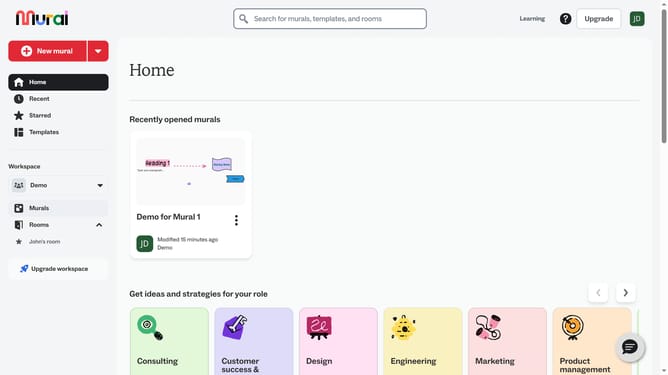
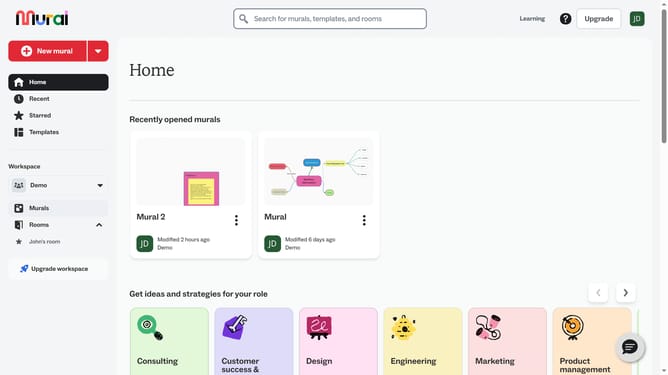
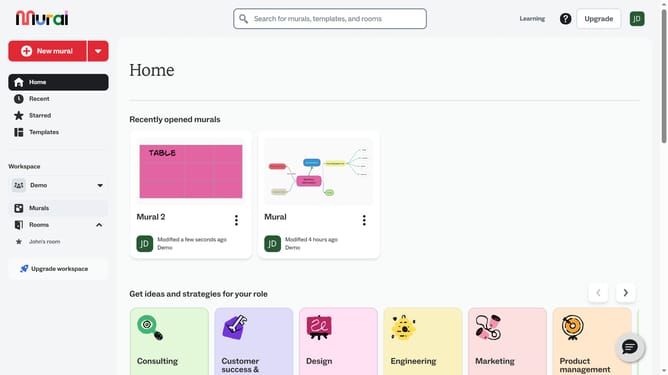
- First click on the "Murals" option in the left sidebar under the Workspace section
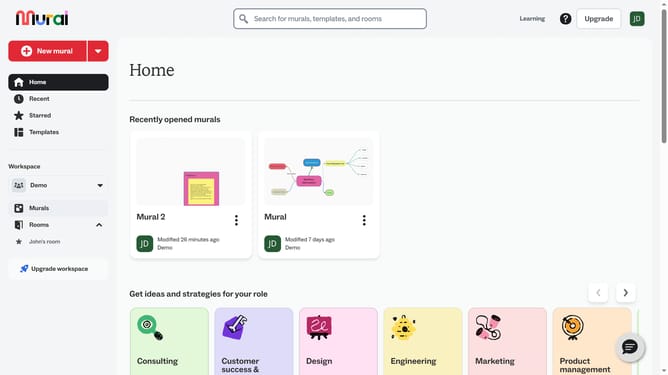
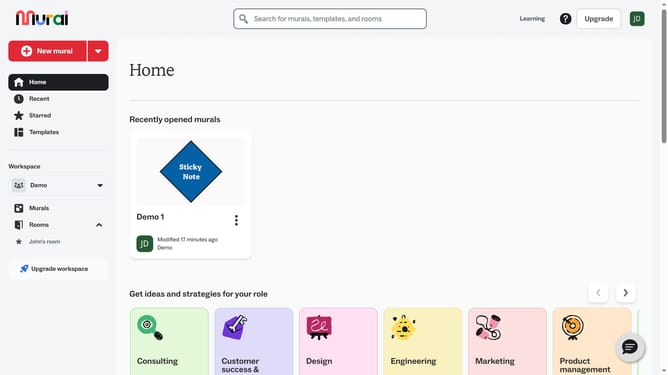
- Open the mural card where your sticky note is located
- Open the mural card where your sticky note is located
- Finally click on the "Border" button in the top toolbar to modify the selected element
Why should you add border on sticky notes in Mural
Mural is a dynamic digital workspace designed for visual collaboration and innovation.
Adding a border to sticky notes in Mural is a simple yet impactful feature that enhances visual clarity and organization. This functionality allows users to make specific notes stand out, making them easier to locate and prioritize within a collaborative session.
Utilizing borders can significantly improve team communication by drawing attention to key ideas or action points. Ultimately, this leads to more efficient meetings and clearer project goals.
Last update