How to transfer infinite canvas template ownership in Mural
Here is how to transfer infinite canvas template ownership in mural
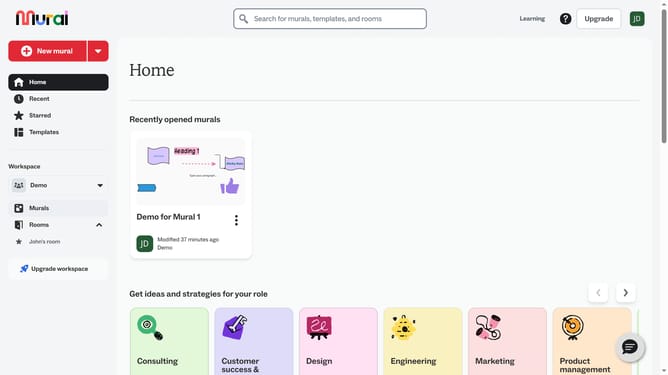
- First click on "Templates" in the sidebar menu
- Then click on the template options menu button
- Next click on "Transfer ownership" option from the dropdown menu
- Then click on the "New template owner" search field
- Next select email from the dropdown list
- Finally click on "Transfer ownership" button to confirm
Why should you transfer infinite canvas template ownership in Mural
Mural is a dynamic digital workspace designed to boost creativity and collaboration in teams.
Transferring infinite canvas template ownership in Mural ensures continuity and ease within collaborative projects.
This feature allows for seamless transitions, enabling new owners to manage templates effortlessly without disrupting team workflow.
With ownership transfer, teams enjoy the benefit of maintaining up-to-date content, streamlining communication, and fostering a more organized and efficient creative process.
Last update