How to crop GIFs in Mural
Here is how to crop gifs in mural
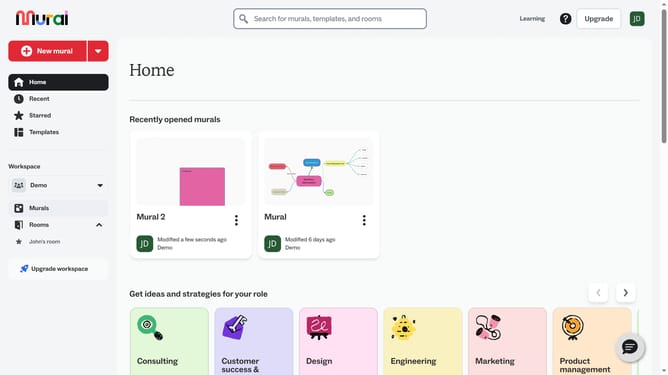
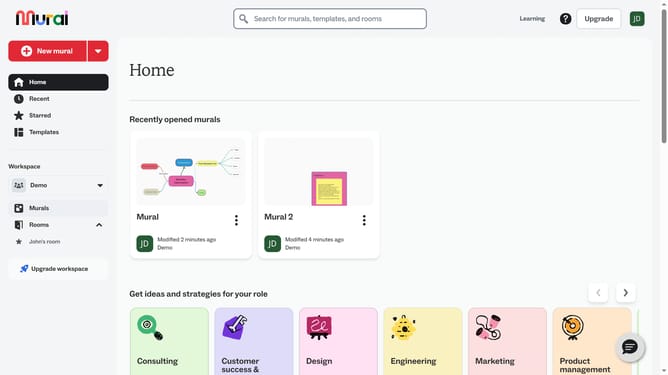
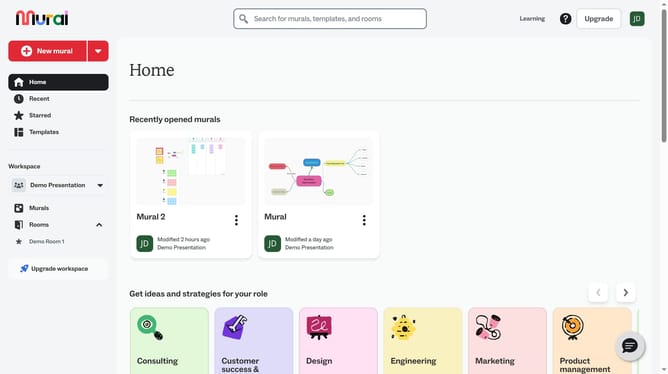
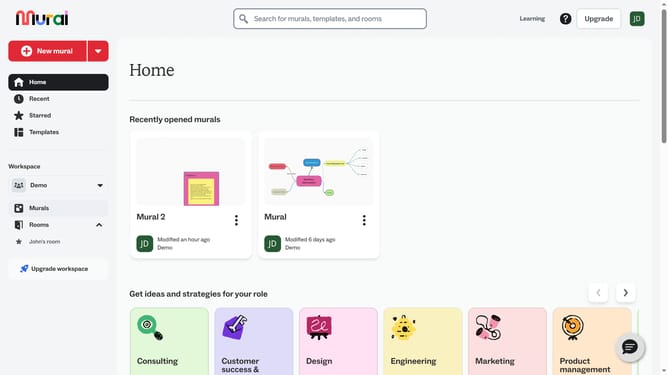
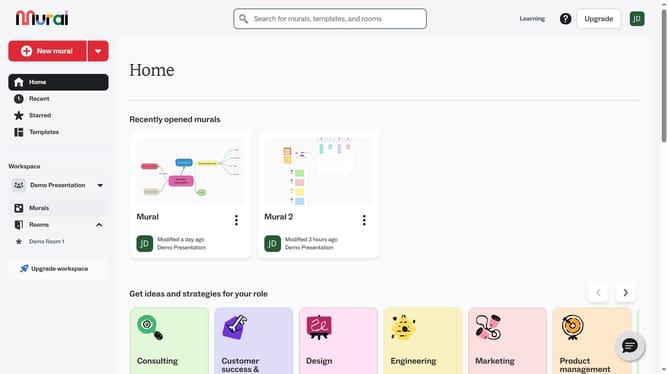
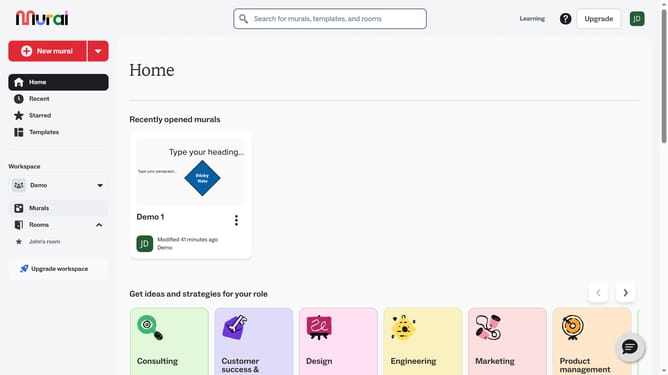
- First click on the "Murals" item in the left sidebar under the Workspace section
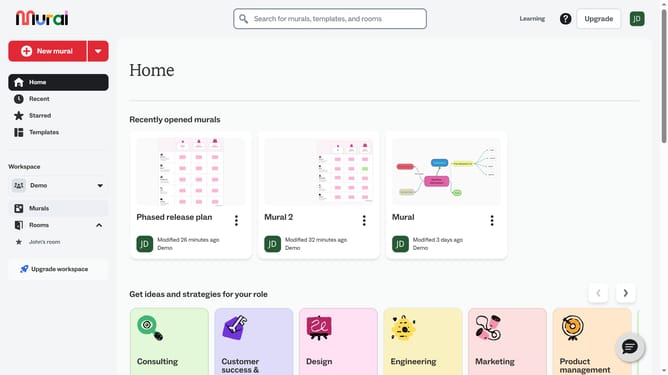
- Then click on the mural that you want to open
- Then click on the image that you want to crop
- Then drag to create a crop selection area on the canvas
- Then drag to create a crop selection area on the canvas
- Finally click outside the cropped area to deselect and view the result
Why should you crop GIFs in Mural
Mural is a digital workspace designed to enhance team collaboration and brainstorming.
A standout feature of Mural is its ability to effortlessly crop GIFs, powering users to tailor visual storytelling with precision.
This feature supports better focus on relevant parts of animations, enhancing communication in presentations or collaborative sessions.
By trimming GIFs, users can eliminate distractions, making their visual content more impactful and engaging for all participants.
Last update