Mural
Mural is a visual collaboration platform for brainstorming, planning, and running remote workshops on a shared canvas.
Website
Industry
Design
Share this article:

How to resize an area in Mural

Here is how to resize an area in mural

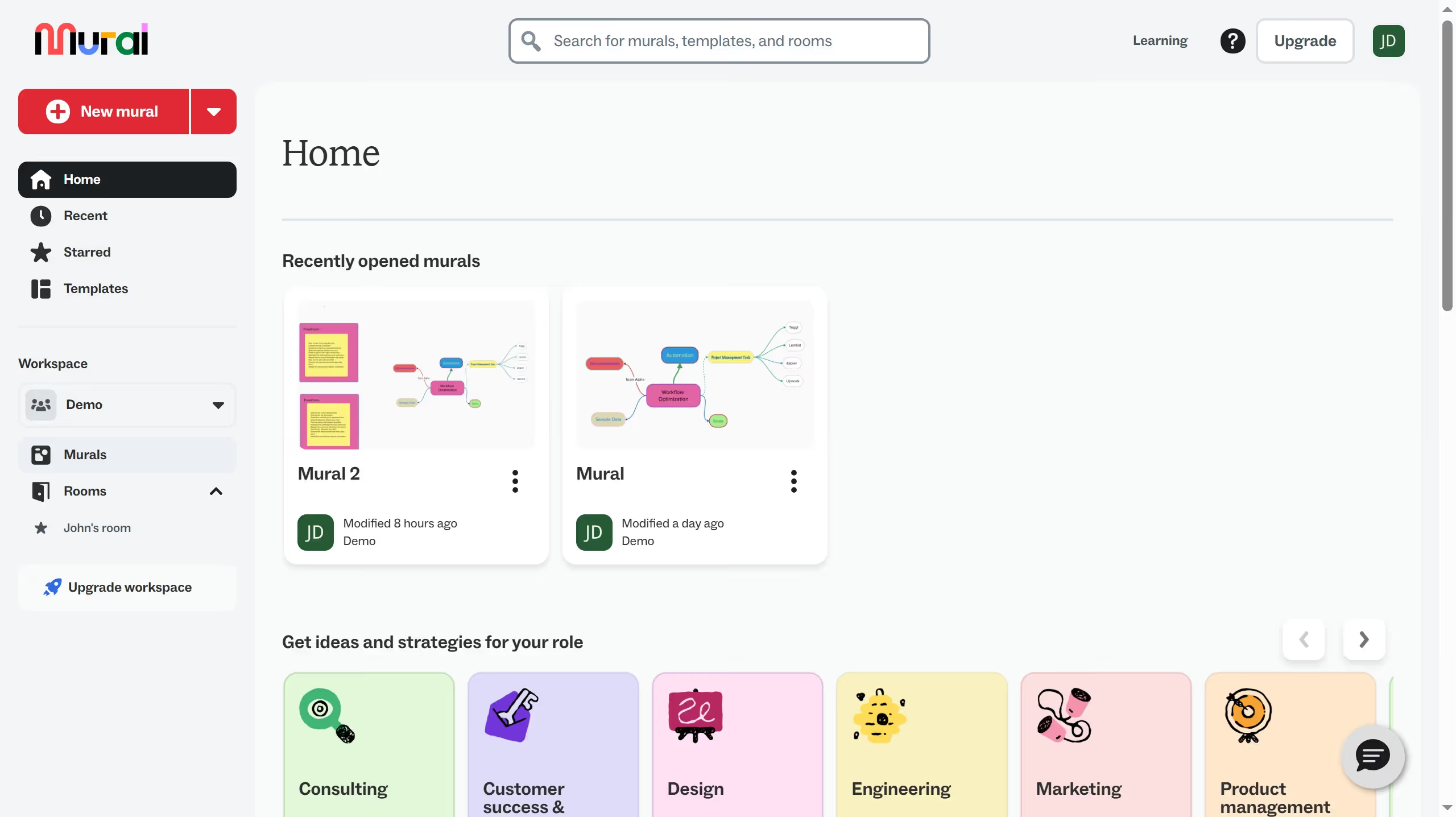
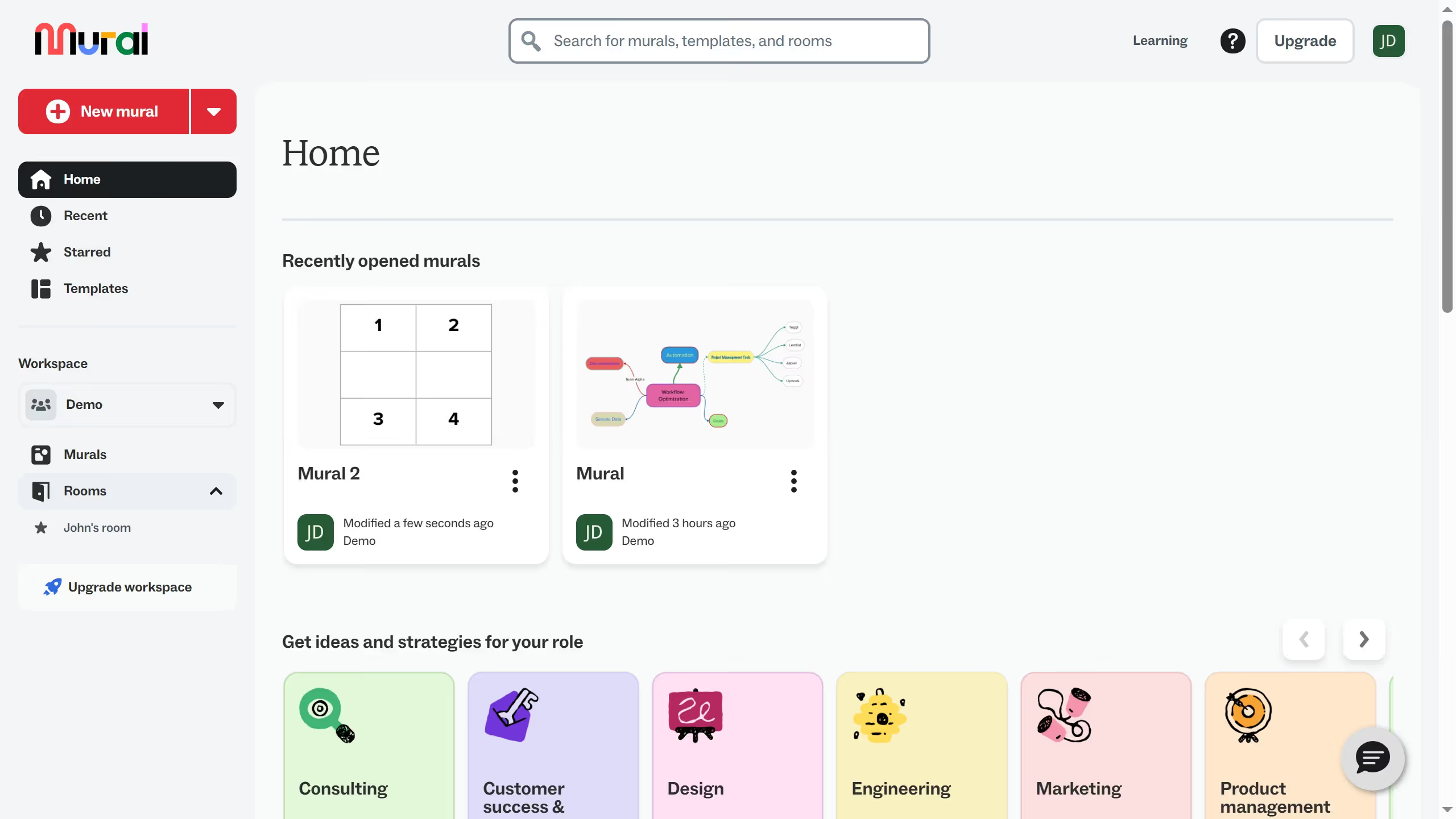
  1. First click on "Murals" in the sidebar to view all murals in the workspace
  2. Then click on the mural that you want to manage to open it
  3. Next click on the border area of the freeform element on the canvas to select it
  4. Finally click and drag any corner or edge handle of the area and release the mouse button to resize the area

Create your own interactive guide with Guideflow

Why should you resize an area in Mural

Mural is a dynamic digital workspace designed to boost collaboration and creativity.

One of Mural's standout features is the ability to resize areas, offering flexibility to adapt your workspace according to the needs of your project.

By resizing areas, you can efficiently organize different sections to enhance focus and maintain a seamless workflow.

This feature is particularly beneficial for brainstorming sessions where space management can dramatically improve clarity and productivity, empowering teams to achieve more.

Last update
March 13, 2026
Cursor MariaA cursor points to a button labeled "James."

Create your first demo in less than 30 seconds.