How to delete a branch in a mind map in Mural
Here is how to delete a branch in a mind map in mural
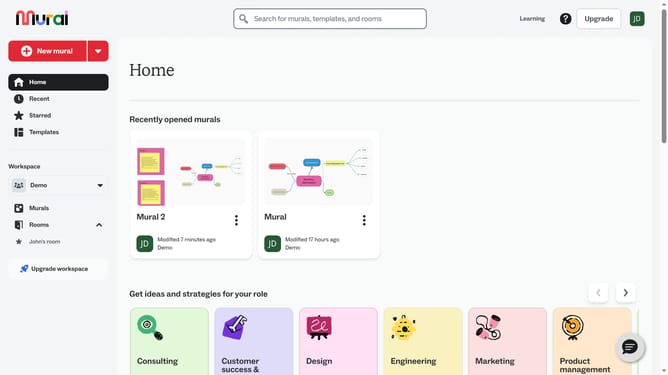
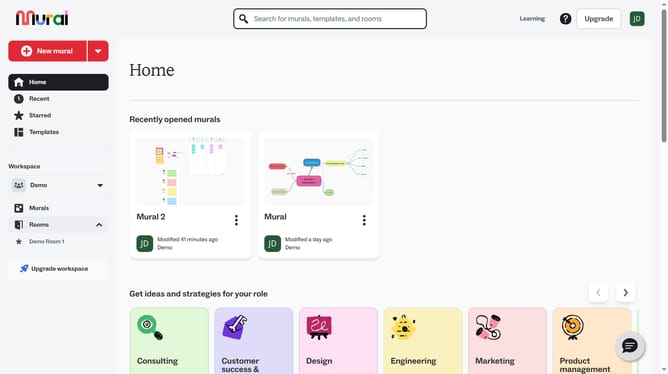
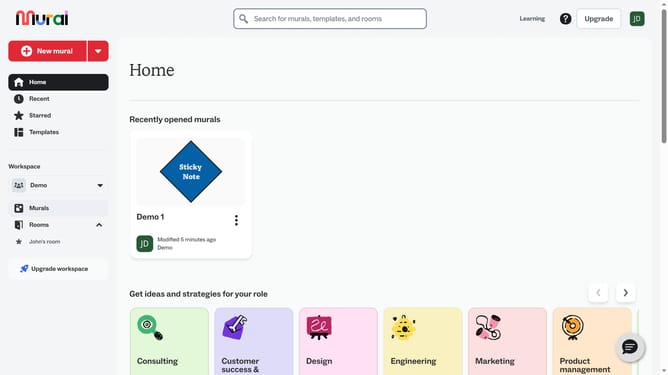
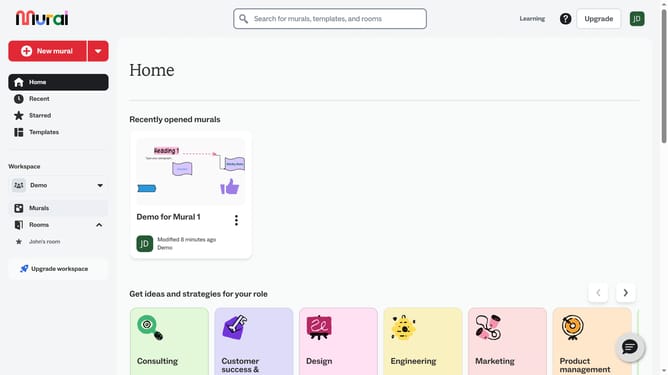
- First click on the "Murals" item in the left sidebar under the Workspace section
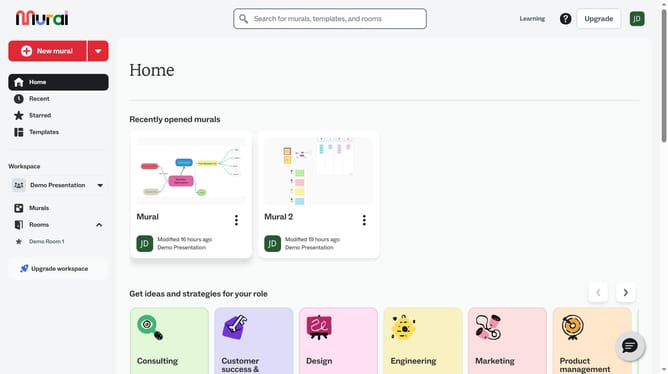
- Then click on the Mural card name in murals section to open it
- Next click on the text box element in the canvas area
- Then right-click on the text box to open the context menu
- Finally click on the "Delete" button in the context menu to remove the element
Why should you delete a branch in a mind map in Mural
Mural is a dynamic online workspace designed to enhance collaborative brainstorming and visual thinking.
Deleting a branch in a mind map within Mural is straightforward and enhances productivity by allowing users to refine their ideas seamlessly. This feature encourages clear visualization by enabling the removal of unnecessary or outdated concepts, streamlining the entire mind map.
Using this function helps teams stay focused on relevant topics, leading to quicker decision-making and more organized project planning.
Last update