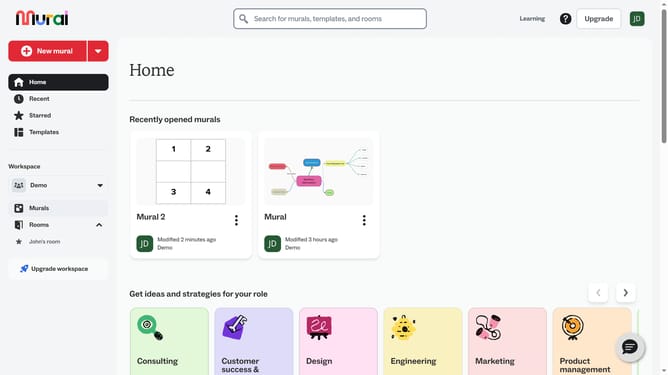
How to add paragraph text box in Mural
Here is how to add paragraph text box in mural
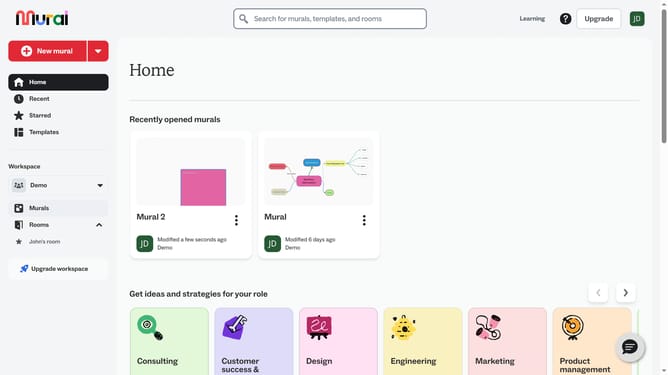
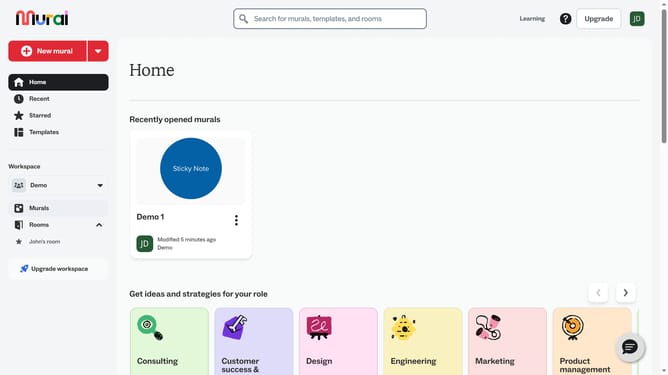
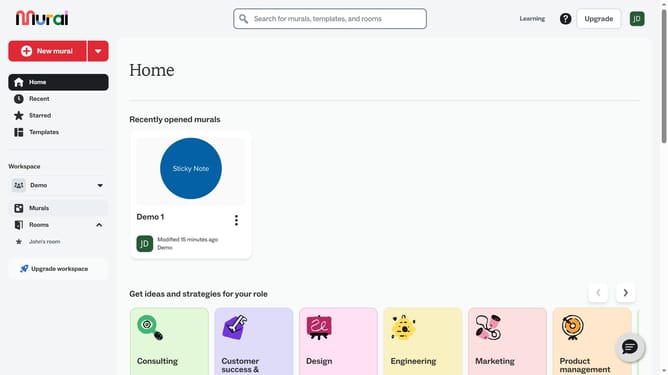
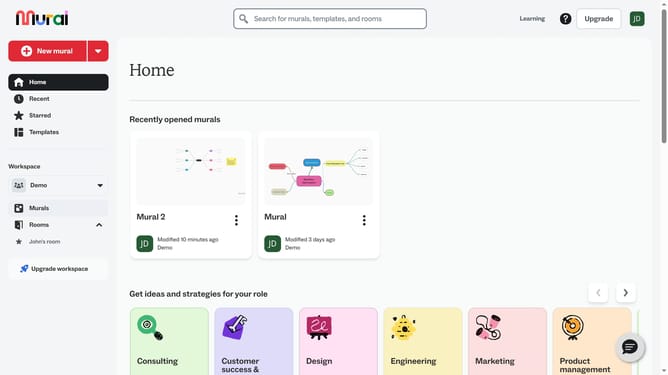
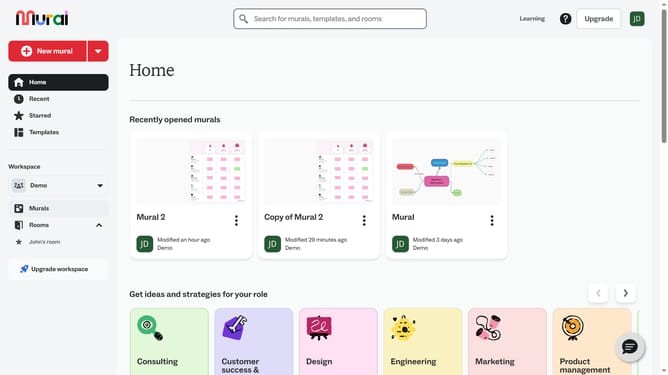
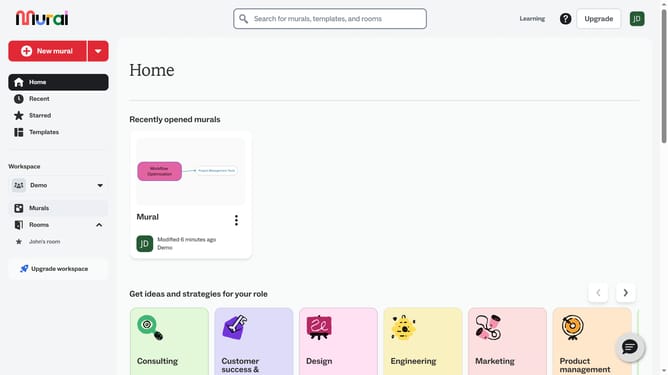
- First click on the "Murals" item in the left sidebar under the Workspace section
- Select and open the mural where you want to add text
- Next click on the "Text" tool button in the left toolbar to activate the text tool
- Finally click on the "Paragraph" option in the Text tool panel that appears
Why should you add paragraph text box in Mural
Mural is a dynamic digital workspace that enhances team collaboration by visualizing ideas in a shared space.
Adding a paragraph text box in Mural allows users to articulate their thoughts clearly, providing context to visual elements and ensuring effective communication.
This feature is essential for teams who rely on clarity and depth in their brainstorming sessions, making it easier to convey comprehensive ideas without cluttering the workspace.
By integrating text with visuals, teams can maintain a balanced and informative mural, encouraging productive discussions and innovative solutions.
Last update