How to add text to a table in Mural
Here is how to add text to a table in mural
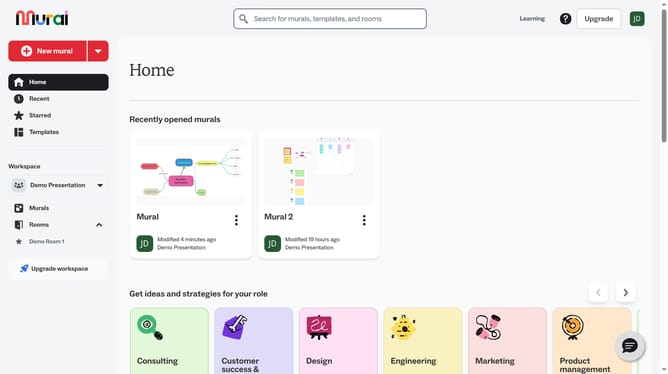
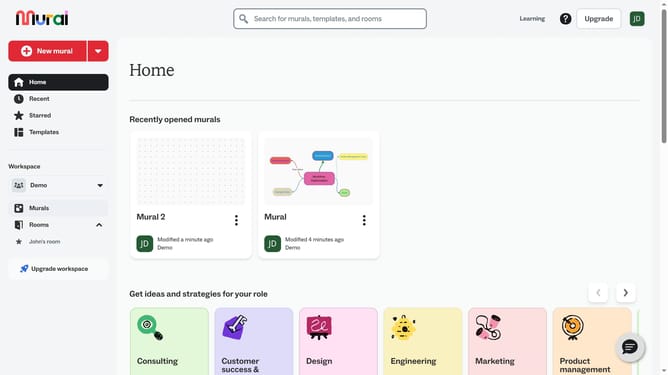
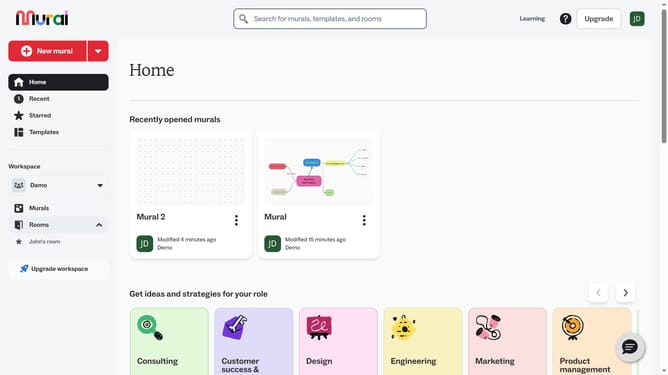
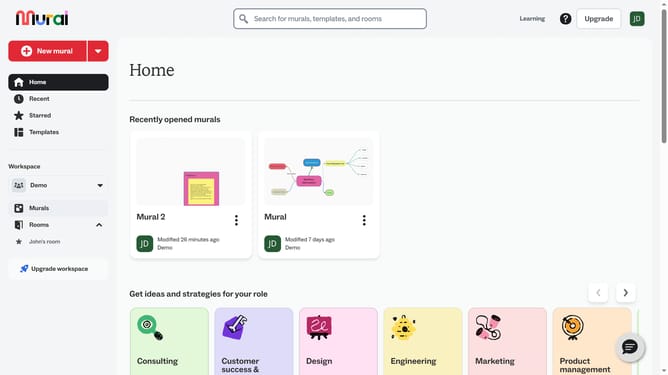
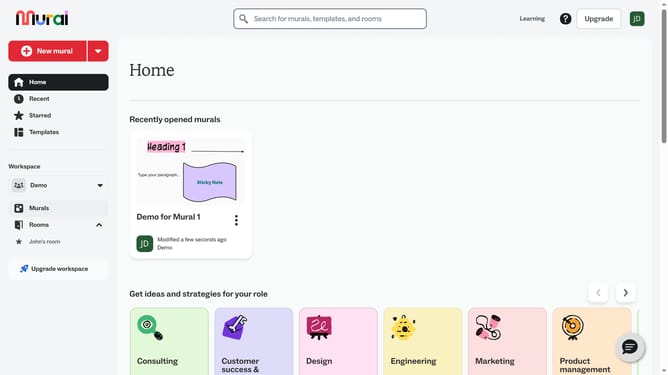
- First click on the "Murals" item in the left sidebar under the Workspace section
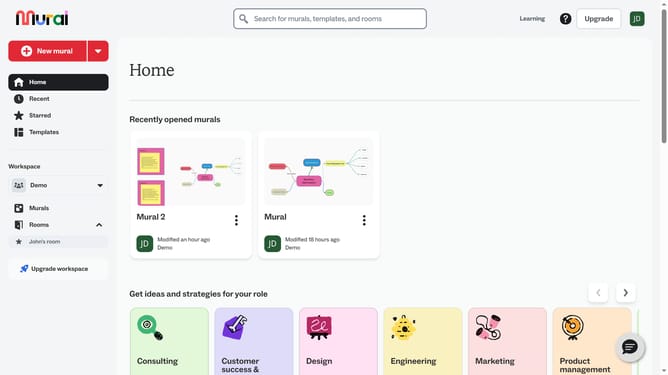
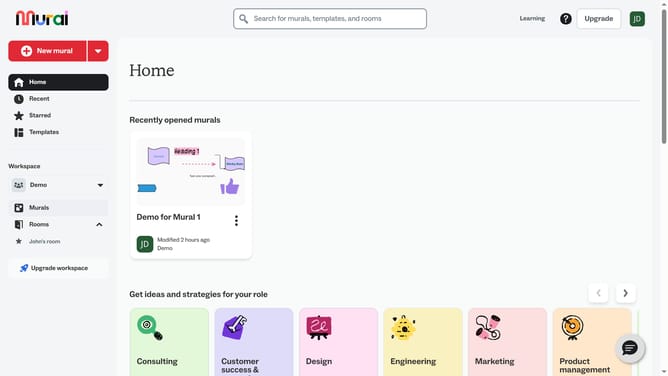
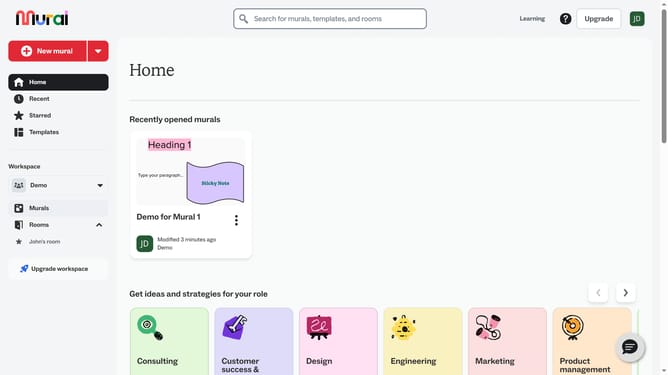
- Then click on the mural that you want to manage to open it
- Next click on the table to select it
- Finally click inside the cell to start editing and type your text into the cell
Why should you add text to a table in Mural
Mural is a collaborative digital workspace designed to enhance visual thinking and boost creative teamwork.
Adding text to a table in Mural transforms static visuals into dynamic, informative canvases. By incorporating text, users can contextualize data, making it more understandable and insightful.
This feature enhances clarity by allowing detailed explanations and annotations directly within the table, facilitating more effective collaboration and decision-making.
Moreover, it enriches the user experience, enabling teams to keep their discussions and insights organized efficiently and visually appealing.
Last update