How to delete connectors in Mural
Here is how to delete connectors in mural
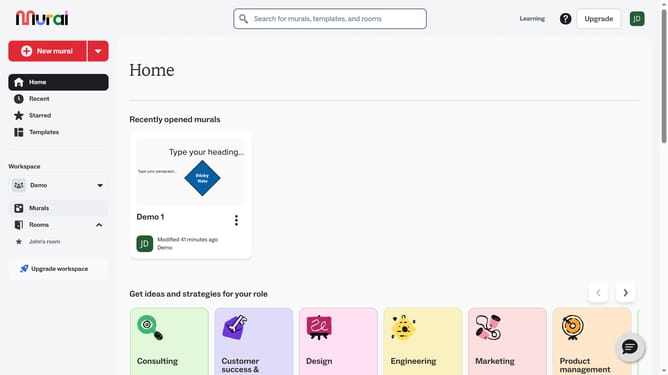
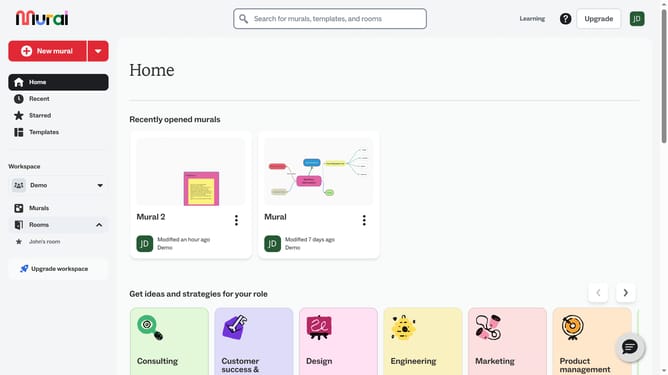
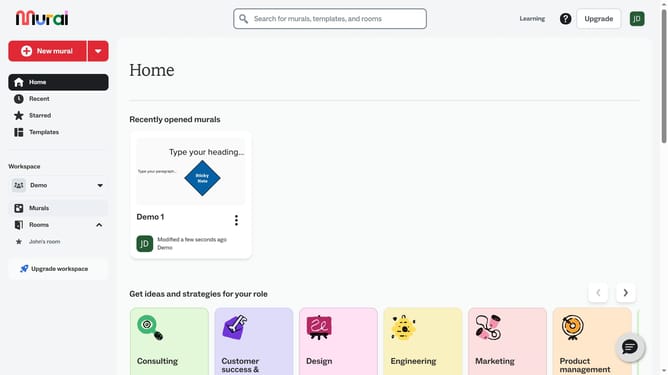
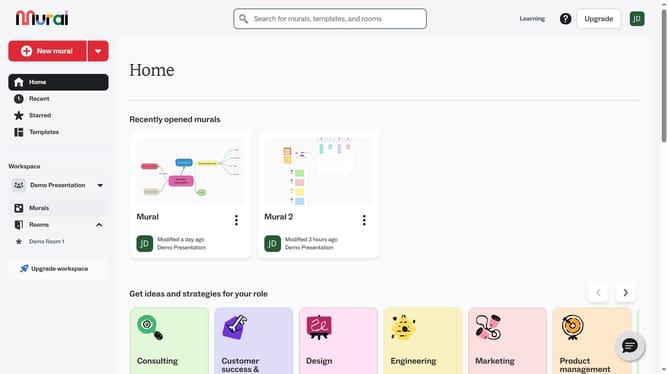
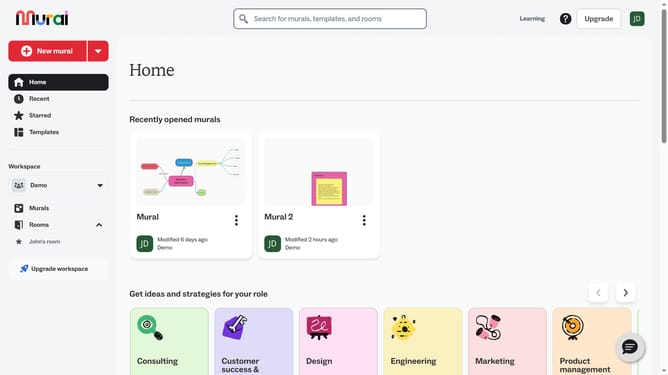
- First click on the "Murals" item in the left sidebar
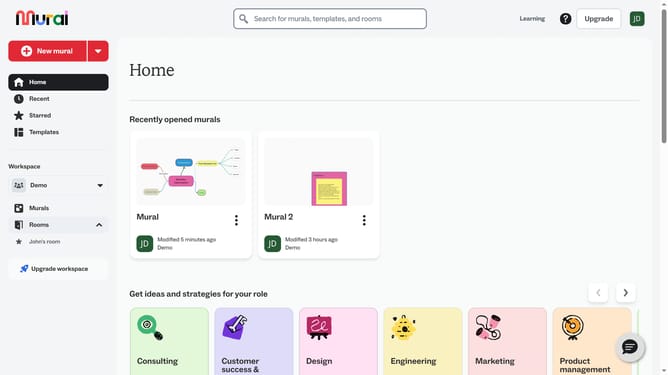
- Open the mural where you want to delete connectors
- Click on the connector line to select it
- Next right-click on the arrow connector element on the canvas to open its context menu
- Finally click on the "Delete" button in the context menu
Why should you delete connectors in Mural
Mural is a dynamic digital workspace designed to enhance collaboration and creativity through visual thinking.
One of the key features in Mural is the ability to delete connectors effortlessly. This functionality empowers users to maintain clarity in their visual maps by removing unnecessary lines and connections.
By deleting connectors, you can simplify complex diagrams, ensuring that information is both concise and easily digestible. This refined clarity can enhance team communication and understanding.
Using this feature allows teams to focus on essential ideas, promoting a streamlined workflow and fostering more effective collaboration. It's all about creating a cleaner, more organized visual space to support your creative endeavors.
Last update