How to add color to a text box in Mural
Here is how to add color to a text box in mural
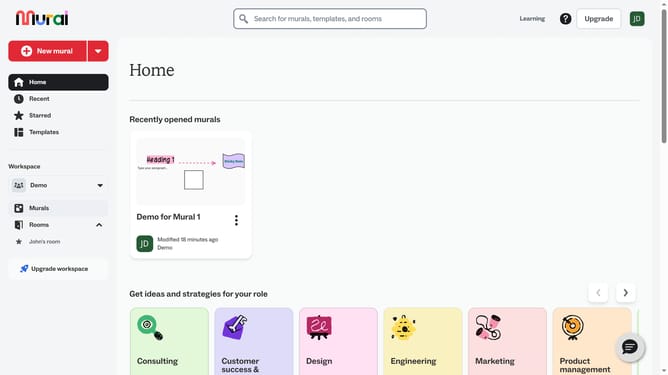
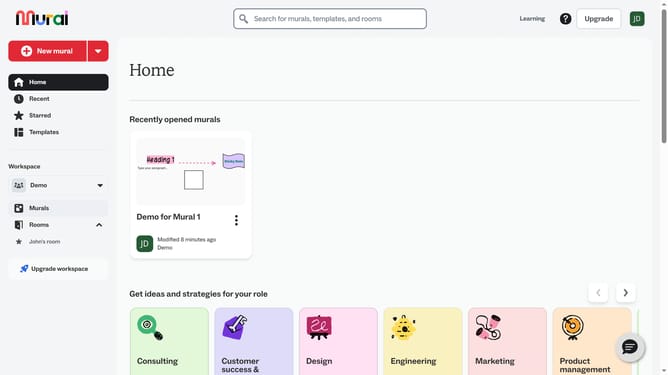
- First click on the "Murals" item in the left sidebar under the Workspace section
- Select and open the mural where you want to modify text
- Next click on the text box in the canvas to select it
- Then click on the "Color" button in the top toolbar to open the color picker
- Finally select a color from the color palette
Why should you add color to a text box in Mural
Mural is an intuitive digital workspace designed to enhance team collaboration and brainstorming.
Adding color to a text box in Mural is a simple yet powerful feature that boosts visual organization and enhances the clarity of information presented. This allows you to categorize ideas instantly, making it easier for collaborators to distinguish between various themes or priorities at a glance.
Incorporating color effectively transforms your workspace, providing a visually appealing structure that can lead to more engaging and productive meetings. With this feature, Mural not only increases creativity but also improves communication efficiency within teams.
Last update