How to duplicate text box in Mural
Here is how to duplicate text box in mural
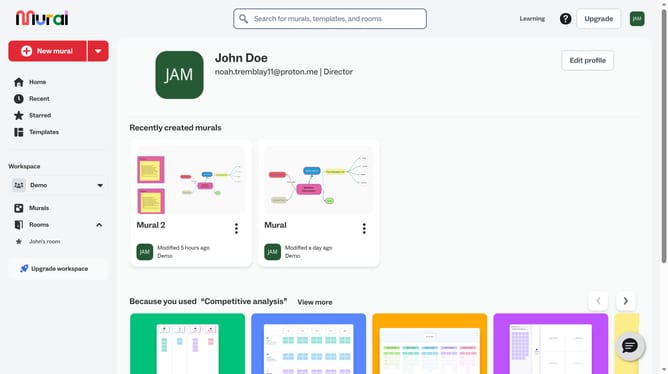
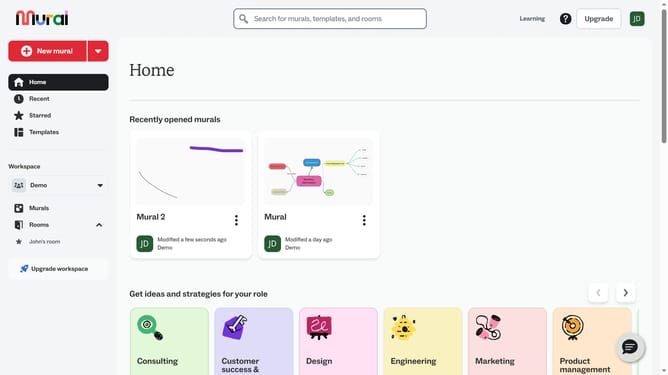
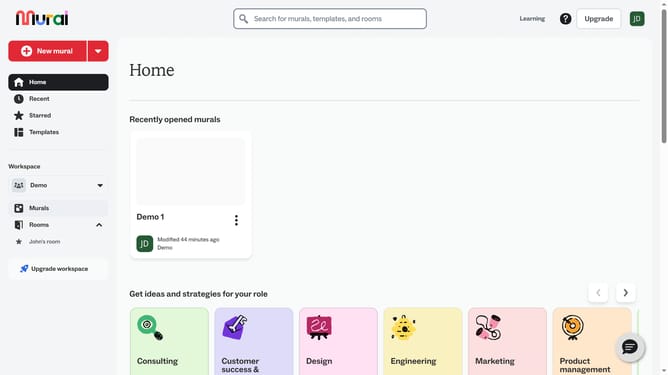
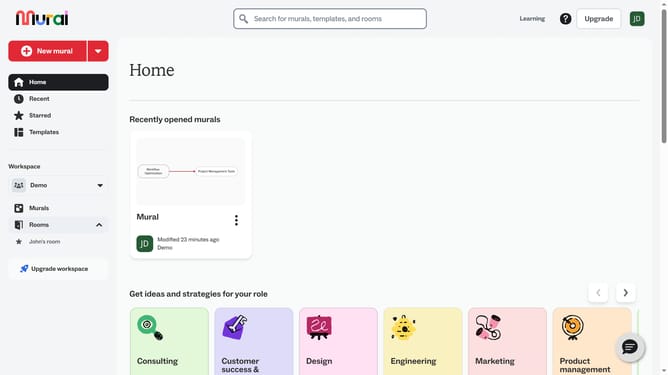
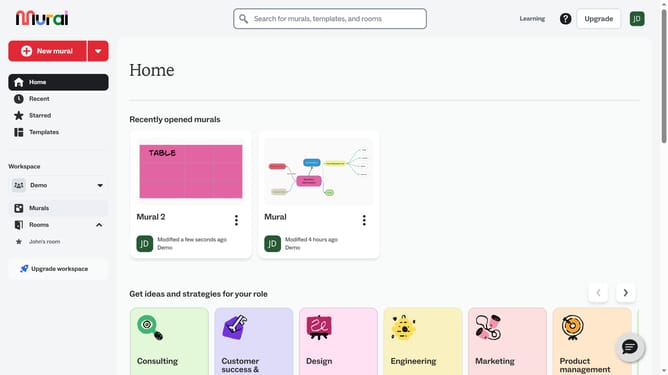
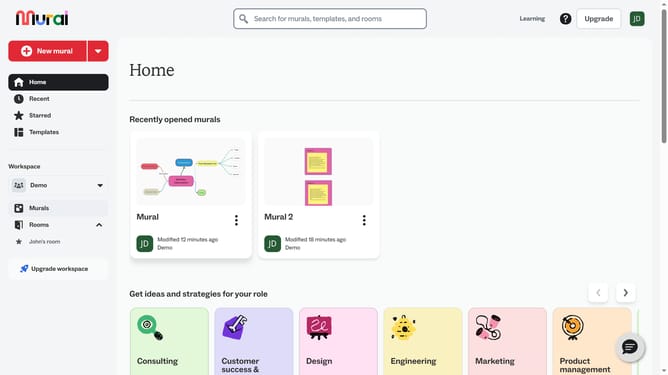
- First click on the "Murals" item in the left sidebar under the Workspace section
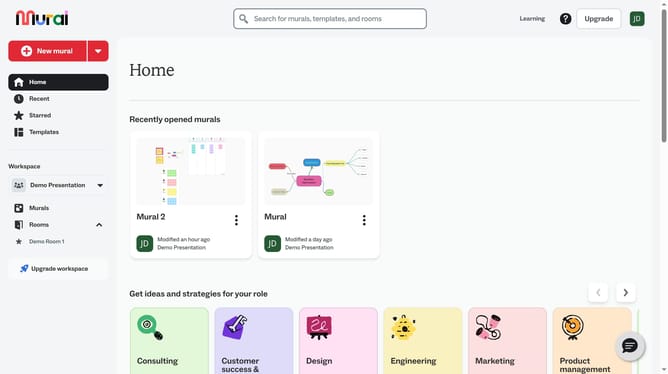
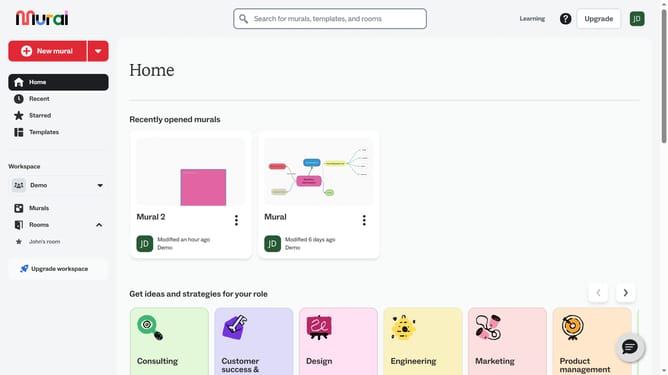
- Select and open the mural where you want to modify text
- Then click on the text box you want to delete
- Then right-click on the selected textbox to open the context menu
- Finally click on the "Duplicate" option in the context menu
Why should you duplicate text box in Mural
Mural is an intuitive digital workspace that fosters collaboration and creativity for teams across the globe.
The ability to duplicate a text box in Mural seamlessly enhances productivity by saving time and maintaining consistency.
Duplicating text boxes allows teams to efficiently replicate important information or templates, ensuring uniformity and reducing repetitive efforts.
This feature supports efficient workflow and encourages a more organized and systematic approach to brainstorming and project planning.
Last update