How to zoom in and out of the canvas in Mural
Here is how to zoom in and out of the canvas in mural
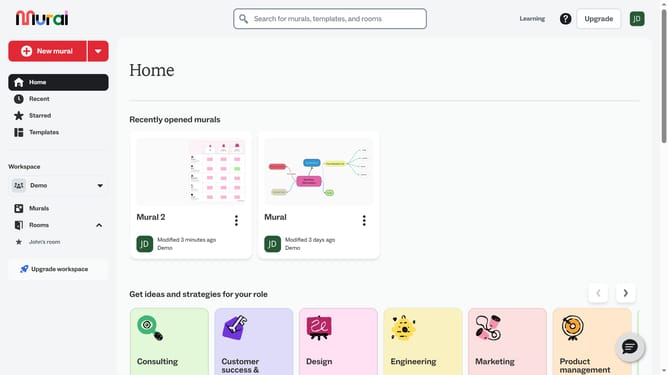
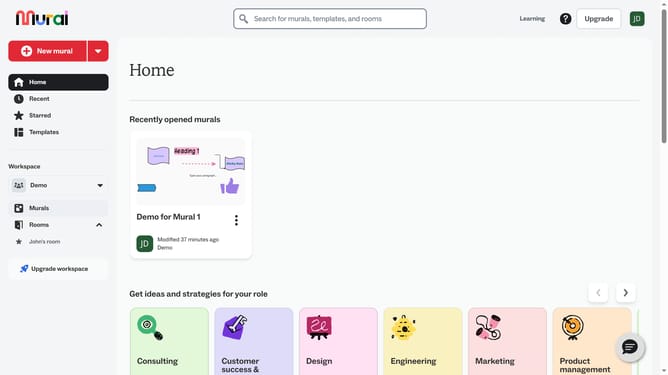
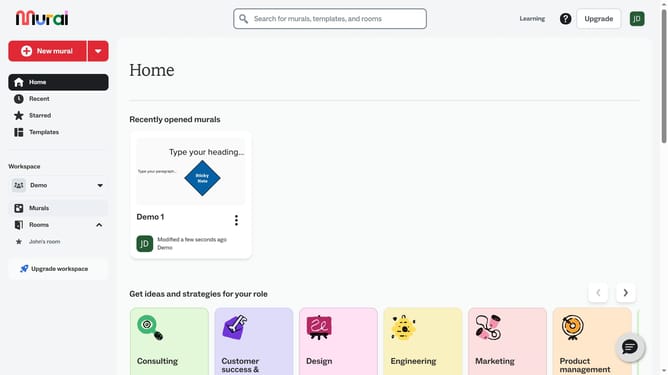
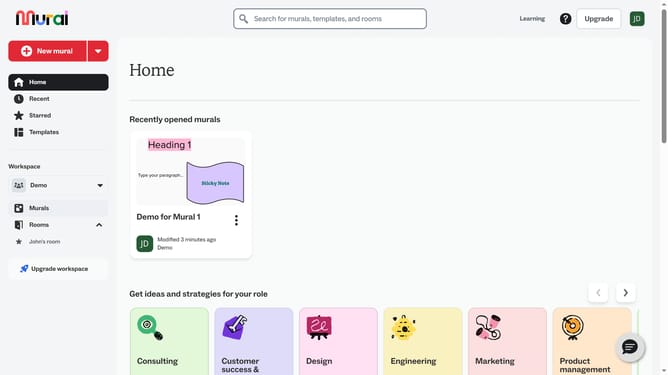
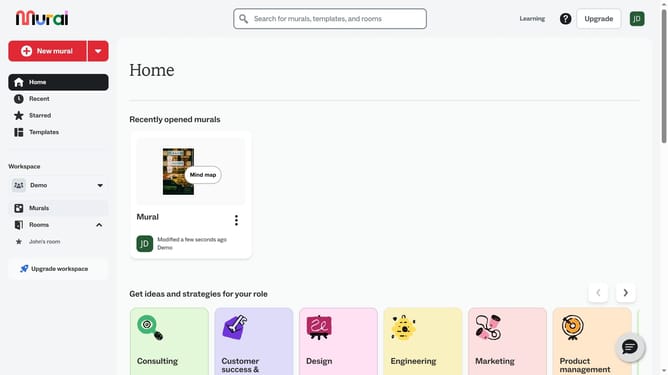
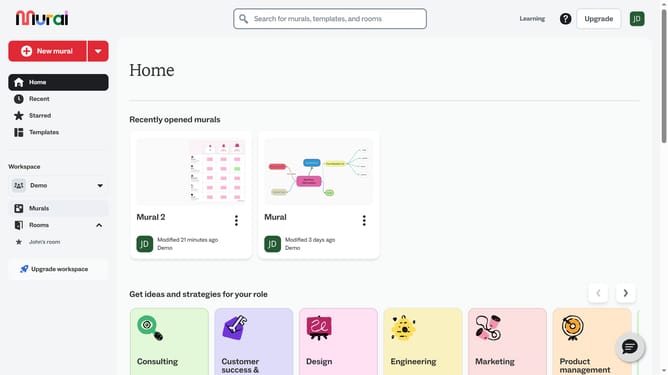
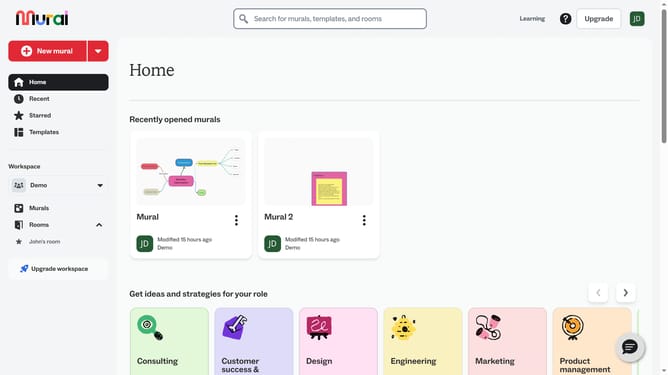
- First click on the "Murals" option in the left sidebar under the Workspace section
- Then click on the mural canvas you want to view
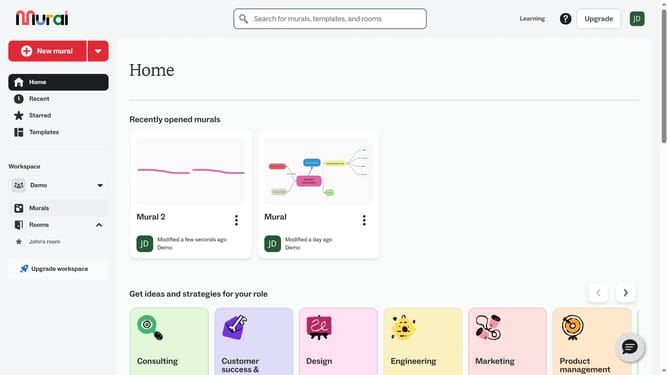
- Then click on the "Zoom" button in the bottom right corner of the canvas
- Finally click on the "Zoom" button again in the bottom right corner to further decrease the zoom level
Why should you zoom in and out of the canvas in Mural
Mural is an innovative digital workspace designed to facilitate visual collaboration and creativity.
Zooming in and out of the canvas in Mural allows users to effortlessly navigate large areas of content, ensuring they never miss the finer details.
This feature empowers teams to stay organized and maintain focus by easily transitioning between an overview of the project and concentrated work on specific sections.
By enhancing visibility and flexibility, zooming optimizes productivity and streamlines the collaborative process for all participants.
Last update