How to lock objects in Mural
Here is how to lock objects in mural
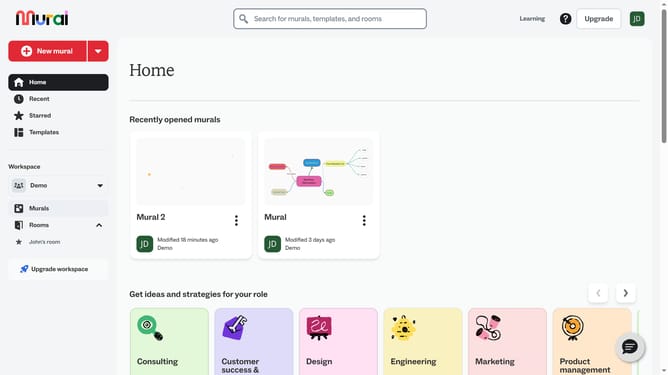
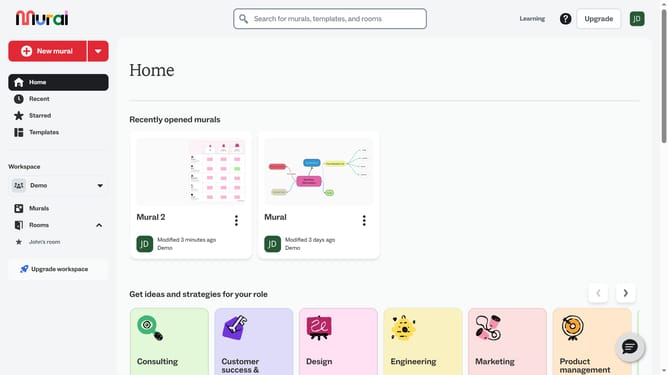
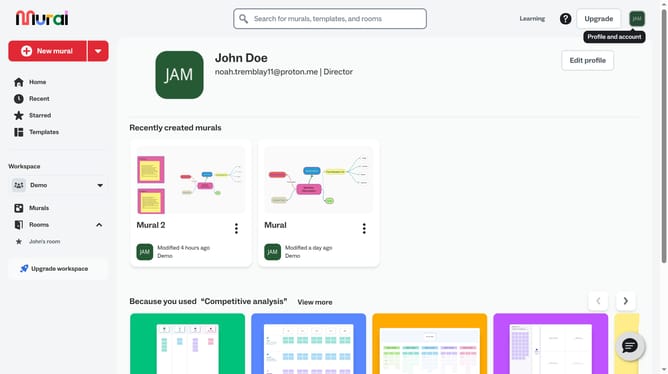
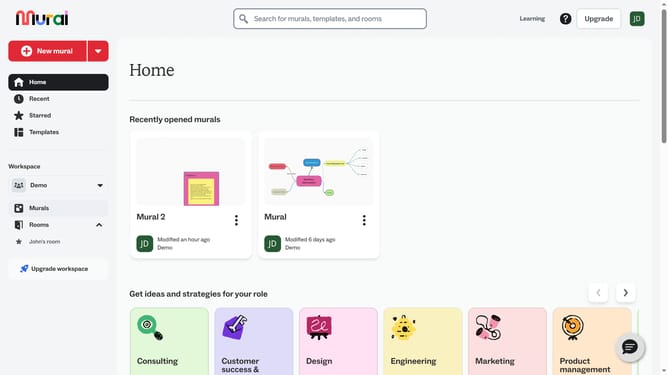
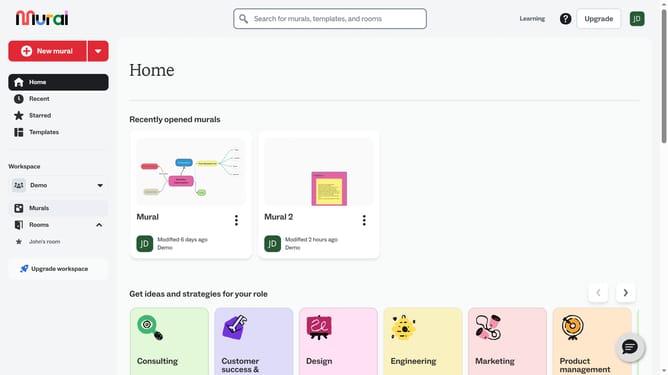
- First click on the "Murals" item in the left sidebar under the Workspace section
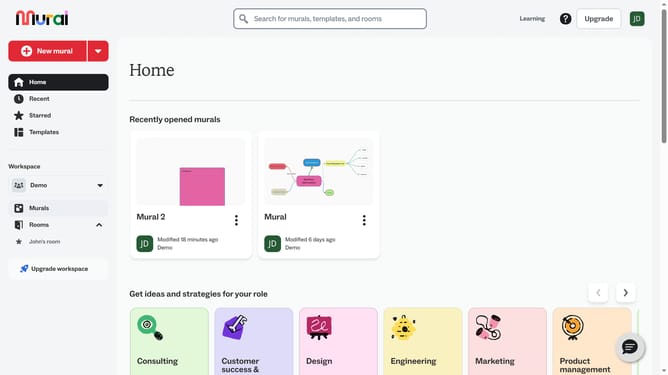
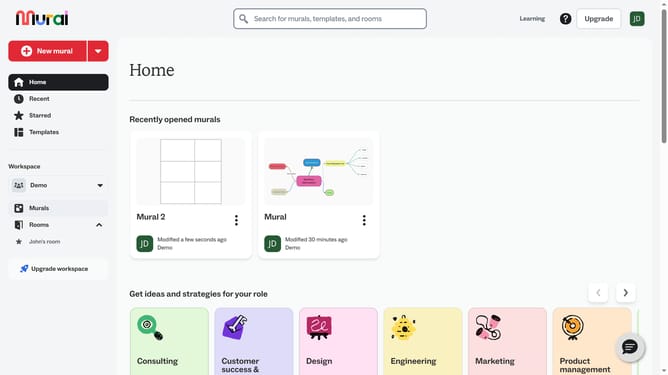
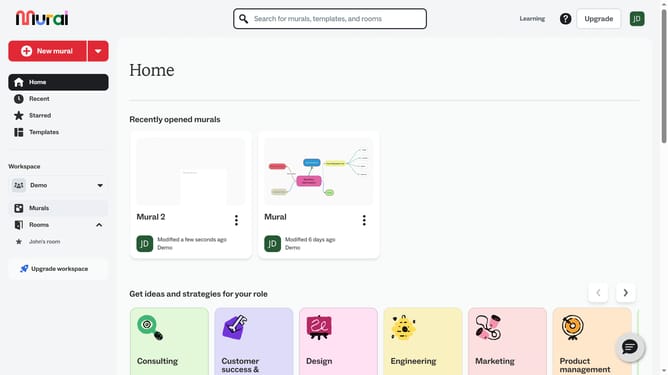
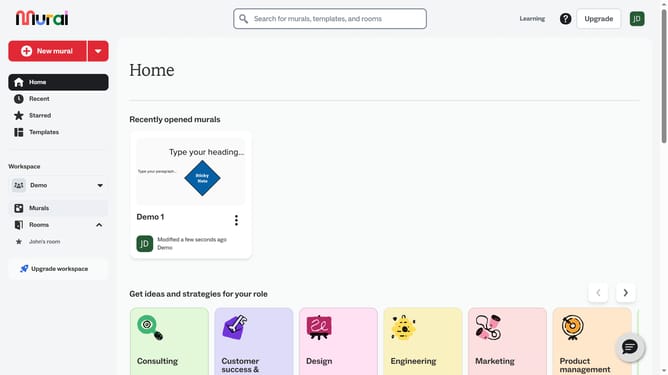
- Then click on the mural file that you want to open
- Then click on the element in the canvas area to lock it
- Finally click on the "Lock object" button in the top toolbar
Why should you lock objects in Mural
Mural is a digital collaboration tool designed to enhance creative team workflows.
The ability to lock objects in Mural ensures that your team's visual elements remain intact during brainstorming sessions or presentations.
This feature is particularly beneficial for maintaining the integrity of your designs, preventing accidental changes that could disrupt your team's vision.
By securing key elements, you provide a stable foundation for collaborative creativity, allowing your team to focus on innovation without concerns about disrupting the shared workspace.
Last update