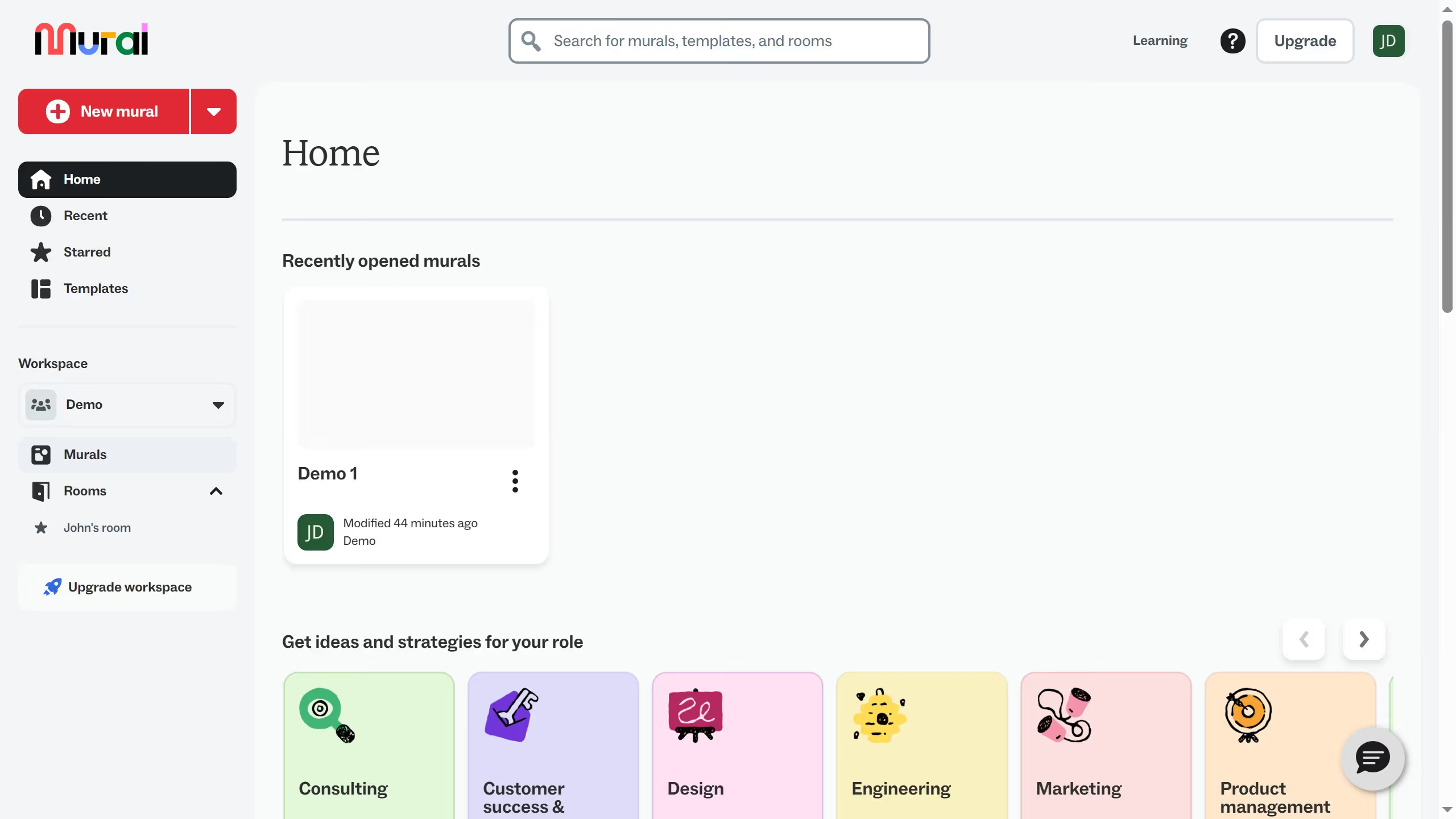
Here is how to update your work information in mural
- First click on the "Profile and account" button in the top navigation bar
- Then click on the "Profile" option in the dropdown menu
- Next click on the "Edit profile" button to access profile settings
- Then scroll down the profile page to view more profile options
- Next click on the "What kind of work do you do?" dropdown menu to expand the options
- Finally select your preferred option from the dropdown menu