How to change border color in table in Mural
Here is how to change border color in table in mural
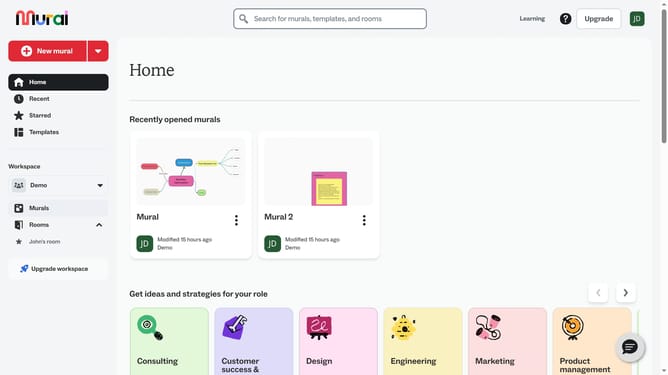
- First click on "Murals" in the left sidebar navigation
- Then click on the mural that you want to manage to open it
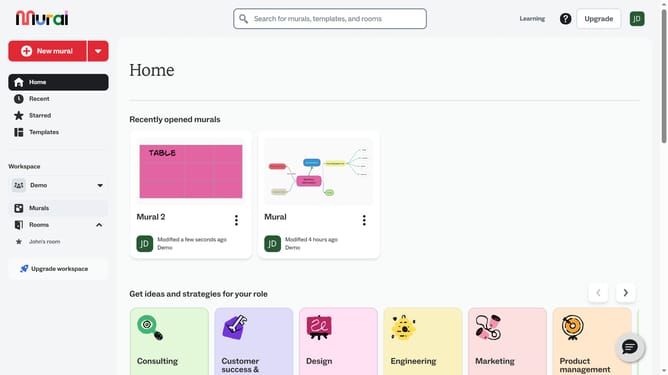
- Next click on the table element in the canvas area
- Then click on the color picker button in the top toolbar
- Finally select a color option from the color palette dropdown
Why should you change border color in table in Mural
Mural is a collaborative online space designed to enhance team brainstorming and creative workflows.
Customizing the border color in a table in Mural can significantly improve the visual appeal of your collaborative work. By making these subtle tweaks, you can distinguish specific sections, emphasize key data, or keep the design aligned with your presentation theme.
This feature not only enhances organization within your Mural table, but it also helps in maintaining visual consistency throughout your project. The result is a cleaner, more cohesive visual representation, making information easier and quicker to digest for all participants.
Last update