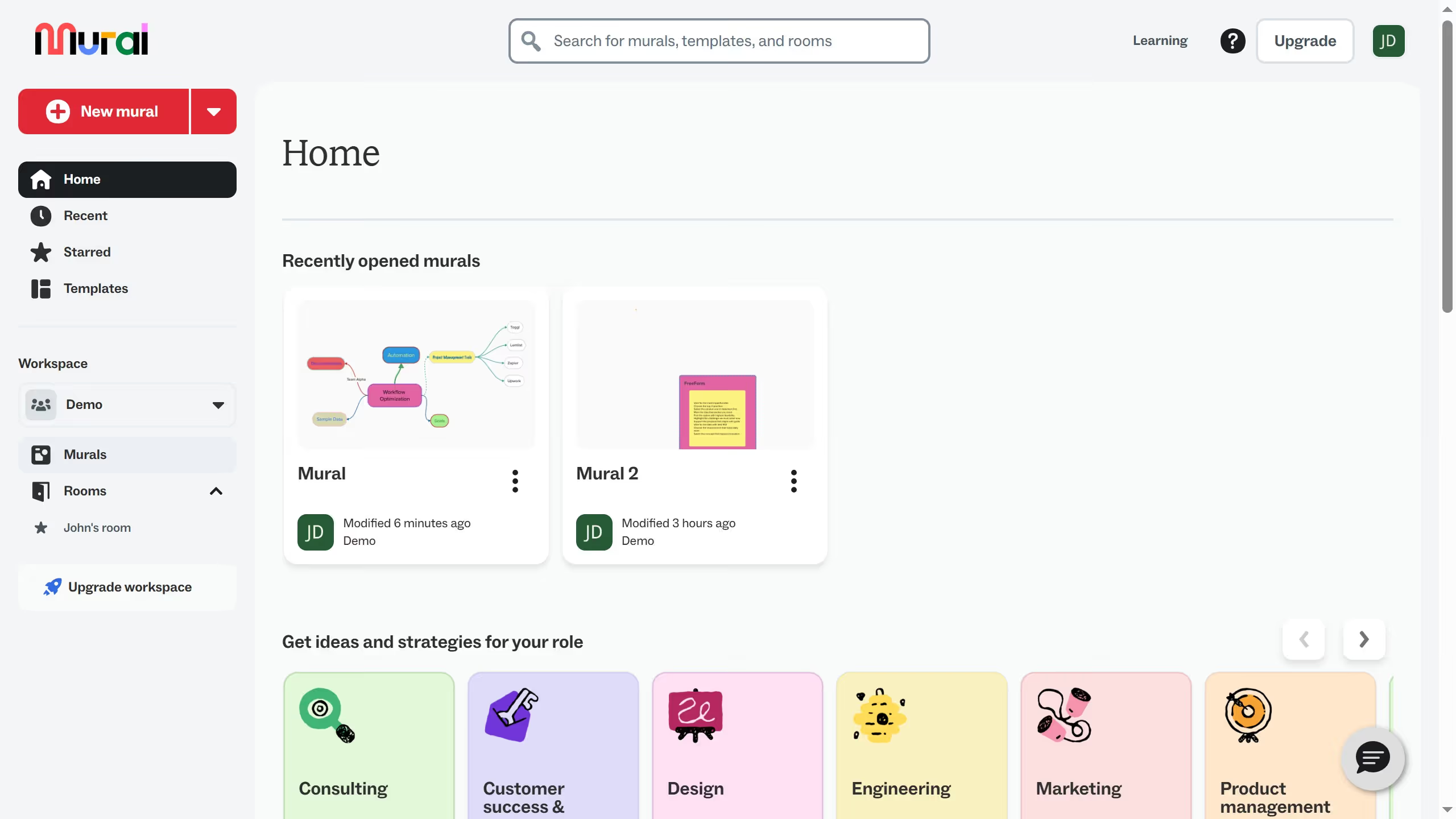
Here is how to add a content into a presentation in mural
- First click on "Murals" in the left sidebar
- Then click on the mural filename that you want to manage to open it
- Then click on the element in the canvas area to select it
- Then right-click on the element to open the context menu
- Then click on "Add to" option in the context menu
- Then select "Presentation outline" from the submenu
- Finally view the Presentation outline panel that appears on the right side